New Release D3D9Client Development

Yes, as dbeachy1 said: Easiest way is C:\Orbiter, or D:\Orbiter or C:\Games\Orbiter.
There are some folders in the Windows ecosystem that are 'kind of protected (for a good reason).
As program files (installations) usually should not be modifiable by user-level tasks, those folders are "write-protected" (to a degree).
The philosophy is, that program-data that has to be written/changed should be in another location on the disk (e.g. user folder or C:\ProgramData).
If you know those windows restrictions/features you can work your way around them.
But if you want to make it easy for you: Create a folder in which you can do whatever you like! (Some prefer the desktop)
 
DDasng, did you create a new folder for Orbiter, like C:\Orbiter or C:\Games\Orbiter?
Orbiter is such an easy software to install...
Can't you start from scratch, unzipping the original zip file in such a new folder?
 
One should imagine Orbiter being a "portable app"....maybe this cuts some knots.
 
Related question, would Orbiter run from a USB stick? Then it would be truly portable.
 
Yes, it does!
When I went to buy my latest notebook I took a USB-drive with me just to check at the store how well Orbiter runs on that (y)

Note: USB 3.0 or better is recommended :D
 
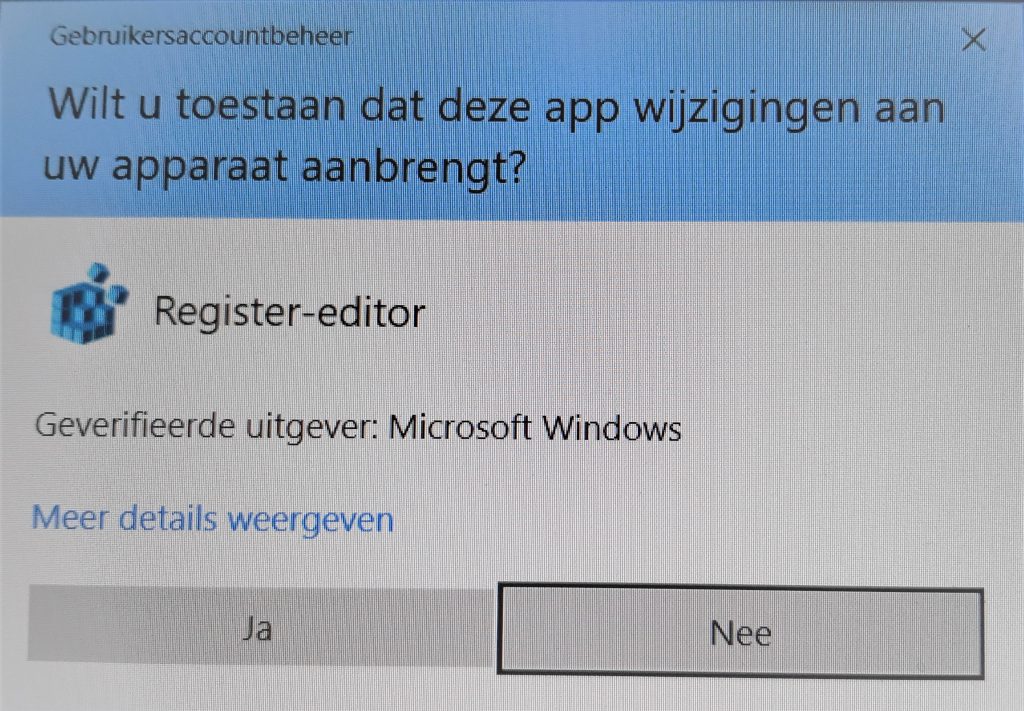
@DDasng1352 : Strange...Did you have to confirm a UAC-dialog when you created that folder?
In that case your user account is very limited.
Maybe your boss doesn't like you to play Orbiter on the companies assets ;)
Seriously, if you had to confirm the UAC-dialog while creating C:\Orbiter folder, you might have to give that folder write-access too (see my post above for that).
 
Looks something like this:
windows-10-uac-confirmation-dialog-1024x711.jpg
 
I have a question regarding self-shadow artefacts.

From doing a search I can see it was raised here last year (described as shimmering on a LEM mesh) but I'm not sure there was ever a solution.

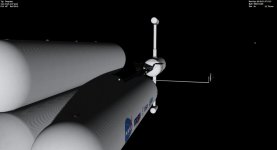
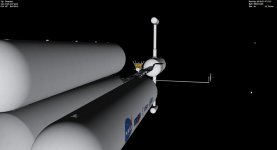
I'm finding that particularly on large surfaces I'm getting visuals like these. Here's Deepstar with and without self-shadows:

deep_shadow.jpg

deep_noshadow.jpg

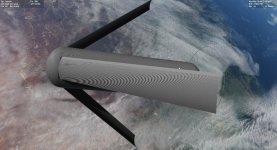
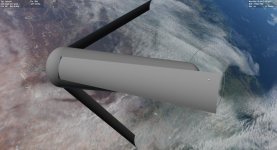
Scale it up to a 32km O'Neill Cylinder and the problem becomes more pronounced (I accept this is an outlying mesh!).

I3_shadow.jpg

I3_noshadow.jpg

For what its worth Deepstar is textured and the Cylinder isn't. I get the issue irrespective of self-shadow settings (aside from turning them off) and irrespective of Graphics Option settings. I've played with the shadow map size in the cfg too.

I can live with this, but if I'm missing an easy fix let me know. I thought it might be helpful to raise :)
 
@80mileshigh: I've never noticed anything like that, perhaps something with the graphics in your computer? The only thing I ever see, is occasional rendering on a distant area on a planet from low orbit may flicker here and there, and on Mercury, for instance, some of the planet textures don't blend from one to the other well, but, I figure it's my graphics, not the simulator. Once or twice, during distant approach, the graphics fails to show maybe half a planet, but, usually it clears itself shortly, especially if I switch F8 a couple of times, the graphics card forgets what's it's doing until I prod it a bit.
 
I have a question regarding self-shadow artefacts.
I can live with this, but if I'm missing an easy fix let me know. I thought it might be helpful to raise :)
There's no easy fix for that. I have few ideas on how to fix that but the implementation would become heavier/slower. Also it's designed for a real-life sized vessels like The Space Shuttle and it starts failing more and more when a vessel grows bigger. Something like ISS works pretty well especially if it's made by plugging smaller modules together since each module can have it's own shadow-map. Only one map per vessel is supported at a moment and it works well enough.
 
Back
Top