• ORBITER-FORUM will be temporarily closed at 2026-07-23 18:00 UTC while we complete some OF maintenance tasks. The amount of downtime is expected to take up to one hour, but probably less.

New Release D3D9Client Development

Yes, as dbeachy1 said: Easiest way is C:\Orbiter, or D:\Orbiter or C:\Games\Orbiter.
There are some folders in the Windows ecosystem that are 'kind of protected (for a good reason).
As program files (installations) usually should not be modifiable by user-level tasks, those folders are "write-protected" (to a degree).
The philosophy is, that program-data that has to be written/changed should be in another location on the disk (e.g. user folder or C:\ProgramData).
If you know those windows restrictions/features you can work your way around them.
But if you want to make it easy for you: Create a folder in which you can do whatever you like! (Some prefer the desktop)
 
DDasng, did you create a new folder for Orbiter, like C:\Orbiter or C:\Games\Orbiter?
Orbiter is such an easy software to install...
Can't you start from scratch, unzipping the original zip file in such a new folder?
 
One should imagine Orbiter being a "portable app"....maybe this cuts some knots.
 
Related question, would Orbiter run from a USB stick? Then it would be truly portable.
 
Yes, it does!
When I went to buy my latest notebook I took a USB-drive with me just to check at the store how well Orbiter runs on that (y)

Note: USB 3.0 or better is recommended :D
 
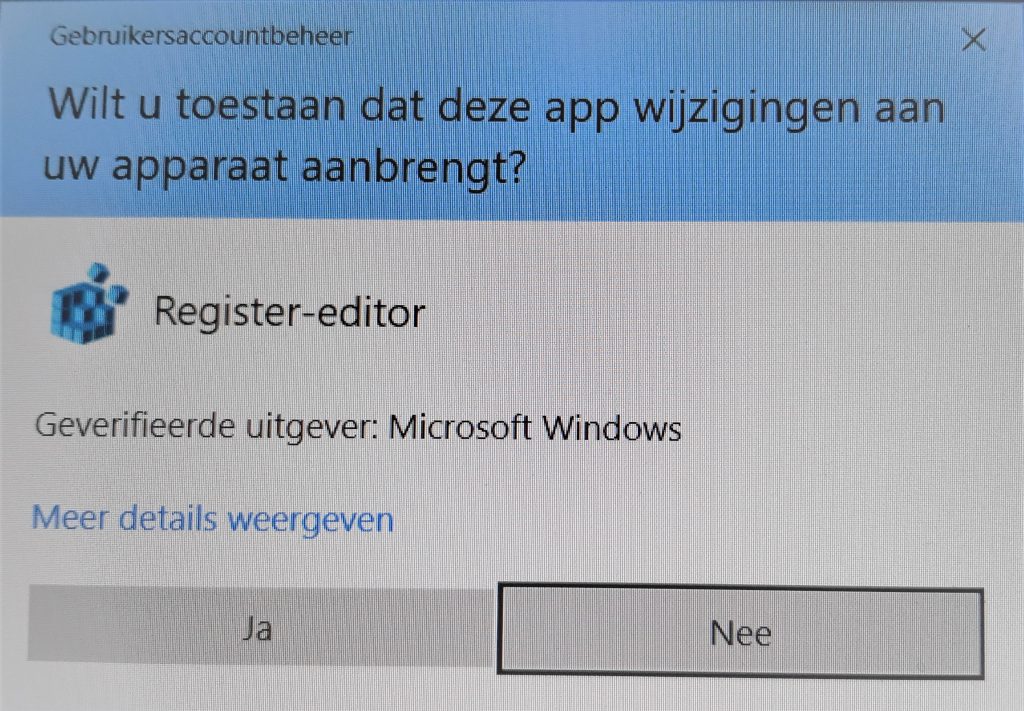
@DDasng1352 : Strange...Did you have to confirm a UAC-dialog when you created that folder?
In that case your user account is very limited.
Maybe your boss doesn't like you to play Orbiter on the companies assets ;)
Seriously, if you had to confirm the UAC-dialog while creating C:\Orbiter folder, you might have to give that folder write-access too (see my post above for that).
 
Looks something like this:
windows-10-uac-confirmation-dialog-1024x711.jpg
 
I have a question regarding self-shadow artefacts.

From doing a search I can see it was raised here last year (described as shimmering on a LEM mesh) but I'm not sure there was ever a solution.

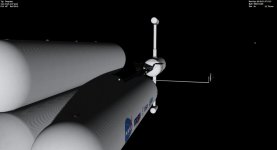
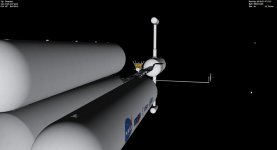
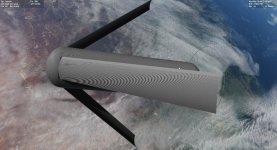
I'm finding that particularly on large surfaces I'm getting visuals like these. Here's Deepstar with and without self-shadows:

deep_shadow.jpg

deep_noshadow.jpg

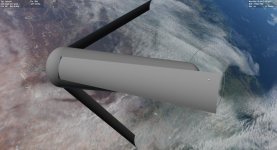
Scale it up to a 32km O'Neill Cylinder and the problem becomes more pronounced (I accept this is an outlying mesh!).

I3_shadow.jpg

I3_noshadow.jpg

For what its worth Deepstar is textured and the Cylinder isn't. I get the issue irrespective of self-shadow settings (aside from turning them off) and irrespective of Graphics Option settings. I've played with the shadow map size in the cfg too.

I can live with this, but if I'm missing an easy fix let me know. I thought it might be helpful to raise :)
 
@80mileshigh: I've never noticed anything like that, perhaps something with the graphics in your computer? The only thing I ever see, is occasional rendering on a distant area on a planet from low orbit may flicker here and there, and on Mercury, for instance, some of the planet textures don't blend from one to the other well, but, I figure it's my graphics, not the simulator. Once or twice, during distant approach, the graphics fails to show maybe half a planet, but, usually it clears itself shortly, especially if I switch F8 a couple of times, the graphics card forgets what's it's doing until I prod it a bit.
 
I have a question regarding self-shadow artefacts.
I can live with this, but if I'm missing an easy fix let me know. I thought it might be helpful to raise :)
There's no easy fix for that. I have few ideas on how to fix that but the implementation would become heavier/slower. Also it's designed for a real-life sized vessels like The Space Shuttle and it starts failing more and more when a vessel grows bigger. Something like ISS works pretty well especially if it's made by plugging smaller modules together since each module can have it's own shadow-map. Only one map per vessel is supported at a moment and it works well enough.
 
Back
Top