
-
ORBITER-FORUM will be temporarily closed at 2026-07-23 18:00 UTC while we complete some OF maintenance tasks. The amount of downtime is expected to take up to one hour, but probably less.
You are using an out of date browser. It may not display this or other websites correctly.
You should upgrade or use an alternative browser.
You should upgrade or use an alternative browser.
Project Space Shuttle Vessel
- Thread starter GLS
- Start date



- Joined
- Feb 6, 2008
- Messages
- 38,938
- Reaction score
- 3,937
- Points
- 203
- Location
- Wolfsburg
- Preferred Pronouns
- Sire
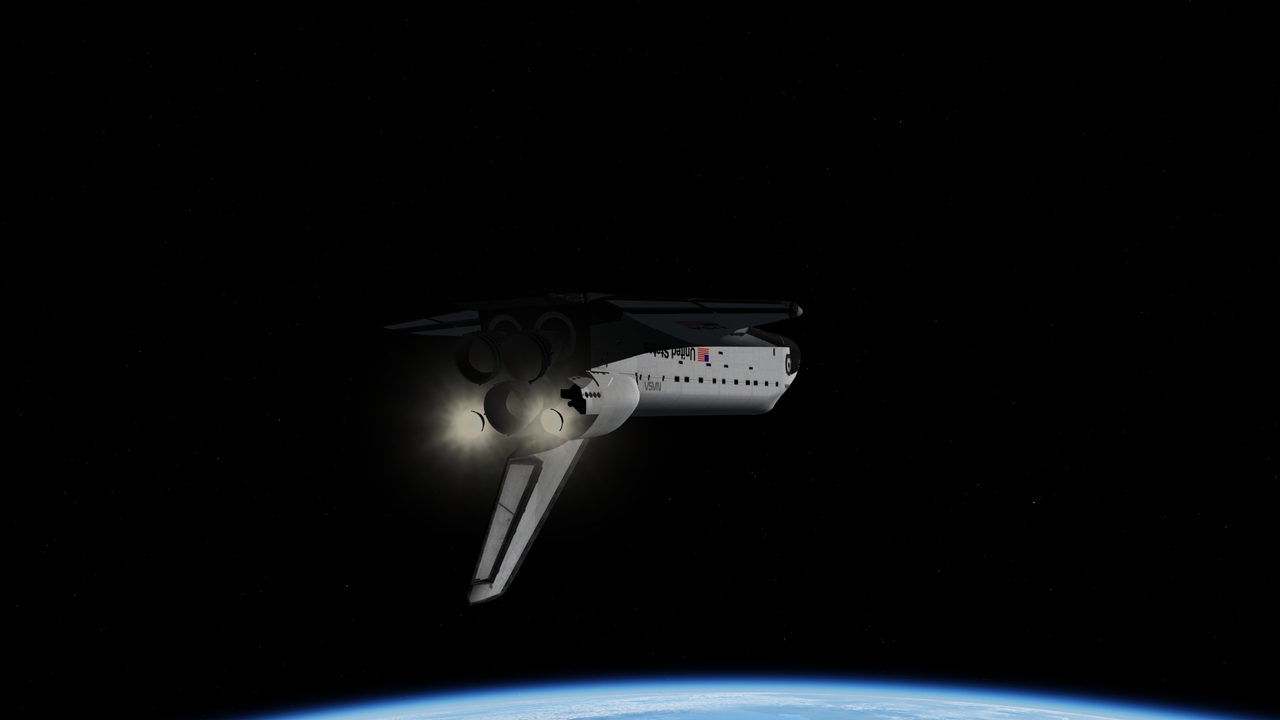
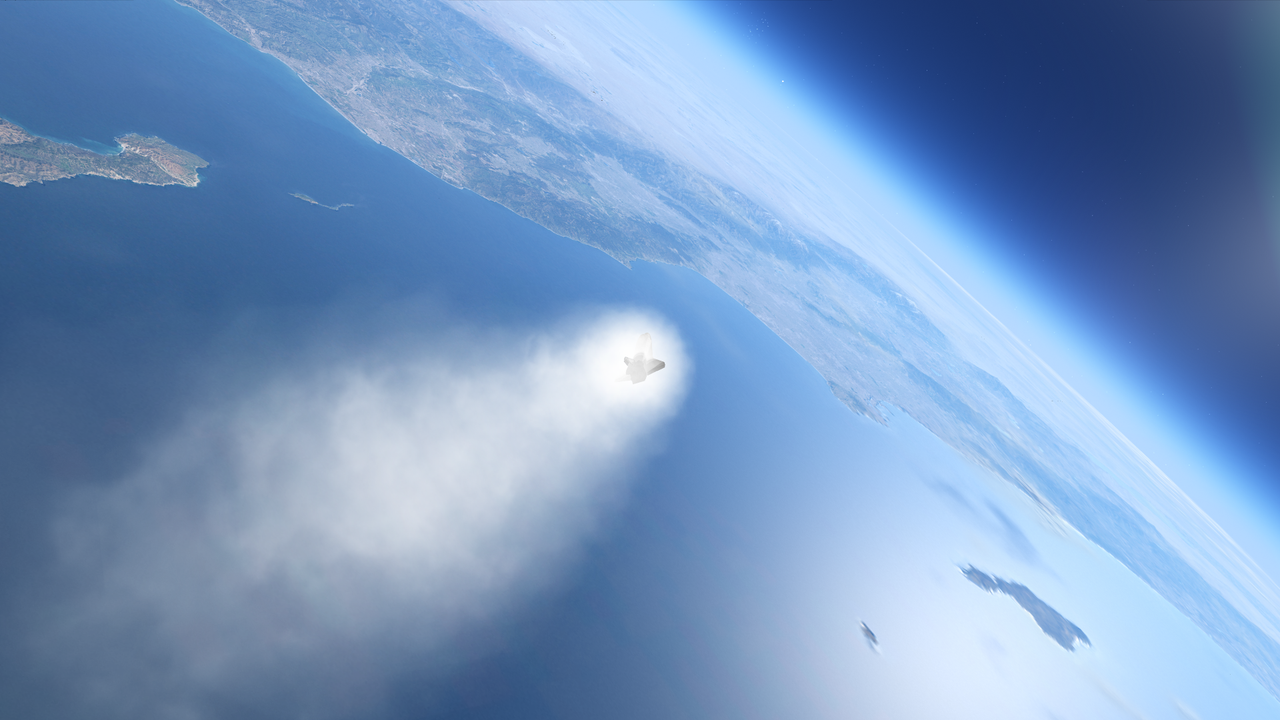
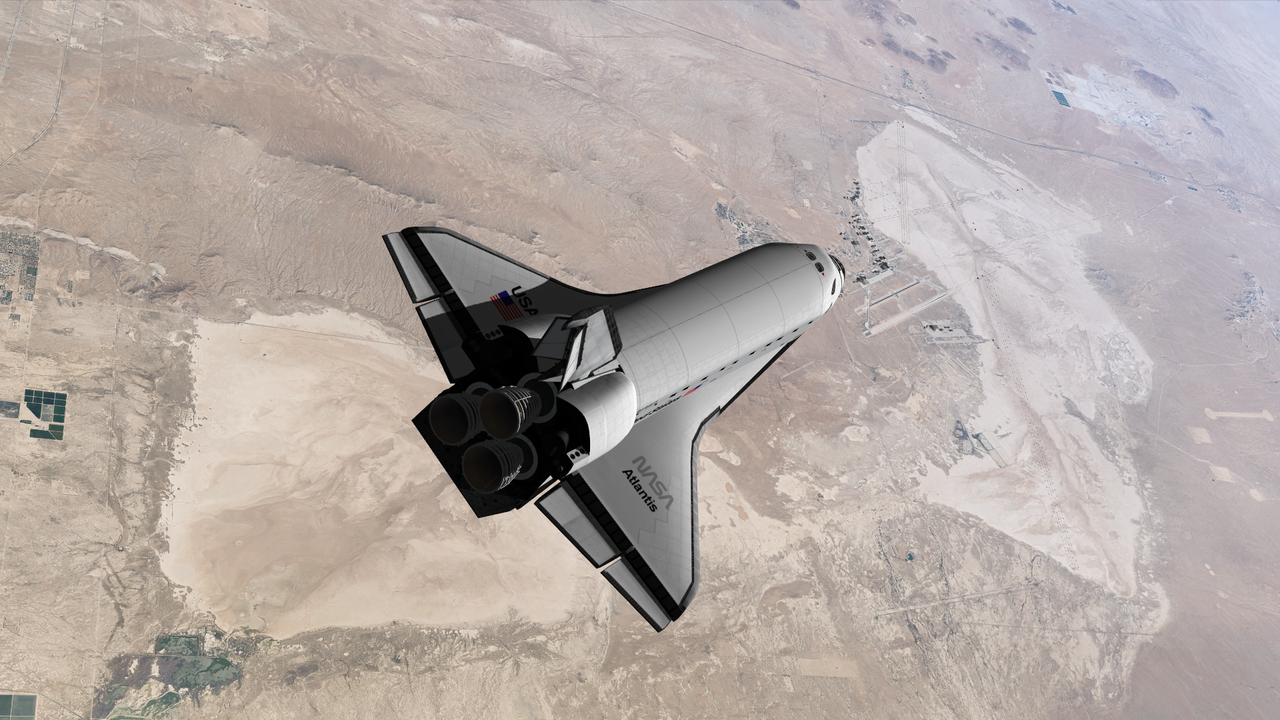
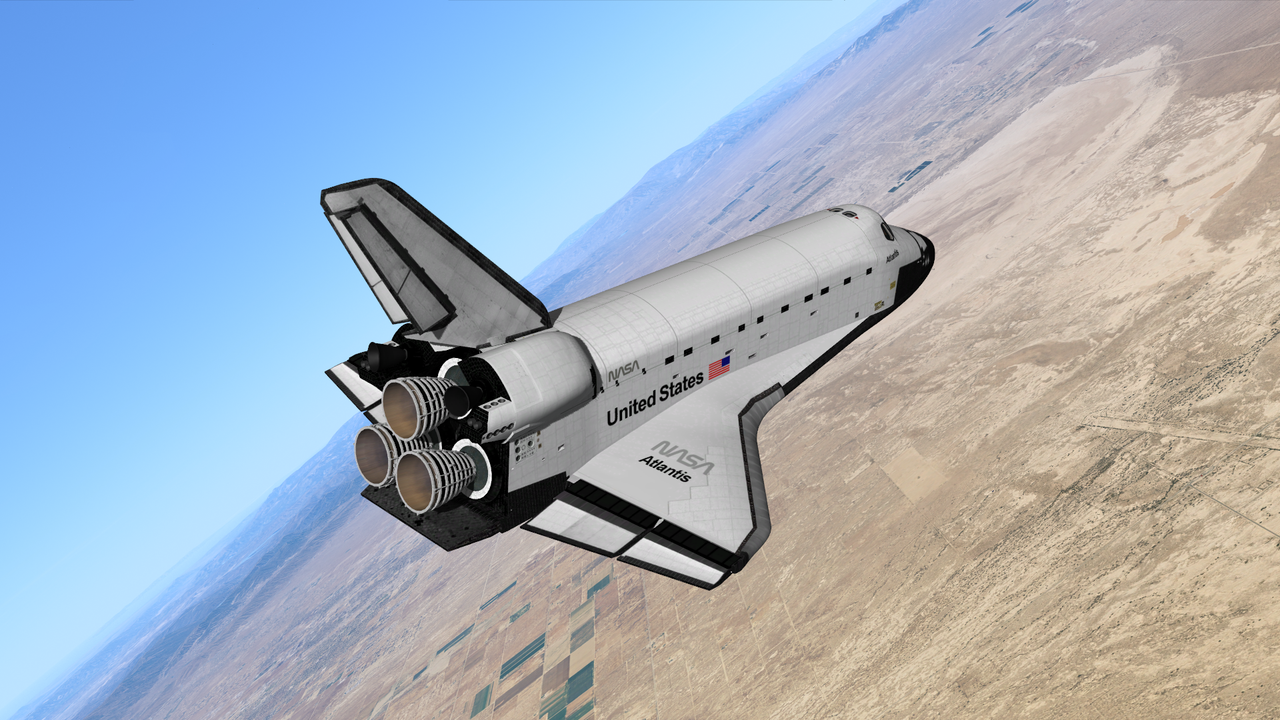
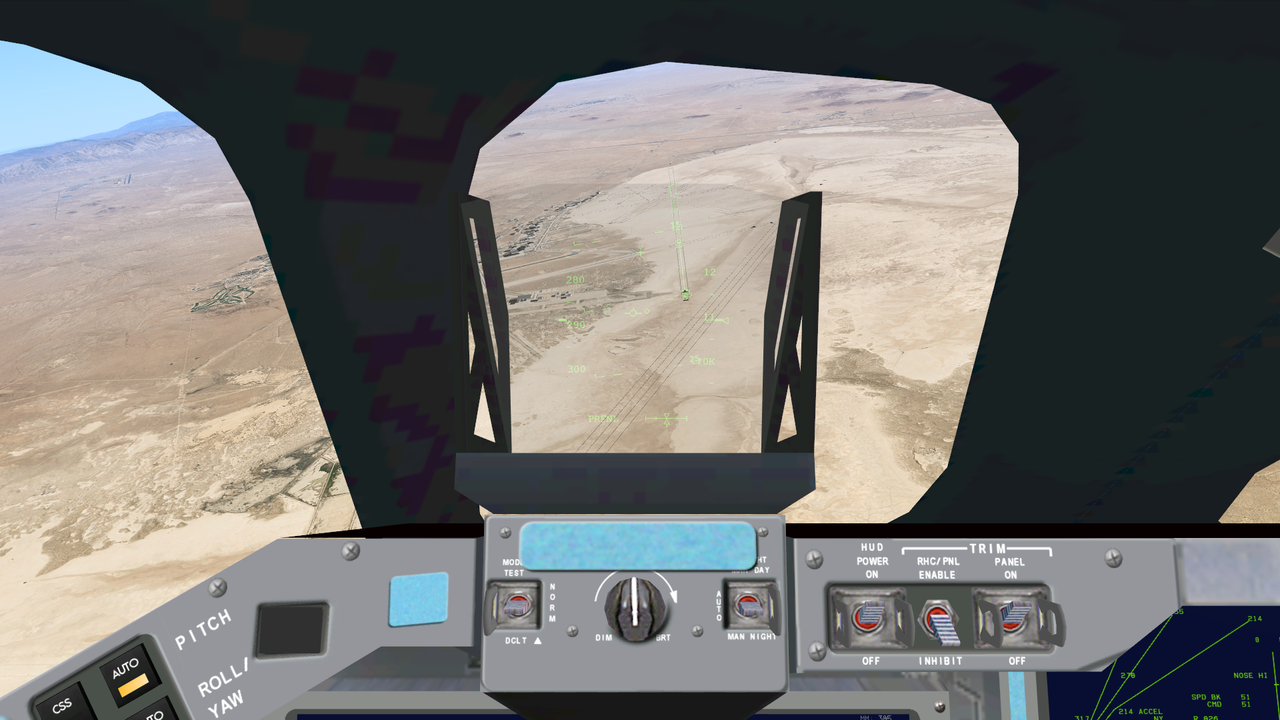
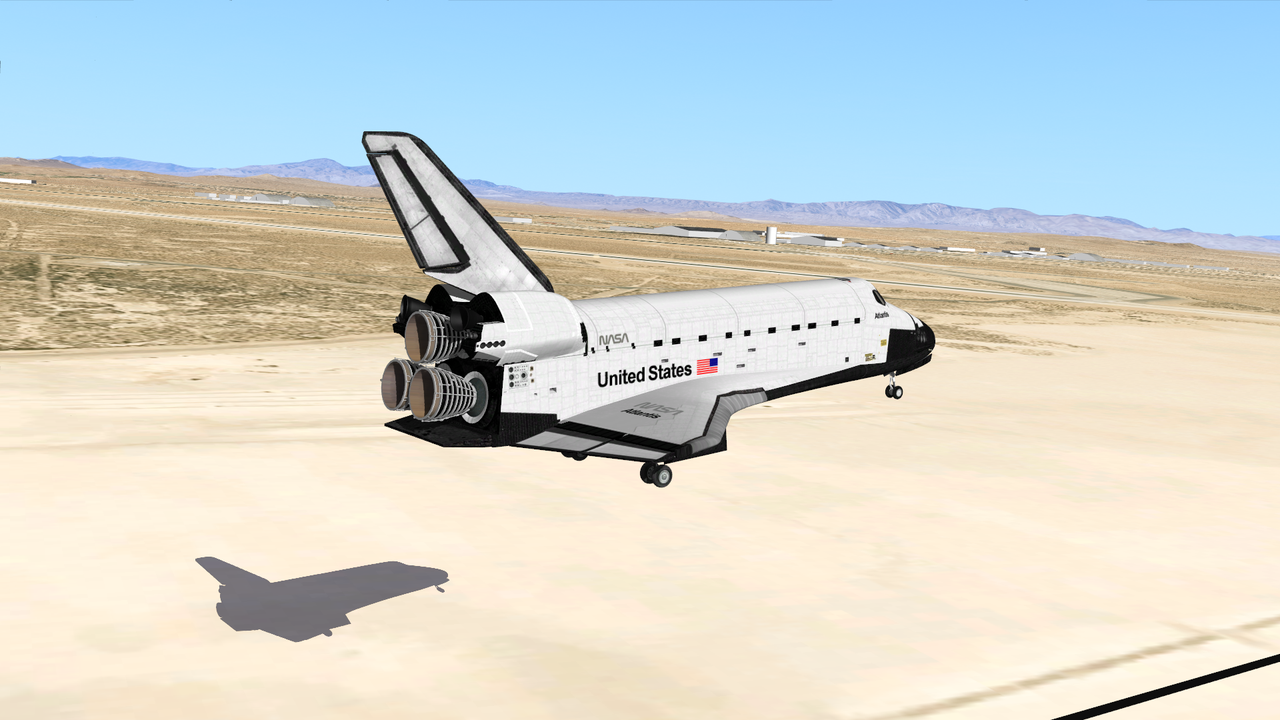
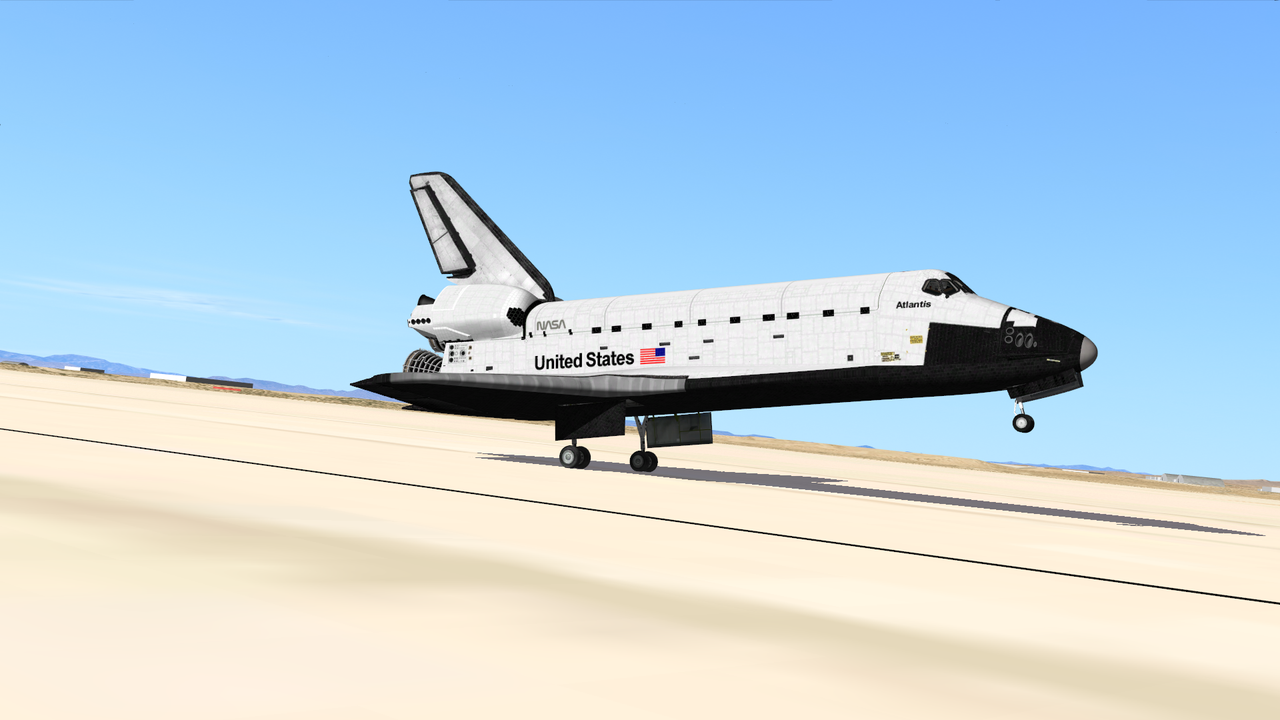
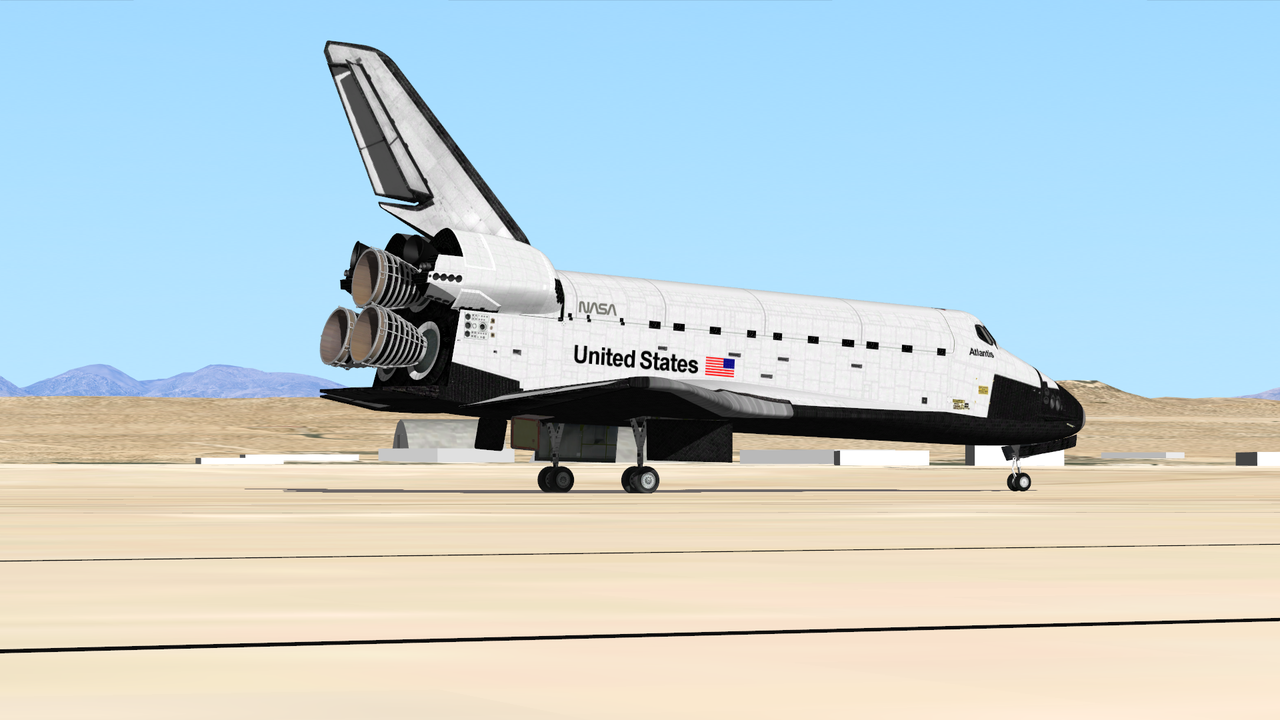
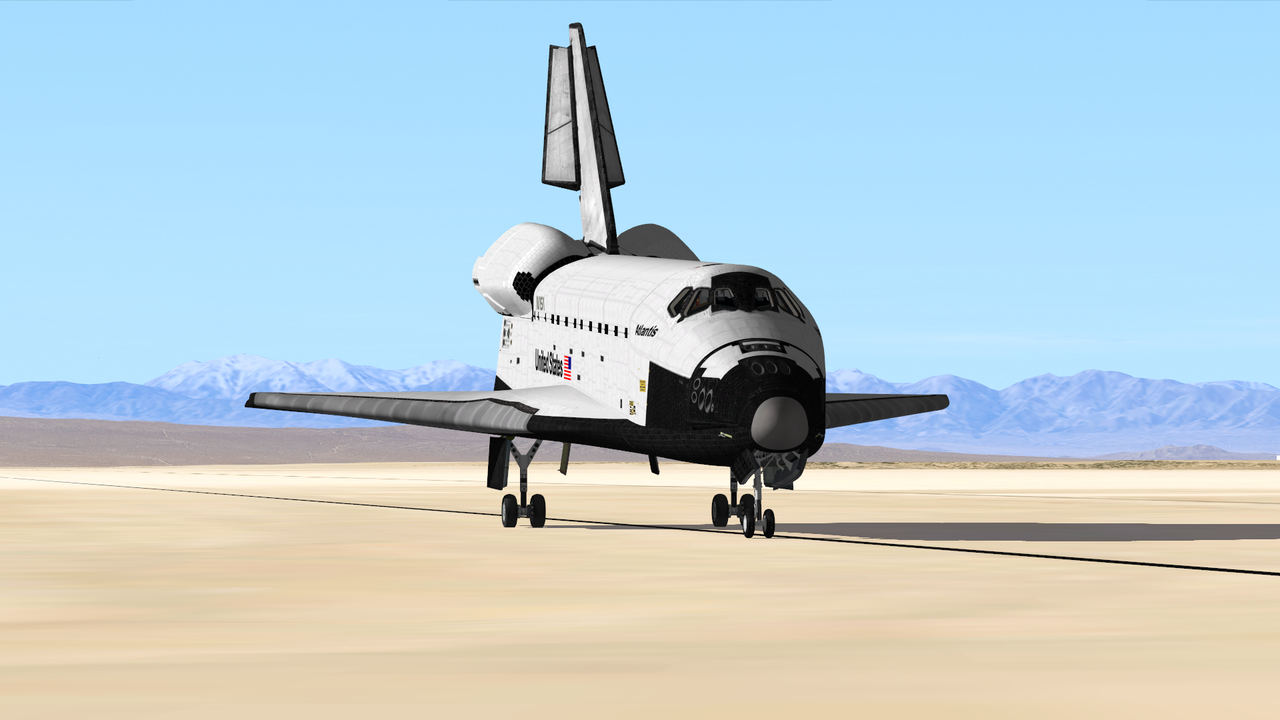
Textures need a little scorching after reentry. IMHO
would be easy, if we would have a shader to paint scorch marks or weathering over the normal texture....
- Joined
- Feb 4, 2008
- Messages
- 9,758
- Reaction score
- 1,028
- Points
- 203
Well, we do have the routine that is used to apply the SRB BSM scorch marks on the ET. I don't see why it could not be used for a similar effect on the orbiter, but triggered by some event.would be easy, if we would have a shader to paint scorch marks or weathering over the normal texture....

Hello, I have a small issue when creating T-31 second scenarios with the mission editor: When running the scenario, the launch holds at T-27 seconds. Its weird because on ~10% of the times it does pass through to liftoff, so seems like it may be a bug. Here is a scenario where the issue happens for me: https://www.dropbox.com/scl/fi/ymjx...-41G.scn?rlkey=1p8c6dq7xhkpteysh81tttq6r&dl=0
The issue does not happen on T-9 min scenarios created by the ME.
LCC MFD after the cutoff:

The issue does not happen on T-9 min scenarios created by the ME.
LCC MFD after the cutoff:
Last edited:
- Joined
- Feb 4, 2008
- Messages
- 9,758
- Reaction score
- 1,028
- Points
- 203
The reason for the RSLS Abort is usually listed in the orbiter.log file, so take a look at the bottom.Hello, I have a small issue when creating T-31 second scenarios with the mission editor: When running the scenario, the launch holds at T-27 seconds. Its weird because on ~10% of the times it does pass through to liftoff, so seems like it may be a bug. Here is a scenario where the issue happens for me: https://www.dropbox.com/scl/fi/ymjx...-41G.scn?rlkey=1p8c6dq7xhkpteysh81tttq6r&dl=0
The issue does not happen on T-9 min scenarios created by the ME.
LCC MFD after the cutoff:

Yeah, T-27 seconds is when the RSLS stops if it doesn't get the "LPS Go For Auto Sequence" signal from the GLS, which suggests a LCC<-->OV connection issue. The reason is posted in the Orbiter.log file.Hello, I have a small issue when creating T-31 second scenarios with the mission editor: When running the scenario, the launch holds at T-27 seconds. Its weird because on ~10% of the times it does pass through to liftoff, so seems like it may be a bug. Here is a scenario where the issue happens for me: https://www.dropbox.com/scl/fi/ymjx...-41G.scn?rlkey=1p8c6dq7xhkpteysh81tttq6r&dl=0
The issue does not happen on T-9 min scenarios created by the ME.
LCC MFD after the cutoff:
How is the frame rate at the start? It could be very low due to the loading of terrain. That could be causing the signal to be delayed enough to trigger this cutoff... it seems a stretch, but that's my best theory so far. Try starting the sim paused, as it should gain you a few seconds of terrain loading before starting the sim, and thus allowing the signals to "flow better".
Maybe I should change that T-31 scenario option to T-40 or something...

About the entry texture, honestly I'm not interested in changing anything... seems too much work, too much "duct-tape" for a visual that , IMHO, will never look OK.
I'd be very interested in having the "heat glow", both in the tiles/RCC and the engines, but I don't thing that is (fully) implemented in D3D9 (or some other graphics engine).
I'd be very interested in having the "heat glow", both in the tiles/RCC and the engines, but I don't thing that is (fully) implemented in D3D9 (or some other graphics engine).
- Joined
- Feb 4, 2008
- Messages
- 9,758
- Reaction score
- 1,028
- Points
- 203
Well, it kind of is, Felix24 was working on something a few years back: https://www.orbiter-forum.com/threads/d3d9client-development.16787/post-580404About the entry texture, honestly I'm not interested in changing anything... seems too much work, too much "duct-tape" for a visual that , IMHO, will never look OK.
I'd be very interested in having the "heat glow", both in the tiles/RCC and the engines, but I don't thing that is (fully) implemented in D3D9 (or some other graphics engine).
Here's what the log says:
(SSV_LCC) [INFO] RS Countdown Hold Flag is on @ T-26.990
000016.869: (SSV_LCC) [INFO] LPS Go For Auto Seq Start Hold
000016.869: (SSV_LCC) [INFO] Cutoff
 www.dropbox.com
Hmm, there is definitely a slight period of low framerate right at startup, ~20 fps or so for half a second then jumps up to 60. I tried the start paused trick but it still happens.
(SSV_LCC) [INFO] RS Countdown Hold Flag is on @ T-26.990
000016.869: (SSV_LCC) [INFO] LPS Go For Auto Seq Start Hold
000016.869: (SSV_LCC) [INFO] Cutoff
Dropbox
www.dropbox.com
Hmm, there is definitely a slight period of low framerate right at startup, ~20 fps or so for half a second then jumps up to 60. I tried the start paused trick but it still happens.
20 is beyond ok, I was expecting something extreme like less than 1 for several seconds...Here's what the log says:
(SSV_LCC) [INFO] RS Countdown Hold Flag is on @ T-26.990
000016.869: (SSV_LCC) [INFO] LPS Go For Auto Seq Start Hold
000016.869: (SSV_LCC) [INFO] Cutoff
Dropbox
Hmm, there is definitely a slight period of low framerate right at startup, ~20 fps or so for half a second then jumps up to 60. I tried the start paused trick but it still happens.
Can you post the log, so I can check for other errors or missing entries?
Does it happen with the "Launch Test" scenario, or the 2 or 3 other T-31 scenarios included in SSV?
Are you running Orbiter 2016 and SSV 1.7, or something else?


20 is beyond ok, I was expecting something extreme like less than 1 for several seconds...
Can you post the log, so I can check for other errors or missing entries?
Does it happen with the "Launch Test" scenario, or the 2 or 3 other T-31 scenarios included in SSV?
Are you running Orbiter 2016 and SSV 1.7, or something else?
I had the log already attached to my previous post, or do you mean something else? It does not happen with the Launch Test scenario, it seems to just happen on scenarios I create with the ME. I am running Orbiter 2016 and SSV 1.7.
Oh, I'm sorry, I only noticed the text...I had the log already attached to my previous post, or do you mean something else?

Ok, try opening ME, Ctrl-N, to create a new STS-101, save it, and then export a T-31s scenario of that, and check what happens please.It does not happen with the Launch Test scenario, it seems to just happen on scenarios I create with the ME.
Ok, try opening ME, Ctrl-N, to create a new STS-101, save it, and then export a T-31s scenario of that, and check what happens please.
Aha! It works when I do it that way, without changing anything else.
Hmm, I was expecting that not to work due to some "comma vs dot" issue... better this way.Aha! It works when I do it that way, without changing anything else.
I was looking at the LCC code, and I might have found the issue. Could you go back to your 41G mission, and change the launch time by 1 second please?
The current launch time logic might be sensitive to rounding and the first frame of the sim could be T-30.99s or so, and the would mean the "LPS Go For Auto Sequence Start" command never gets issued. I went back to your log and, sure enough, the related log entry is missing (I missed this the first time looking at the log
).
Hmm, I was expecting that not to work due to some "comma vs dot" issue... better this way.
I was looking at the LCC code, and I might have found the issue. Could you go back to your 41G mission, and change the launch time by 1 second please?
The current launch time logic might be sensitive to rounding and the first frame of the sim could be T-30.99s or so, and the would mean the "LPS Go For Auto Sequence Start" command never gets issued. I went back to your log and, sure enough, the related log entry is missing (I missed this the first time looking at the log
I tried removing one second in the scenario export page, but that still gives a T-31second start point in the sim, so I manually removed 1 second from the 41G scenario's MJD and that made it start at T-32 seconds in the sim...and the problem did not occur.
I meant the launch time itself, in the Launch tab. Don't lose sleep over a 1s difference in launch time, as Orbiter is not using UTC, so there is already a difference of 50s or so in the 1980s.I tried removing one second in the scenario export page, but that still gives a T-31second start point in the sim, so I manually removed 1 second from the 41G scenario's MJD and that made it start at T-32 seconds in the sim...and the problem did not occur.
BTW: could you post the (troublesome) launch time you input into ME, so I can then confirm this issue gets fixed?
For now (v1.8) I'll change the LCC so there is less chance, or hopefully none, of falling into this hole again. Eventually (v2.0) I'll change the start time to T-40s or so (somewhere where no commands are issued) to avoid this entirely.
Similar threads

- Replies
- 0
- Views
- 2K
- Replies
- 5
- Views
- 2K
- Replies
- 36
- Views
- 13K

- Replies
- 153
- Views
- 37K

- Replies
- 4
- Views
- 2K
