
-
ORBITER-FORUM will be temporarily closed at 2026-07-23 18:00 UTC while we complete some OF maintenance tasks. The amount of downtime is expected to take up to one hour, but probably less.
You are using an out of date browser. It may not display this or other websites correctly.
You should upgrade or use an alternative browser.
You should upgrade or use an alternative browser.
Orbiter Screenshot Thread
- Thread starter Tex
- Start date

2018 (borrowed some textures and meshes from SSU for SLS, the HIF is my own)

Last edited:

Star Voyager
Space Shuttle Refugee
- Joined
- Oct 25, 2008
- Messages
- 1,980
- Reaction score
- 38
- Points
- 48
Was your inspiration Nathan Koga?
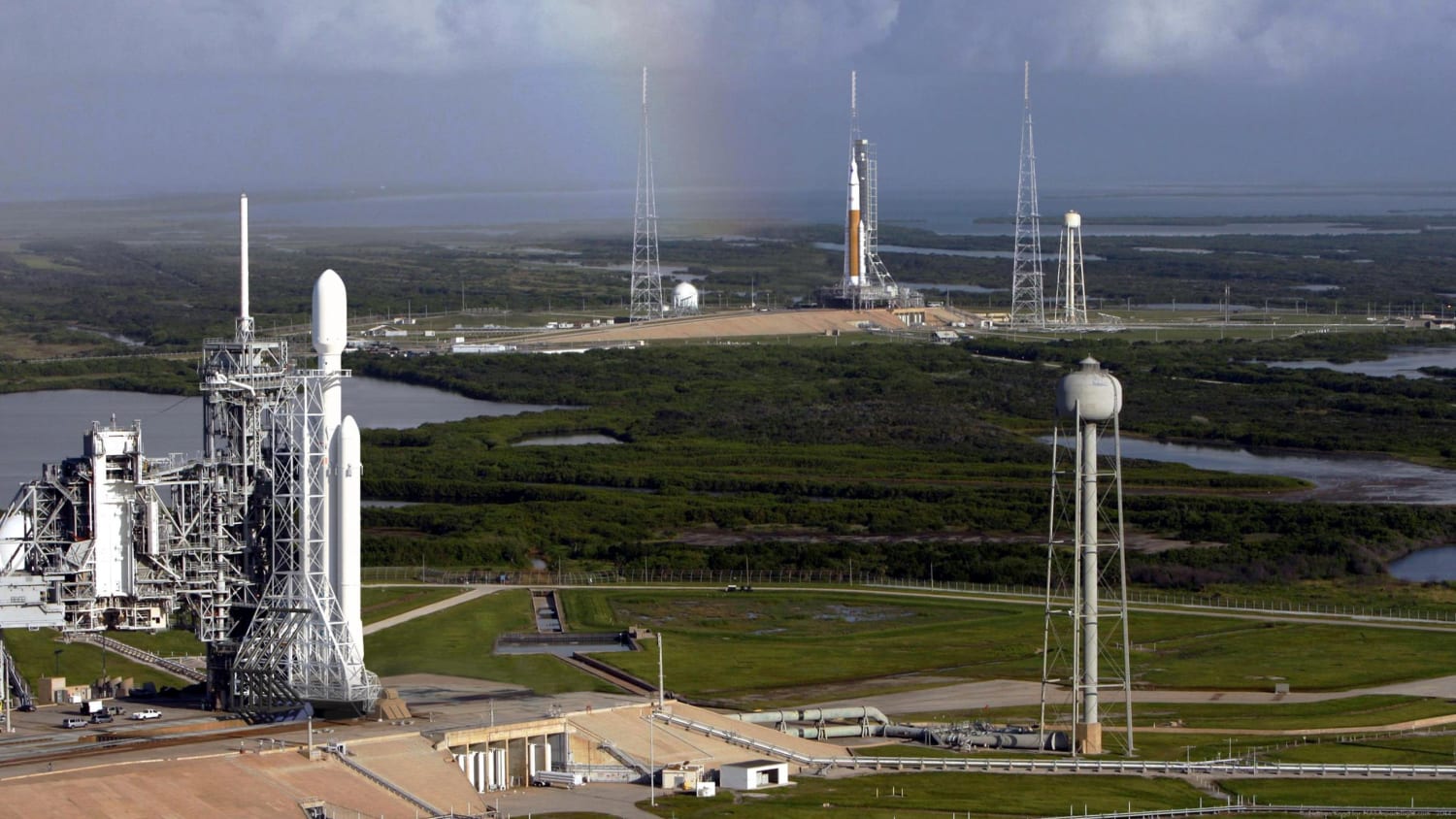

2018 (borrowed some textures and meshes from SSU for SLS, the HIF is my own)
Wow. I tried to made the new LC-39A last month (the HIF mesh is mostly finished - see this) but your version is way better than mine! :tiphat:
Was your inspiration Nathan Koga?
In some regards, yup!
- Joined
- Feb 4, 2008
- Messages
- 9,758
- Reaction score
- 1,028
- Points
- 203
Some shots from Launch Complex 39B earlier this week 10 years ago as final preparations for the STS-114 Integrated Tanking Test (S0037) was in work. The vehicle is being lit up by the pad stadium lights and powerful xenon lights stationed around the perimeter of the pad.


Last edited:

Astro SG Wise
Future Orion MPCV Pilot
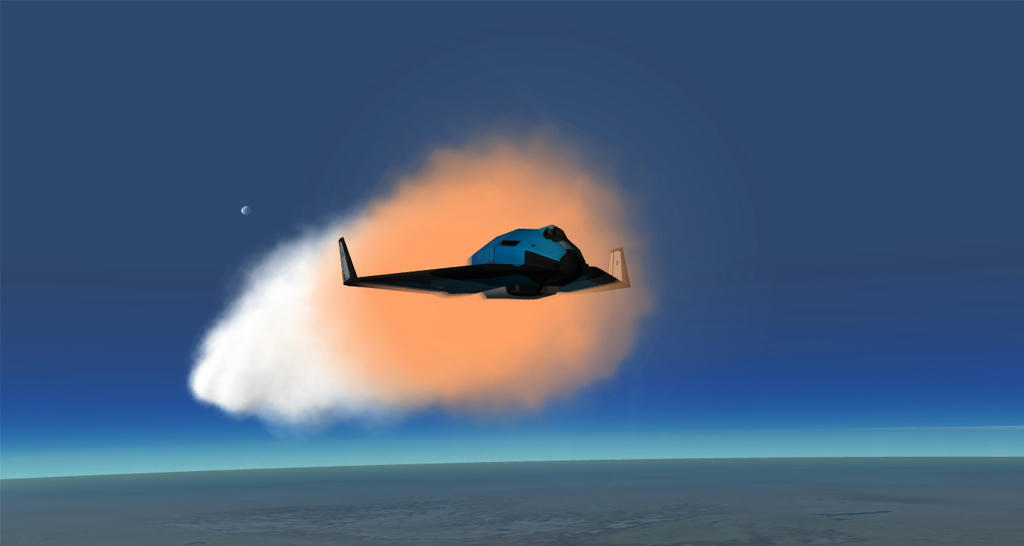
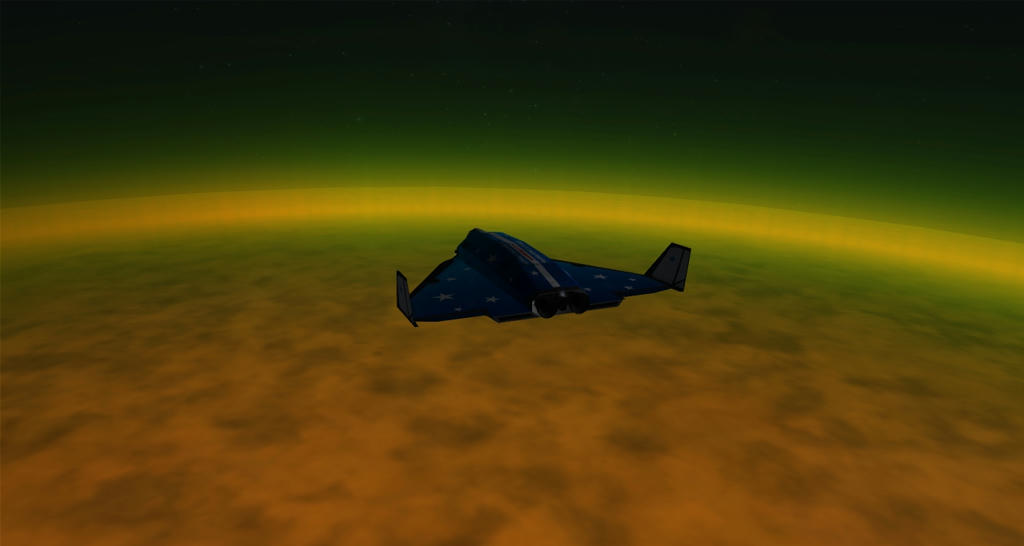
In complements with Kyle...


- Joined
- Jul 7, 2012
- Messages
- 1,520
- Reaction score
- 1,553
- Points
- 128
- Location
- Monte Hermoso - Argentina
- Website
- github.com
- Preferred Pronouns
- he/him
- Joined
- Jul 7, 2012
- Messages
- 1,520
- Reaction score
- 1,553
- Points
- 128
- Location
- Monte Hermoso - Argentina
- Website
- github.com
- Preferred Pronouns
- he/him
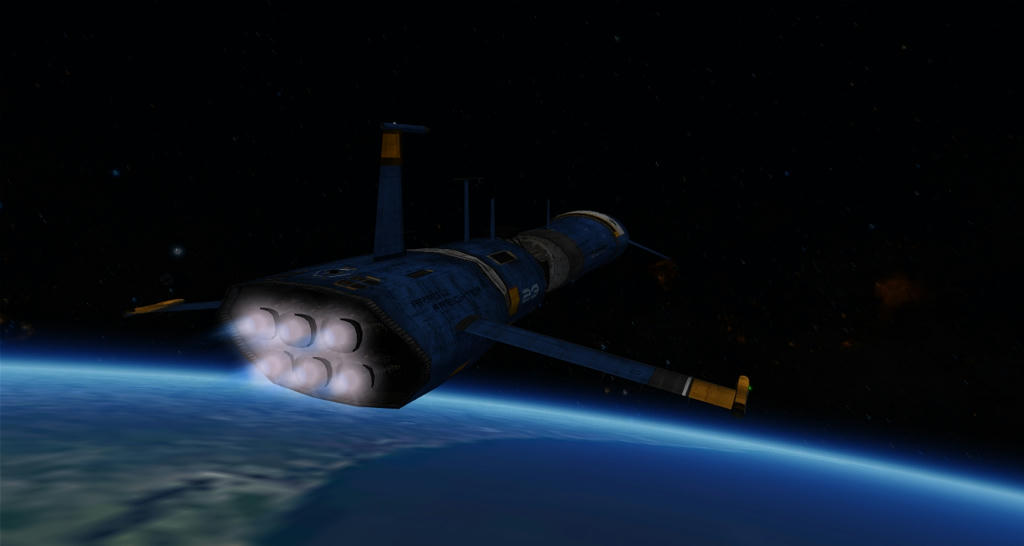
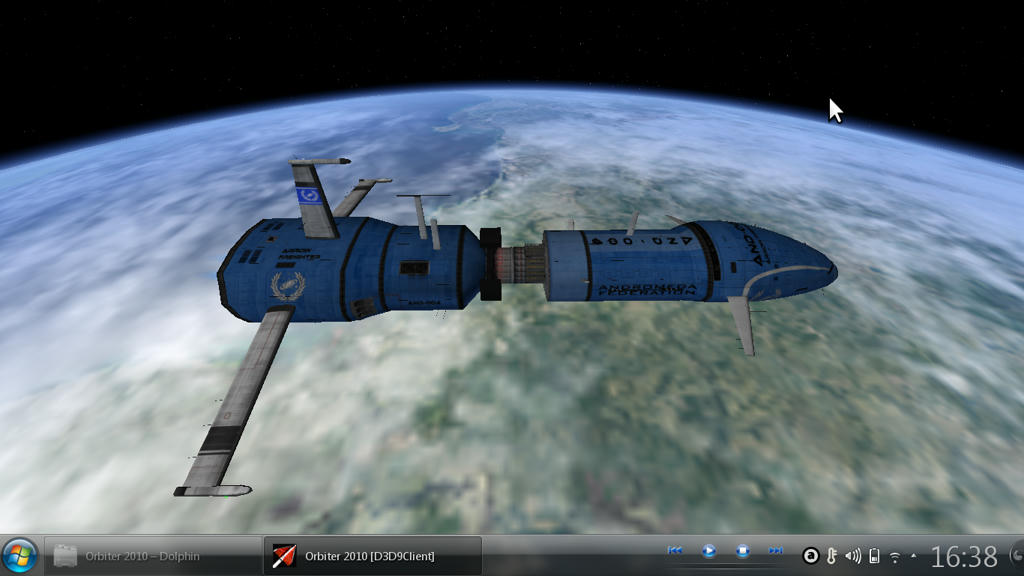
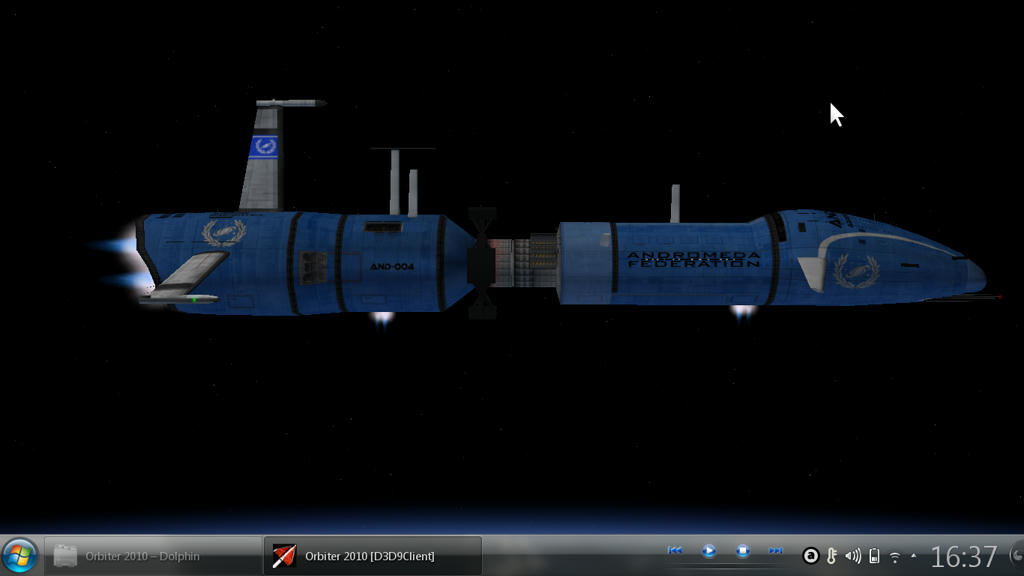
Orbiter with D3D9 client running very smooth (~ 80 FPS) in Ubuntu with KDE desktop.

- Joined
- Oct 11, 2009
- Messages
- 3,486
- Reaction score
- 407
- Points
- 123
- Location
- Utrecht
- Website
- www.spaceflightnewsapi.net
I have a low end laptop running Kubuntu (I'm writing this from that system right now) and I'm wondering how Orbiter will run on it with D3D9 :hmm: Lets check that out tomorrow 
- Joined
- Jul 7, 2012
- Messages
- 1,520
- Reaction score
- 1,553
- Points
- 128
- Location
- Monte Hermoso - Argentina
- Website
- github.com
- Preferred Pronouns
- he/him
While running Orbiter in KDE, I had some small problems, I could solve activating the "Window with taskbar" option.
I'll try to start from scratch a Orbiter installation, in PlayOnLinux that allows to shape a virtual drive according to our needs. I think that will be able to solve the (few incompatibilities) that currently if Orbiter is installed in Wine (at least according to my guide).
I'll try to start from scratch a Orbiter installation, in PlayOnLinux that allows to shape a virtual drive according to our needs. I think that will be able to solve the (few incompatibilities) that currently if Orbiter is installed in Wine (at least according to my guide).

Delta glider
Spaceanaut
- Joined
- Jan 23, 2012
- Messages
- 224
- Reaction score
- 0
- Points
- 16
- Location
- The seat in front of my computer
Edit
 oes anybody know why when I post my image from .JPG to my OF album it loses quality?
Last edited:
Star Voyager
Space Shuttle Refugee
- Joined
- Oct 25, 2008
- Messages
- 1,980
- Reaction score
- 38
- Points
- 48
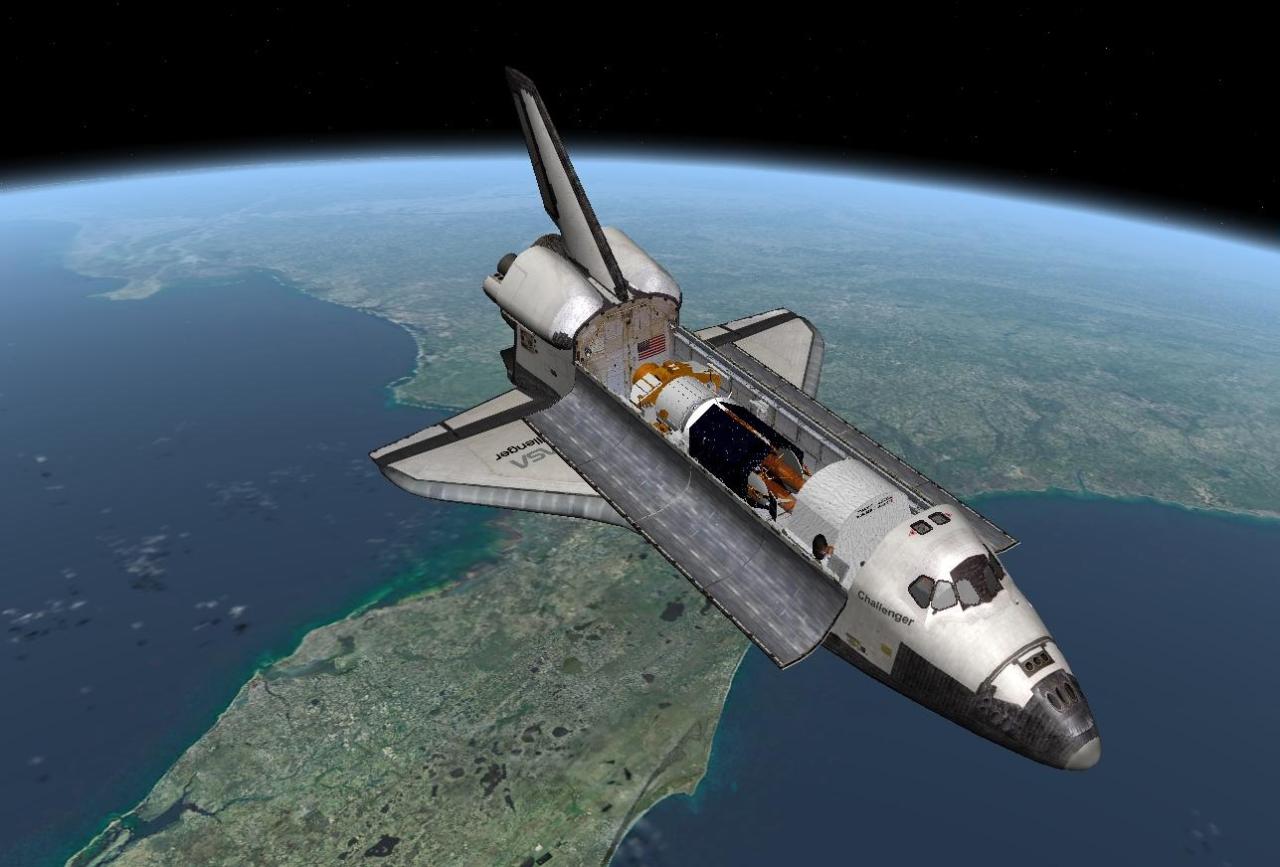
STS-51E, March 1985.

- Joined
- Mar 31, 2012
- Messages
- 2,296
- Reaction score
- 4
- Points
- 0
Edit
If the image size is above some limit, the forum will resize the image automatically, and it does no do a very good job.
Last edited:
Delta glider
Spaceanaut
- Joined
- Jan 23, 2012
- Messages
- 224
- Reaction score
- 0
- Points
- 16
- Location
- The seat in front of my computer
If the image size is above some limit, the forum will resize the image automatically, and it does no do a very good job.
Thanks. So I should resize it using photoshop or something.

Astro SG Wise
Future Orion MPCV Pilot
View image in gallery
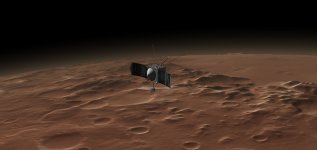
The Orion MPCV over Mars. (I am not sure if I already placed this one here or not.)

Tycho
Active member

Having a bit of fun with creating alternate history scenarios, with an extended production of Saturn Vs for additional scientific-oriented J-missions. In this instance, a post-Apollo 20 sortie mission with 4 to 5 surface EVAs is seen landed in Sinus Iridum, the "Bay of Rainbows", at the northwest limb of Mare Imbrium. The LM is located about 14 km (9 mi) north of the cape-like landform Promontorium Heraclides--the south-eastern tip of Iridum (i.e. Cassini's "Moon Maiden"). The mountains in the background, the Montes Jura front, are about 40 km (25 mi) distant and form the western rim of the impact crater that was Sinus Iridum until its ancient flooding by basaltic lavas.
This site is very close to the location of the default Brighton Beach base which is, of course, absent from this scenario. I used t1234's visually pleasing [ame="http://www.orbithangar.com/searchid.php?ID=6742"]Sinus Iridum[/ame] add-on with AMSO surface tiles in crafting this scenario.
Last edited:
Delta glider
Spaceanaut
- Joined
- Jan 23, 2012
- Messages
- 224
- Reaction score
- 0
- Points
- 16
- Location
- The seat in front of my computer
Morning climb to orbit with a Falcon 9R v1.1.
I wish orbiter did shadows for particle streams and exhast but maybe I'm asking too much...
Shuttle final approach.
These are both raw images.:tiphat:
Last edited:
Similar threads

- Replies
- 7
- Views
- 4K


- Replies
- 1
- Views
- 5K

- Replies
- 12
- Views
- 5K

- Replies
- 10
- Views
- 4K
