Hello,
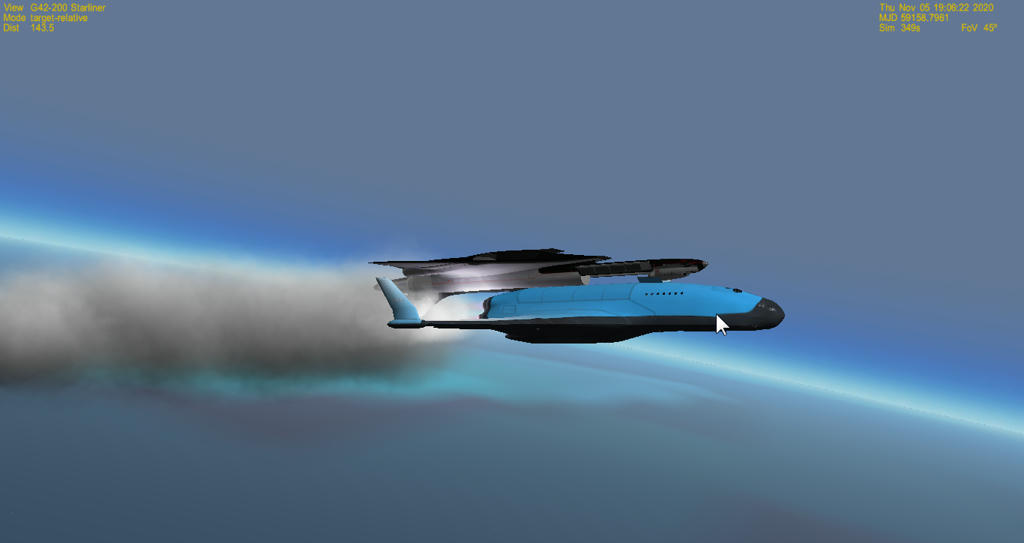
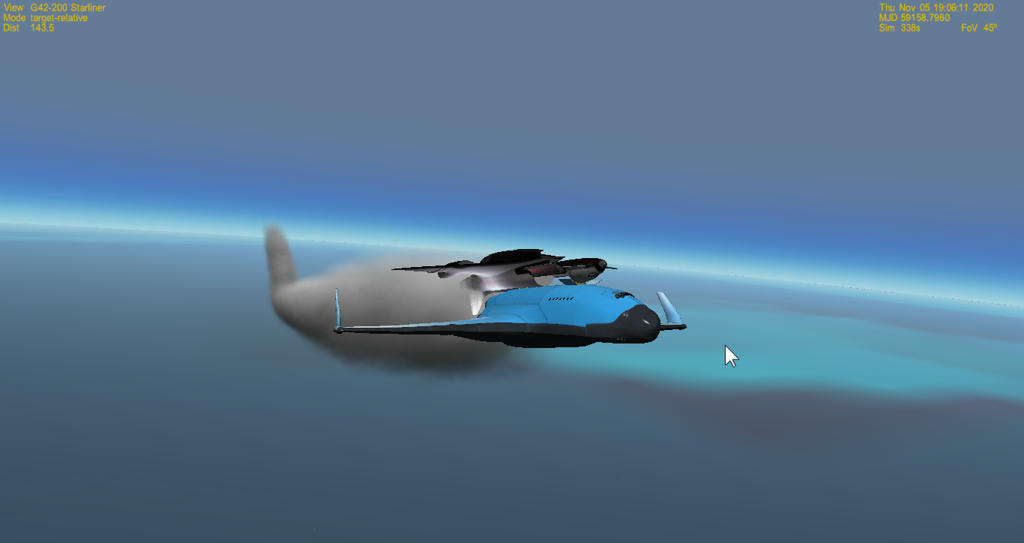
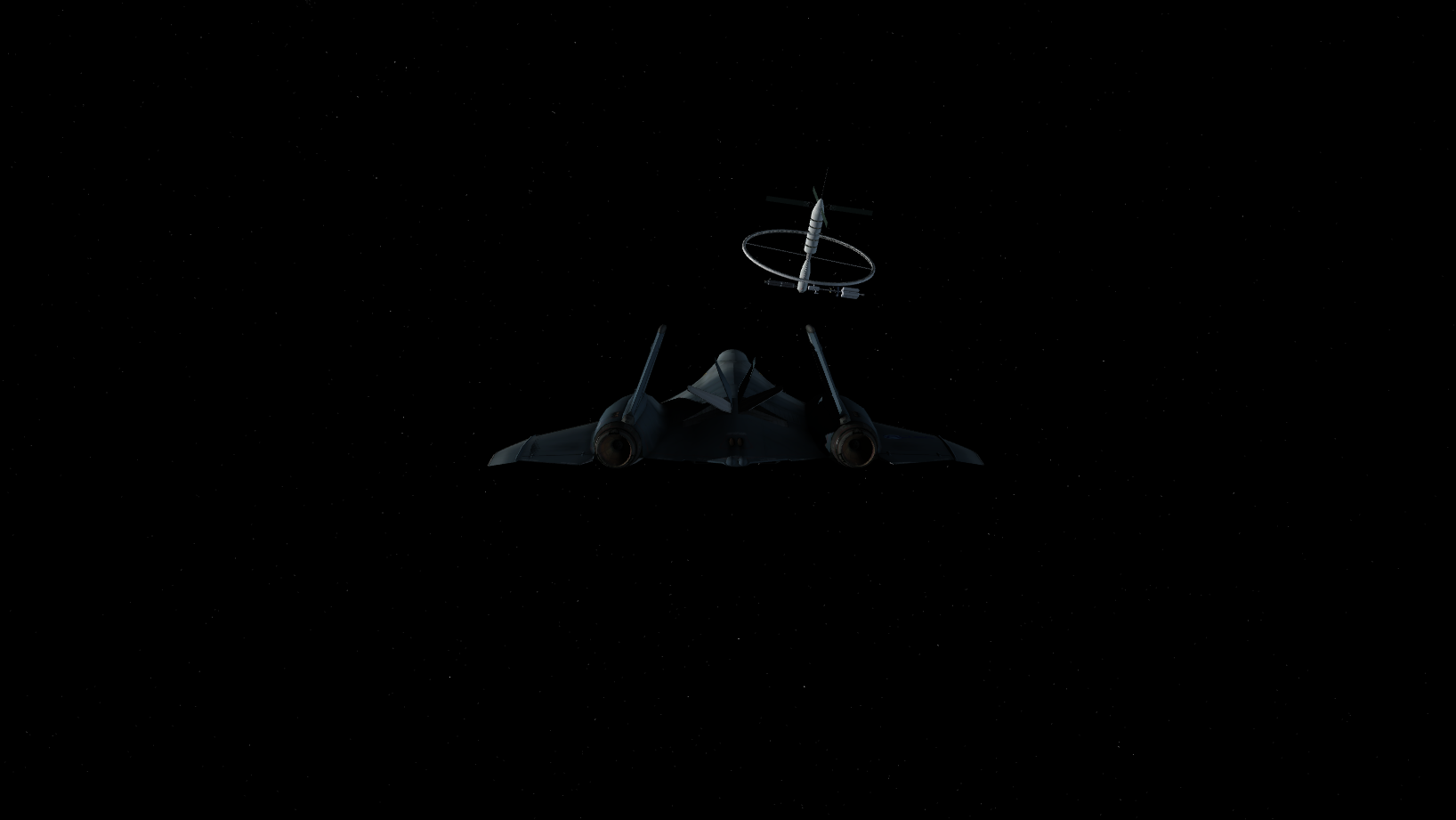
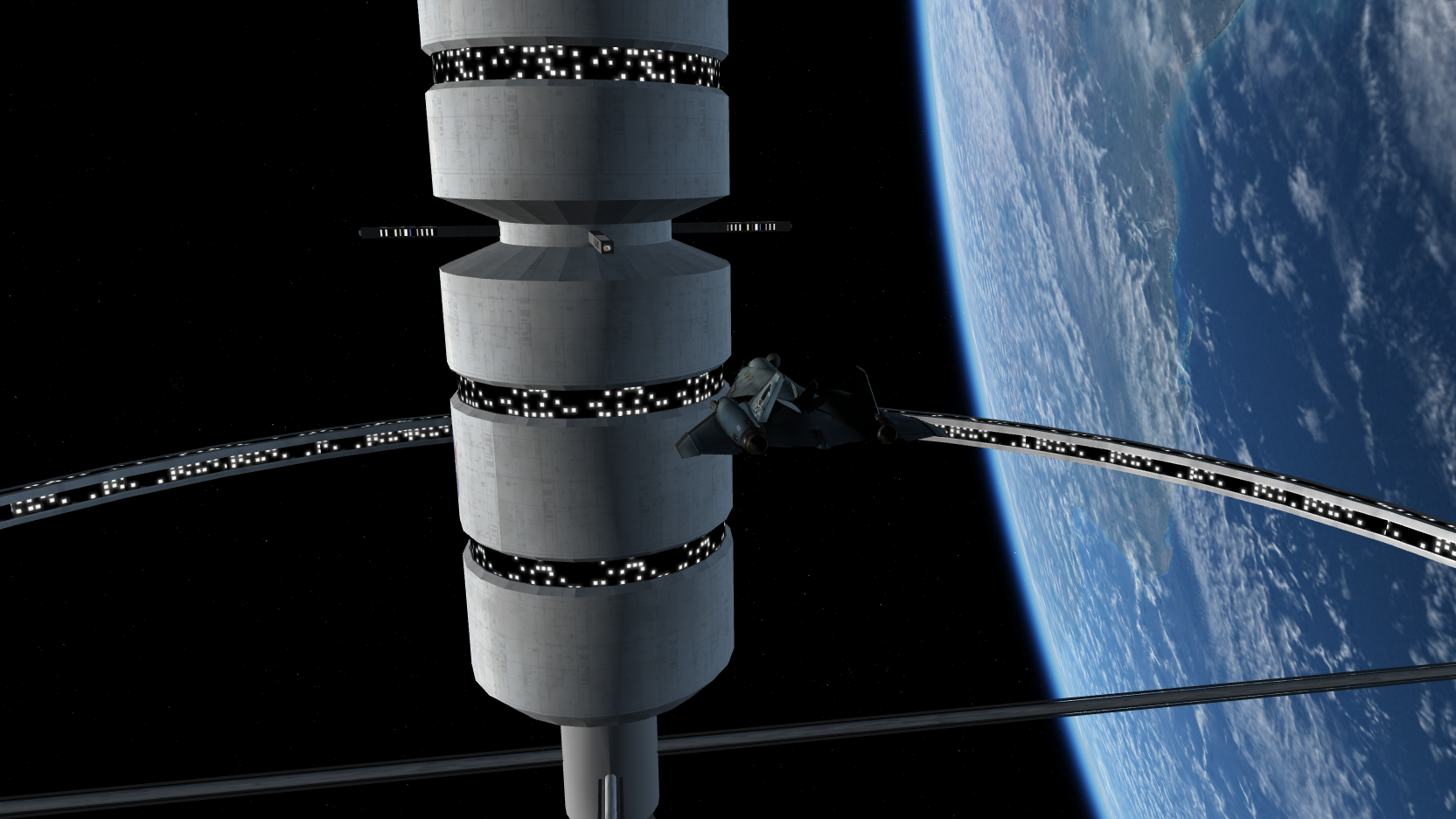
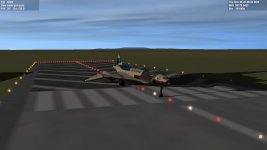
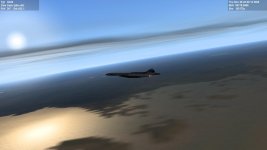
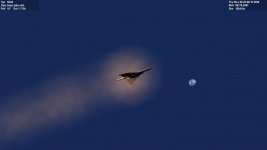
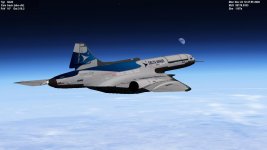
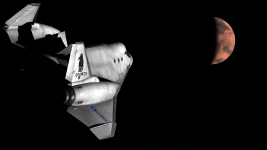
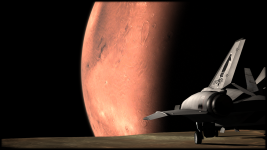
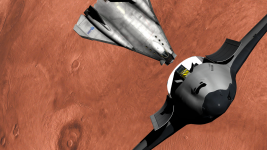
I teach space courses for children aged 8-10 years. I use the Orbiter 2016 for this purpose. To make the experience even more realistic for the children, I built a "small" XR2 simulator.
The simulator can accommodate 5 people. The 'comander' and the ‘pilot’ sit in front and each have a joystick at their disposal. Between them is the 'throttle unit' with a numeric keyboard.
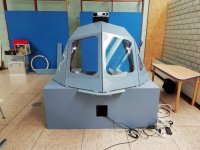
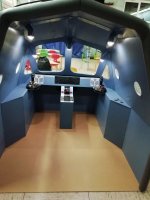
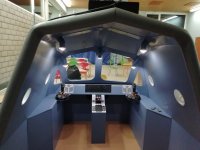
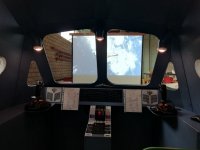
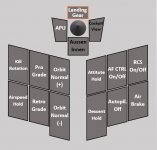
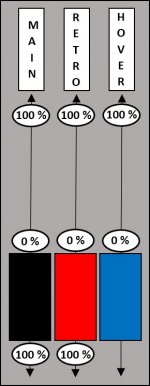
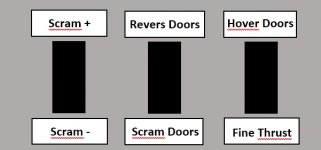
I programmed the joysticks with the 'Target' software from Thrustmaster, the throttle unit's thrust levers with 'Fly-By-Wire', and the buttons on the throttle unit with 'JoyToKey'. The XR2 can be flown almost without a keyboard. Here are some screenshots of the buttons and thrust lever assignement
Left Joystick
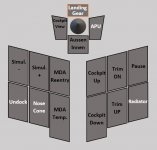
Right Joystick
thrust lever
Throttle Buttons
I teach space courses for children aged 8-10 years. I use the Orbiter 2016 for this purpose. To make the experience even more realistic for the children, I built a "small" XR2 simulator.
The simulator can accommodate 5 people. The 'comander' and the ‘pilot’ sit in front and each have a joystick at their disposal. Between them is the 'throttle unit' with a numeric keyboard.
I programmed the joysticks with the 'Target' software from Thrustmaster, the throttle unit's thrust levers with 'Fly-By-Wire', and the buttons on the throttle unit with 'JoyToKey'. The XR2 can be flown almost without a keyboard. Here are some screenshots of the buttons and thrust lever assignement
Left Joystick
Right Joystick
thrust lever
Throttle Buttons


![2020-11-07 17_33_49-Orbiter 2010 [D3D9Client].png](https://cdn.orbiter-forum.com/data/attachments/23/23213-fe61684ab69fcf618c4b53c3656f41b2.jpg?hash=_mFoSrafz2 "2020-11-07 17_33_49-Orbiter 2010 [D3D9Client].png")
![2020-11-07 17_32_43-Orbiter 2010 [D3D9Client].png](https://cdn.orbiter-forum.com/data/attachments/23/23212-1e2b3ed5ce51278fed1dc4cfce2dd54a.jpg?hash=His-1c5RJ4 "2020-11-07 17_32_43-Orbiter 2010 [D3D9Client].png")