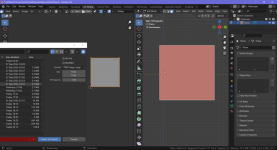
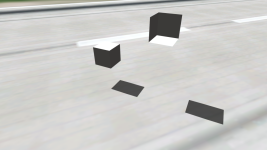
I made a test (Blender 4.0.2 with the previous version of the tool) in Orbiter 2024. It's related to this:
I'm interested what is the exact quantity limit for elements of a mesh group in Orbiter 2024 and what it refer to (vertices/edges/faces/triangles)?
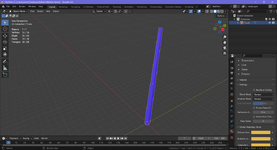
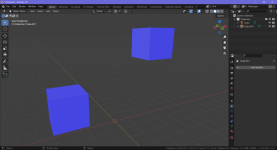
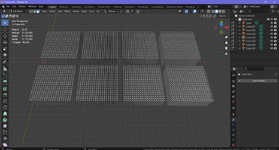
I have 8 identical mesh groups. Every group has identical 400 parallelepipeds. Every parallelepiped has 8 vertices, 12 edges, 6 faces (just ordinary parallelepiped):
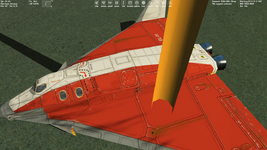
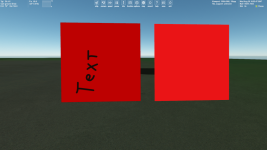
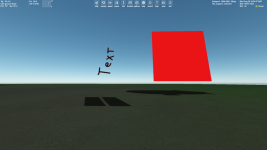
There're issues in game, some parallelepipeds aren't displayed:
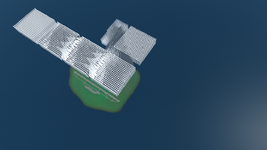
Blender says that there're totally 38400 triangles. It's just twice the number of faces (since every face consists of two triangles), namely 38400=2*19200. Maybe there's a restriction for triangles in a MSH file, it might be like 32768 triangles, I'm not sure, but this assumption corresponds to the number of visible parallelepiped on the 2nd picture.
But I have MSH files that contains much more, than 32768 triangles, and they don't demonstate such the issues, so I don't know what the problem is.
I attach BLEND and MSH file.