Skylab 1973 rebuild

Not sure what you mean? I have a vacation coming up.

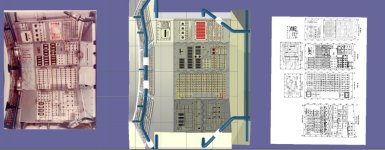
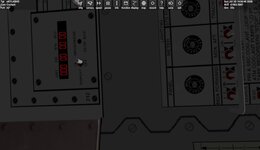
That instead of making every switch by manual labor, you either let the code create them by "good enough" rules or write code to find switches in your own textures and convert the positions into switch coordinates (like they produce buildings for flight simulations from aerial photographs)
 
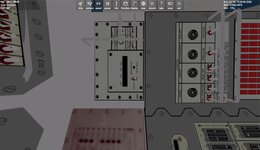
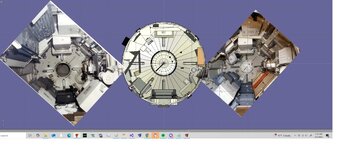
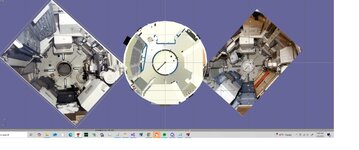
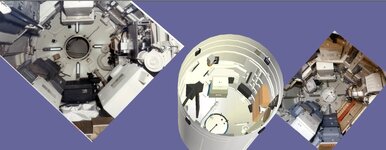
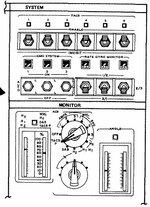
I think this will work. Not going to have time to put it in skylab before vacation. The only texture I need are the 2 diagrams that are in the center.
 

Attachments

  • STSTOPPANELS202back3.jpg
    STSTOPPANELS202back3.jpg
    77.7 KB · Views: 18
  • STSTOPPANELS202back2.jpg
    STSTOPPANELS202back2.jpg
    87.1 KB · Views: 18
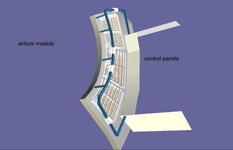
  • stspaneldiagrams.jpg
    stspaneldiagrams.jpg
    87.6 KB · Views: 18
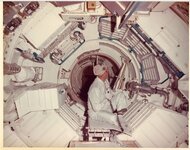
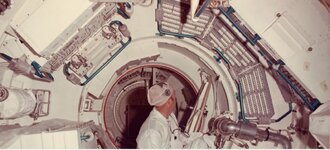
I saw the Skylab trainer in person at Space Center Houston several years ago. It was incredible how big it was.


Immortalizing this space station in Orbiter will be truly special. Can't wait for this.
 
Last edited:
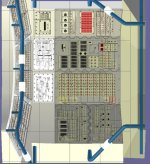
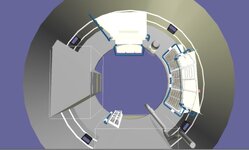
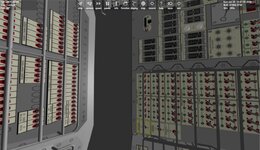
Thanks. I think I need to redo the whole bottom of the STS control panel. I have the panels tilted and I think they are flat as they rest on the white ring.
They are not good side view drawing.
 

Attachments

  • STSPANELTOP1.jpg
    STSPANELTOP1.jpg
    99.4 KB · Views: 14
  • STSPANELTOP2.jpg
    STSPANELTOP2.jpg
    49.9 KB · Views: 14
  • STSPANELTOP3.jpg
    STSPANELTOP3.jpg
    97 KB · Views: 14
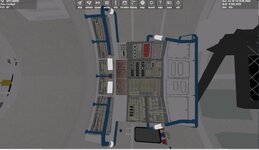
I think I got the base correct. Lots of odd angles.
 

Attachments

  • stslowerpanel.jpg
    stslowerpanel.jpg
    38.7 KB · Views: 7
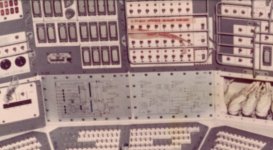
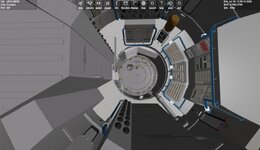
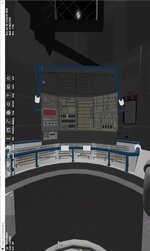
I think I got it correct. I need to do some detail editing. Not sure about the schematics. They go in the lower section. It is not any clear images of them though
 

Attachments

  • SKYLABSTSPANELVCVIEW3.jpg
    SKYLABSTSPANELVCVIEW3.jpg
    69.5 KB · Views: 11
  • SKYLABSTSPANELVCVIEW2.jpg
    SKYLABSTSPANELVCVIEW2.jpg
    108.1 KB · Views: 11
  • SKYLABSTSPANELVCVIEW1.jpg
    SKYLABSTSPANELVCVIEW1.jpg
    31.1 KB · Views: 12
Working on the EVA hatch animation.
But I have run into a issue. On the video you can see the yellow/black rod move to open. But as the door opens the rod sinks into the door.


anim_EVAHATCH = CreateAnimation(0);
static UINT PhatchGrp1[2] = { 301,331};//1L
static MGROUP_ROTATE Phatch1(0, PhatchGrp1, 2, _V(.1048542, 0.82607, 1.162572), _V(0, 1, 0), (float)(-60 * RAD));
static UINT PhatchGrp2[2] = { GRP_lockcompartmentpressure2,GRP_lockcompartmentpressure1 };//1L
static MGROUP_ROTATE Phatch2(1, PhatchGrp2, 2, _V(0.072, 0.653, 1.135), _V(.2, 1, 0), (float)(180 * RAD));
static UINT hatchGrp1[3] = { GRP_evahatchhandleblue,GRP_EVAHATCH1,GRP_EVAHATCH2};//1L
static MGROUP_ROTATE hatch1(0, hatchGrp1, 3, _V(0.776, 0.2, 1.666), _V(0, 0, 1), (float)(-90 * RAD));
static UINT hatchGrpVC[9] = { GRP_EVAHATCH5,GRP_EVAHATCH6,GRP_EVAHATCH9,GRP_EVAHATCH7,GRP_EVAHATCHINT2,GRP_EVAHATCH4,GRP_EVAHATCHINT,GRP_EVAHATCHINT3,GRP_EVAHATCH8 };//1L
static MGROUP_ROTATE hatch2(1, hatchGrpVC, 9, _V(0.719, 0.213, 1.666), _V(0, 0, 1), (float)(-90 * RAD));
static UINT EhatchGrp1[1] = { GRP_EVAHATCH3 };
static MGROUP_ROTATE EVAHATCHEXTERNALHANDLE(0, EhatchGrp1, 1, _V(.215, 0.82607, 1.747), _V(0, 1, -.10), (float)(-125 * RAD));
static UINT EhatchGrp3[2] = { GRP_EVAHATCHROD1,GRP_EVAHATCHROD2 };//
static MGROUP_ROTATE EVAHATCHVCHANDLE(1, EhatchGrp3, 2, _V(.2513321, 0.6697495 , 1.671115), _V(0.148289, 0.987607, 0.051407), (float)(-130 * RAD));


EVAHATCH = AddAnimationComponent(anim_EVAHATCH, .2, 1, &hatch1); //PARENT EXTERNAL AIRLOCK DOOR
AddAnimationComponent(anim_EVAHATCH, .2, 1, &hatch2);//INTERNAL MESH
EVAHATCH1 = AddAnimationComponent(anim_EVAHATCH, 0, .2, &EVAHATCHEXTERNALHANDLE, EVAHATCH);//EXTERNAL LOCK HANDLE
AddAnimationComponent(anim_EVAHATCH, 0, .1, &EVAHATCHVCHANDLE, EVAHATCH);//INTERNAL LOCK HANDLE

 
I got the eva hatch to work. I also redid the lights fixtures.
I may take a break on this. If people want I can but a zip together.
A couple of things I would like to add is get the clock to display. and to save the vc location. This uses the HD ISS movement code.
 

Attachments

  • skylabstspanel1a.jpg
    skylabstspanel1a.jpg
    61.5 KB · Views: 6
  • skylabstspanel1clock.jpg
    skylabstspanel1clock.jpg
    64.2 KB · Views: 6
Thanks to @moonheart for testing . No Performance issues.:)

Working on the Clock display. I got her to display. BUT I think the display should be green, right?
I have this:
skp->SetFont(font2);
skp->SetTextColor(0x0000FF);
skp->SetTextAlign(oapi::Sketchpad::LEFT);

But isnt 0000FF blue?
 

Attachments

  • SKYLABMETTIMER.jpg
    SKYLABMETTIMER.jpg
    43.3 KB · Views: 3
Thanks to @moonheart for testing . No Performance issues.:)

Working on the Clock display. I got her to display. BUT I think the display should be green, right?
I have this:
skp->SetFont(font2);
skp->SetTextColor(0x0000FF);
skp->SetTextAlign(oapi::Sketchpad::LEFT);

But isnt 0000FF blue?
Those hex colour values seem to go "backwards" so its BGR not RGB.
From DrawAPI.h
Code:
param col colour description (format: 0xBBGGRR)
 
Thanks. 1 things as far as code goes.


And the other part is I want to save the VCPOS.

I have this:
sprintf(cbuf, "%0.4f %0.4f %0.4f", SKYLAB_VCPOS[1].x, SKYLAB_VCPOS[1].y, SKYLAB_VCPOS[1].z);
oapiWriteScenario_string(scn, "SKYLAB_VCPOS", cbuf);


SetCameraOffset(SKYLAB_VCPOS[id]);

in the h:
const VECTOR3 SKYLAB_VCPOS[1] = {
{0, 0.0, -3.5}
};


but in the scenario it saves as:
SKYLAB_VCPOS 0.0000 0.0000 66944143513572037335605059246122433037431522802532529535095219487910352585509488733390508072370326778584203252548810852418021240021669275123226156990464.0000
 
Last edited:
Looking at the MDA section. Got the MET and the timer to display. The timer just displays now. does not function. I need to look at the manuals to see if the clock is MET or GMT?

But if you look at the 2 different images you see differences. I think because it maybe at different stages?
 

Attachments

  • MDABACK2.jpg
    MDABACK2.jpg
    71.6 KB · Views: 9
  • MDABACK1.jpg
    MDABACK1.jpg
    65.6 KB · Views: 9
  • MDABACK3.jpg
    MDABACK3.jpg
    70.5 KB · Views: 11
  • skylabtimerdisplay.jpg
    skylabtimerdisplay.jpg
    79.6 KB · Views: 11
  • mdafront1.jpg
    mdafront1.jpg
    63.7 KB · Views: 8
UGH. While redoing the MDA part. I was going to reuse the lights form the OWS area. I notices issues.

I might cut the slots for the lights? right now it is a texture. But I might also make that pole appear/disappear. if the ows hatch is opened it hits it
 

Attachments

  • skylablightissue2.jpg
    skylablightissue2.jpg
    46.7 KB · Views: 8
  • skylablightissue1.jpg
    skylablightissue1.jpg
    28.3 KB · Views: 8
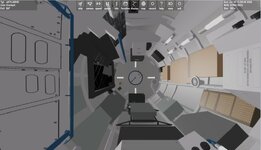
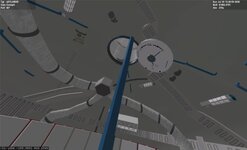
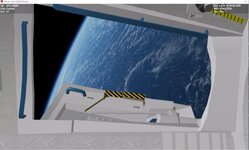
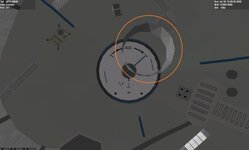
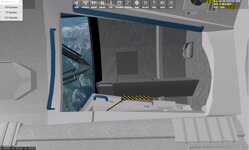
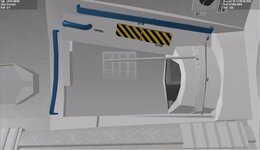
Redid the lights and fixed the vc view so the external mesh didn't flow thru. So now with the hatch open you see the external part. I did notice that when the external light aka spotlight is on the effect is not seen in the vc.
 

Attachments

  • skylabinteriorissue1.jpg
    skylabinteriorissue1.jpg
    65.6 KB · Views: 10
  • skylabinteriorissue.jpg
    skylabinteriorissue.jpg
    35.3 KB · Views: 10
  • skylabevawindow2.jpg
    skylabevawindow2.jpg
    61 KB · Views: 9
  • skylabevawindow1.jpg
    skylabevawindow1.jpg
    48.2 KB · Views: 9
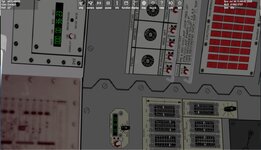
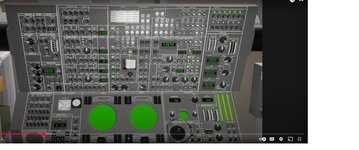
Trying to find a good drawing lay out of the ATM C&D panel. This is from a you tube video. and I found this panel.
 

Attachments

  • atmcd2.jpg
    atmcd2.jpg
    79.2 KB · Views: 6
  • atmcd1.jpg
    atmcd1.jpg
    78.3 KB · Views: 5
Back
Top