Orbiter Screenshot Thread

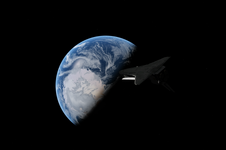
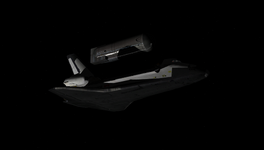
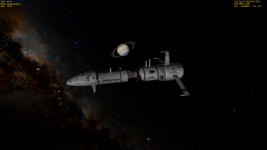
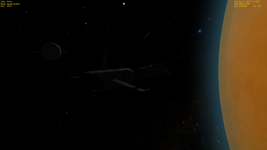
Is it possible to change (or switch) the sun texture into just a small round disk without glare and effect on DG glass cockpit?
Sorry, I've already found the "Enable sun glare" option in D3D9 Client, although it looks good during suborbital flight.
 

Attachments

  • 7.png
    7.png
    563.6 KB · Views: 23
  • 8.png
    8.png
    563.6 KB · Views: 22
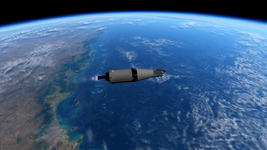
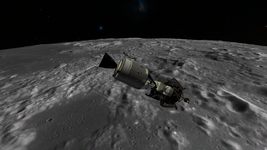
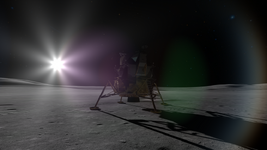
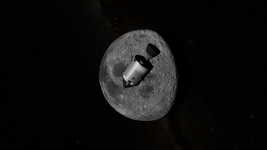
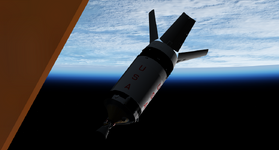
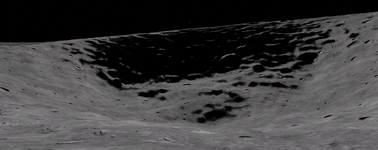
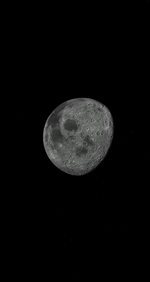
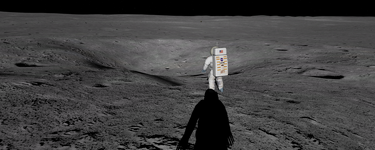
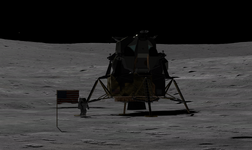
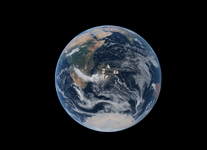
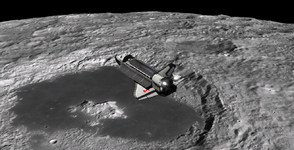
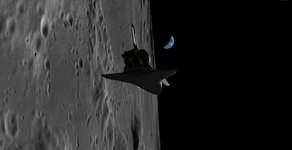
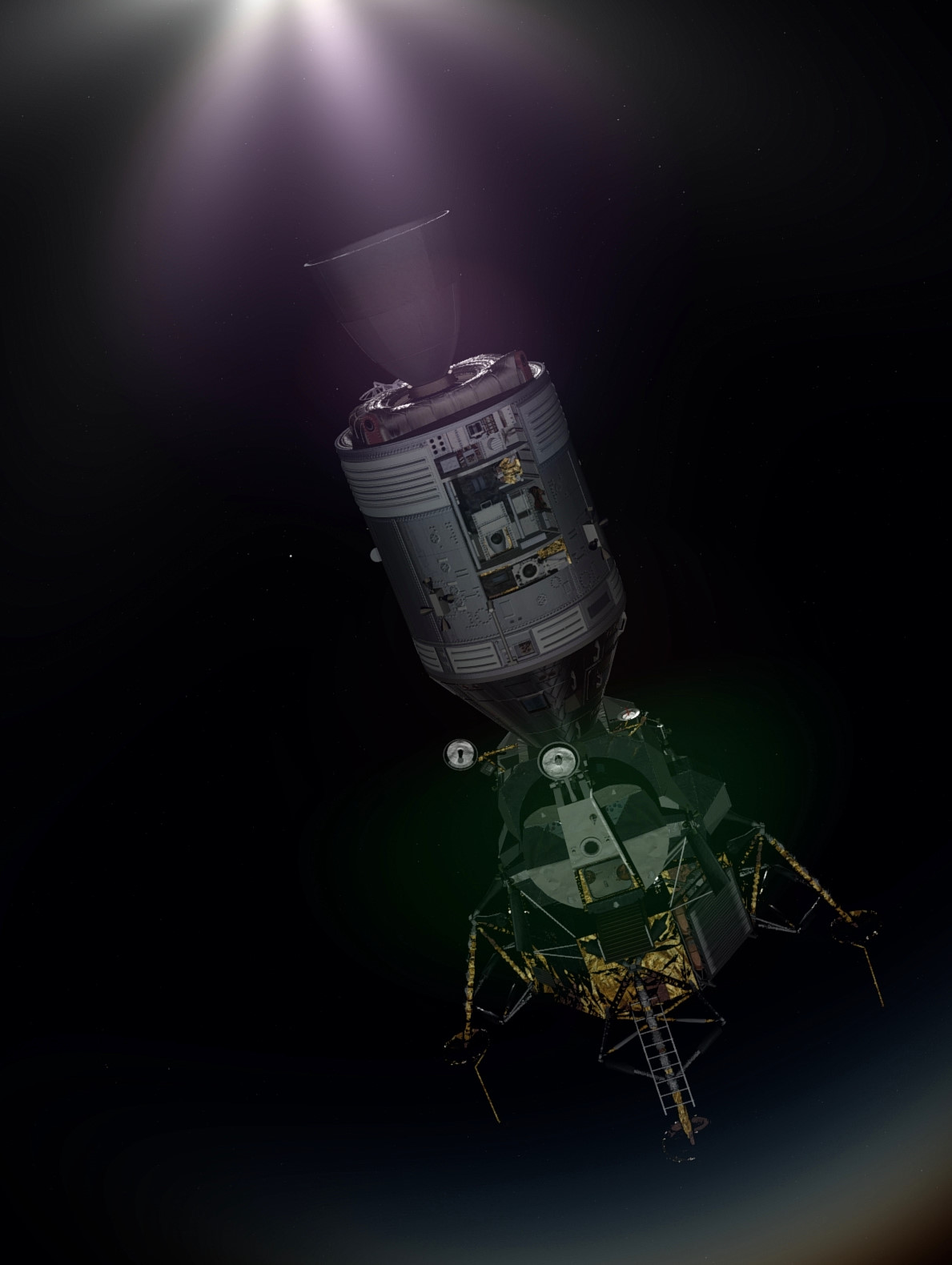
Some screenshots from my alternate history run of Apollo 13:
From flight day four on, it almost felt like I was getting away with something that I shouldn't... ;)

TLI in sunlight
1674857953500.png

Flying low - CSM/LM stack just 8 miles above the lunar surface
1674858073080.png

Contact! Aquarius is down at the Fra Mauro highlands
1674858167138.png

Headed home with no LM attached...
1674858189166.png
 
orbiter-2023-01-26-02-03-16-960.jpg


orbiter-2023-01-26-00-52-11-943.jpg
 
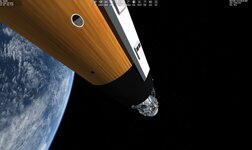
I just wanted to ask what it is. If it's AMSO for Orbiter 2016 then where to find this service module (without panel)?
yes, it's AMSO and Orbiter 2016, with some pretty heavy texture upgrade done by myself ;)
then adding one or two filter in Paint.net and rotate a screenshot for 90° :) and that's it
about panel, didn't edit that in any way, just playing some scenario that comes with the default AMSO.
Panel comes off eventually you know :)
 
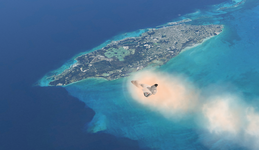
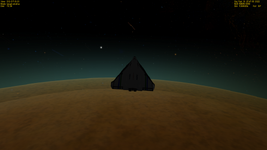
Is it possible to change (or switch) the sun texture into just a small round disk without glare and effect on DG glass cockpit, as in 2016 (3rd screenshot)?:
It's possible to change the texture by editing CreateSunGlarePS() function in Glare.hlsl. By removing H and L from the return statement it should turn into a round disc.
Also there is a glare intensity slider in graphics controls. So far, in every screenshot I have seen the glare is more intense than I have intended it to be. Not sure if there's a configuration problem or has everybody boosted the intensity.
 
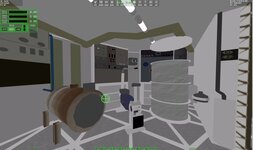
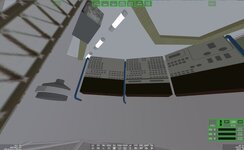
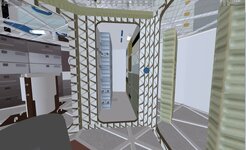
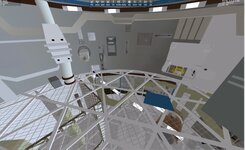
Something I have been working on. Interior of Skylab. I am using the exterior of Skylab1973. Using VB now.
 

Attachments

  • skylabinterior5.jpg
    skylabinterior5.jpg
    66.1 KB · Views: 22
  • skylabinterior4.jpg
    skylabinterior4.jpg
    54.4 KB · Views: 21
  • skylabinterior3.jpg
    skylabinterior3.jpg
    53.7 KB · Views: 21
  • skylabexterioir1.jpg
    skylabexterioir1.jpg
    61.9 KB · Views: 19
Something I have been working on. Interior of Skylab. I am using the exterior of Skylab1973. Using VB now.
good to know (y) I hope you'll provide also all files that are necessary for it
cause literally every scenario I try with Skylab in it - results in CTD
and I would swear I have everything I need :confused:
 
good to know (y) I hope you'll provide also all files that are necessary for it
cause literally every scenario I try with Skylab in it - results in CTD
and I would swear I have everything I need :confused:
Post the log in the "General Questions and Help" sub-forum. We can see if we can get you rolling... er... flying.
 
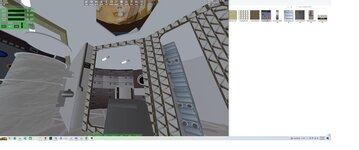
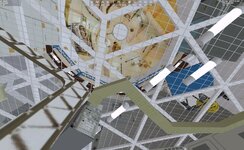
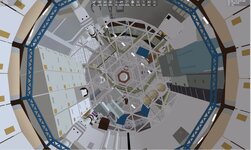
More interior. I got the floor to be transparent. Not sure about releaseing due to licenseing issues on reusing the Skylab 1973 meshes,..... I hope to put a guy or two around like the ISS_HD
 

Attachments

  • skylabview1.jpg
    skylabview1.jpg
    102.3 KB · Views: 17
  • skylabview2.jpg
    skylabview2.jpg
    103.1 KB · Views: 17
I'd thought that if you (or someone) were to release a mesh/textures... that needed someone else's addon that you'd be fine, provided you didn't include their addon with the release. An addon for an addon... if you will.

It's not appreciably different than a repaint/reskin of one of the craft flying around (how many skins are there of the DGIV?).

Unless somethings changed, that is.

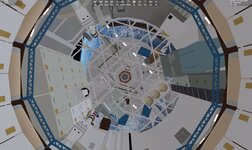
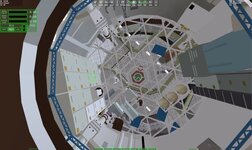
Digging those interior screen grabs. Can you show the lockers? Like, the view from near the top (airlock) looking down along the centerline? You know what I mean... I'll bet ;)
 
It's not appreciably different than a repaint/reskin of one of the craft flying around (how many skins are there of the DGIV?).
Unfortunately, there is probably a significant difference here. The DGIV was designed for reskinning, i.e. you could just change the loaded textures in a config file (I think there even was a menu for it somewhere...).
But the normal case is that the texture is noted in the mesh file, i.e. you need to go and change those to change the textures. This essentially leaves two options for a reskin: re-release the modified mesh files, or replace the actual texture files on the disk. Both have their obvious problems. There's a third one that involves writing a script that modifies the mesh files on the users disk, but that's just a hassle and might run into permission issues on the users computer...
 
Thanks. Glad @PhantomCruiser asked. I left out the lockers and water storage along the top.

But now I need to fix the glass floor.

I may add suits as they seem to be attached to the foot restraints. Might add a person like the ISS_HD

On the mesh form SKYLAB1973. All I have done is cut the hole for the window. But It will need to be recoded. Might do the Multiple dock adapter.
 

Attachments

  • SKYLABVCVIEWTOP1.jpg
    SKYLABVCVIEWTOP1.jpg
    108.4 KB · Views: 19
  • SKYLABVCVIEWTOP.jpg
    SKYLABVCVIEWTOP.jpg
    107.7 KB · Views: 20
Last edited:
Back
Top