Discussion Mesh making with Blender

I am not yet convinced. Maybe the problem is, that I want to do this:


And not spend a lot of time learning tutorials that teach me how to make flower pots. But I appreciate the mentioning of the Youtube channel of somebody making Aircraft models. Maybe one day I will see the light.
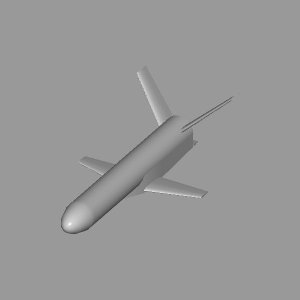
The tails are best done vertically or horizontally, and then rotated into position once complete. One is enough, and the other is just a mirrored copy. You can even make a copy of the body and rotate it the same angle, so you can see how the tail and body will connect as you make the tail.


Mostly how to get the dimensions right, I made it based on a technical drawing and since I need the mesh for testing a module, I want to get the dimensions as accurate as possible, e.g. for having no divergence between thruster positions and thruster force reference. Also creating the fuselage transitions is hard in Blender.
To mark locations, what works for me is having 2 (or 3, depends what the need is) perpendicular planes crossing at the point of interest. A single plane will also help in marking bounds for something. When the work is complete, those planes can be deleted, or simply hidden for future checks or corrections, without exporting them to msh.
This is what I call "virtual scaffolding".
 
The V-tail was actually the easiest part, since I reused the wing mesh for them and just corrected shape and span.
 
I think it will be better to base my hot air balloons on the lua configuration file, not on the VesselBuilder. It should be easy to do, since I'm not going to make any animations. I'm not even sure I should add any airfoil.
 
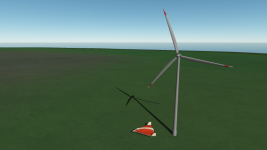
I made my own wind turbine mesh. Using grey color instead of white makes the flickering on the edges much less:

Wind turbine.png

I have a question. Should I made this object as a vessel if I want to animate (stationary rotate it) or are there other ways? Like moved trains in Orbiter 2010.
 
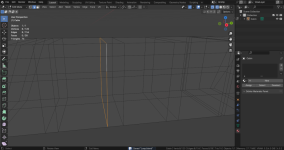
I can apply "Bevel" (Ctrl+B) for the selected loop (namely get two loops from one), but I can't do the same for adjacent loop on the right:

Без імені.png
 

Attachments

Sorry, I understood my fault. The loop that I'm trying to bevel was obtained during copying, so it's not connected to the mesh.
 
Are you intending to release your efforts as an asset pack?
 
Are you intending to release your efforts as an asset pack?
Yes, of course. For now I have the following static (decorative) meshes:

Hangar
Lighthouse
Wind turbine
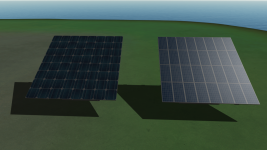
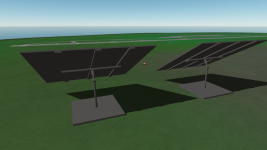
Solar panels
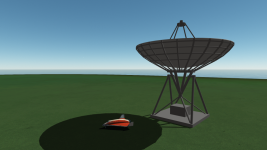
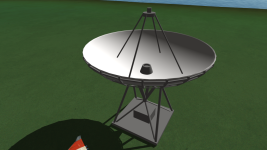
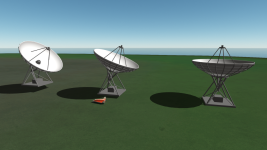
Solar telescopes
(Lady mesh - but I'm not sure I have to post it, since it has a lot of vertices and some defect)

But I'd like to make some more meshes like:

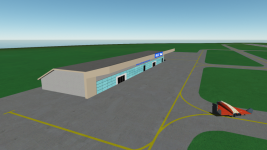
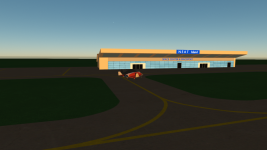
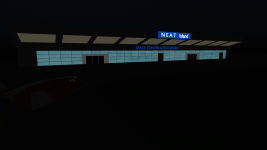
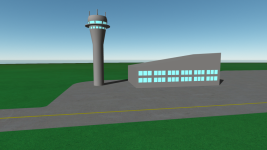
Airport building
Airport tower
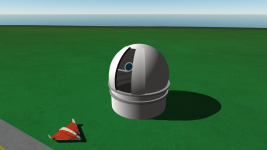
Ground observatory with an optical telescope

And maybe something else.
 
What about a Delta-Glider factory? :unsure: 😉
 
I'm afraid I can't imagine how it could look like, but that's a good idea.

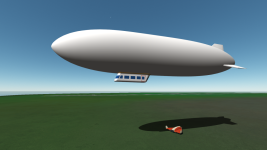
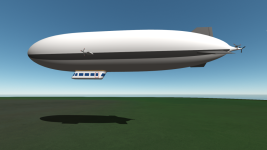
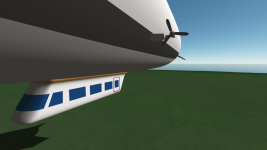
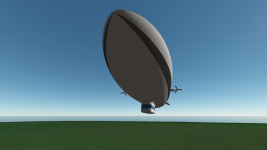
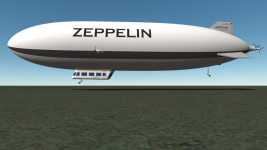
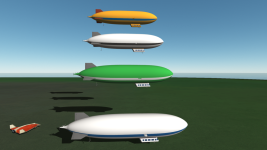
Meanwhile, new project, new hopes:

Без імені.png
 
Ah, the Zeppelin NT. I saw it for some weeks in Braunschweig airport decades ago, while it was certified by the Federal Aviation Office LBA.
 
Back
Top