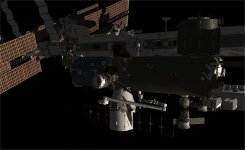
New Release D3D9Client Development

Hi Jarmo,
nice you found some time:thumbup:

I've checked to see what differences there are and found some (minor) issue.

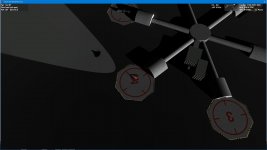
The local light is not "brighter than the sun", so your vessel still casts a shadow into the lit area.
That looked strange when hovering with the sun in the back...(see attachment)
Maybe a different render order would already fix that.

Not a big issue, but since you are there, you might have an easy solution at hand.
 

Attachments
  • Local lights and sun shadow.jpg
    Local lights and sun shadow.jpg
    86 KB · Views: 46
Last edited:
It works! Thank you for adding it.
:thumbup:

But the effect is too sharp.
The inline client has a more natural light dropoff on the edges.

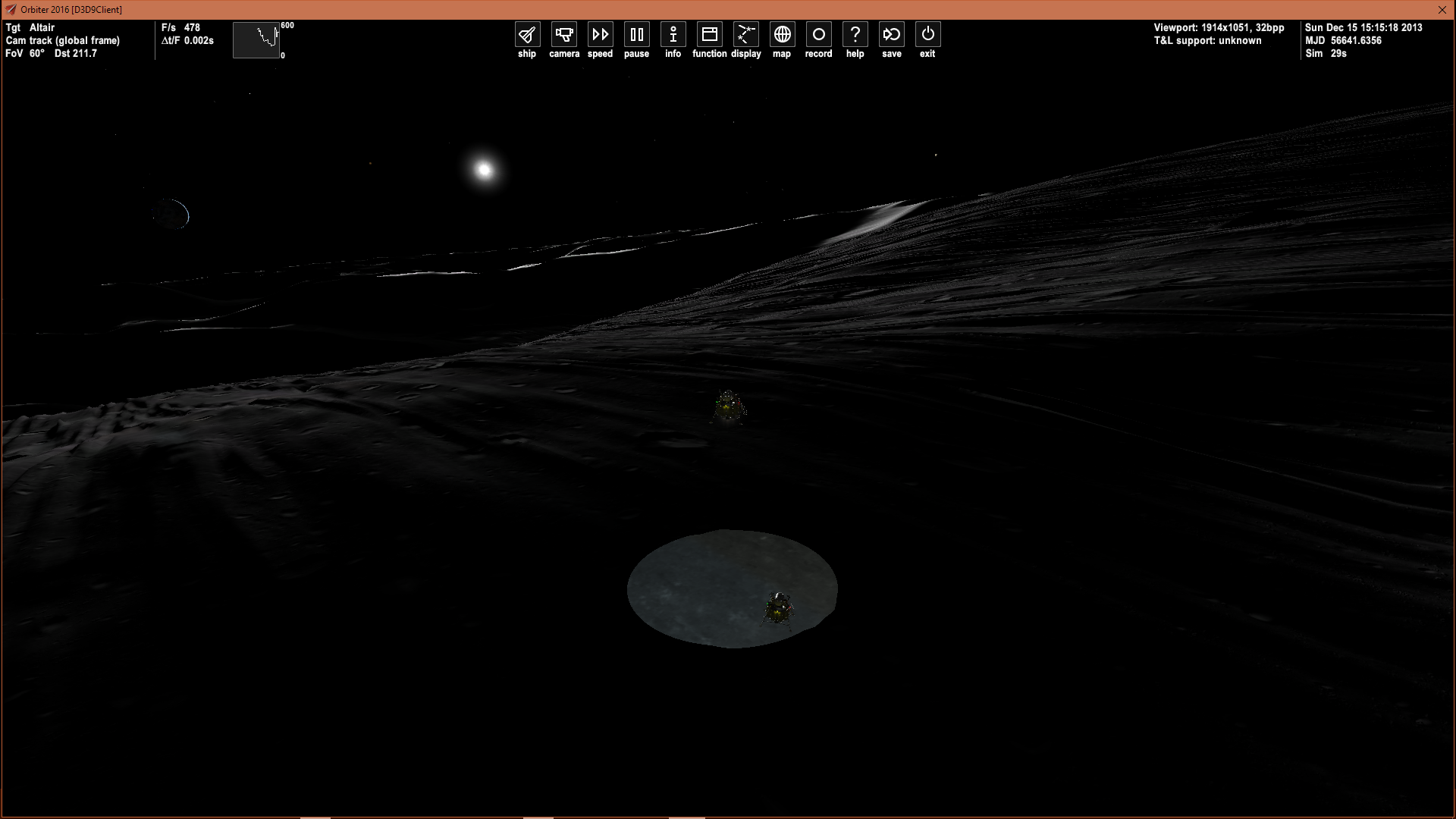
Here's what I get with downward facing Altair landing lights on:
277359828529183.png


Not complaining, just thinking about for consistency.
I know these things take time to get right!
 
Last edited:
But the effect is too sharp.
The inline client has a more natural light dropoff on the edges.

I double checked the math and couldn't find anything wrong.

What values of Penumbra and Umbra are used in your code for the spotlight ?

---------- Post added at 16:39 ---------- Previous post was at 16:36 ----------

I've checked to see what differences there are and found some (minor) issue.

Sadly it isn't a rendering order issue so it gets a bit more complicated but I'll look into it.
 
My mistake.

I was under the impression that the inline client had soft edges.
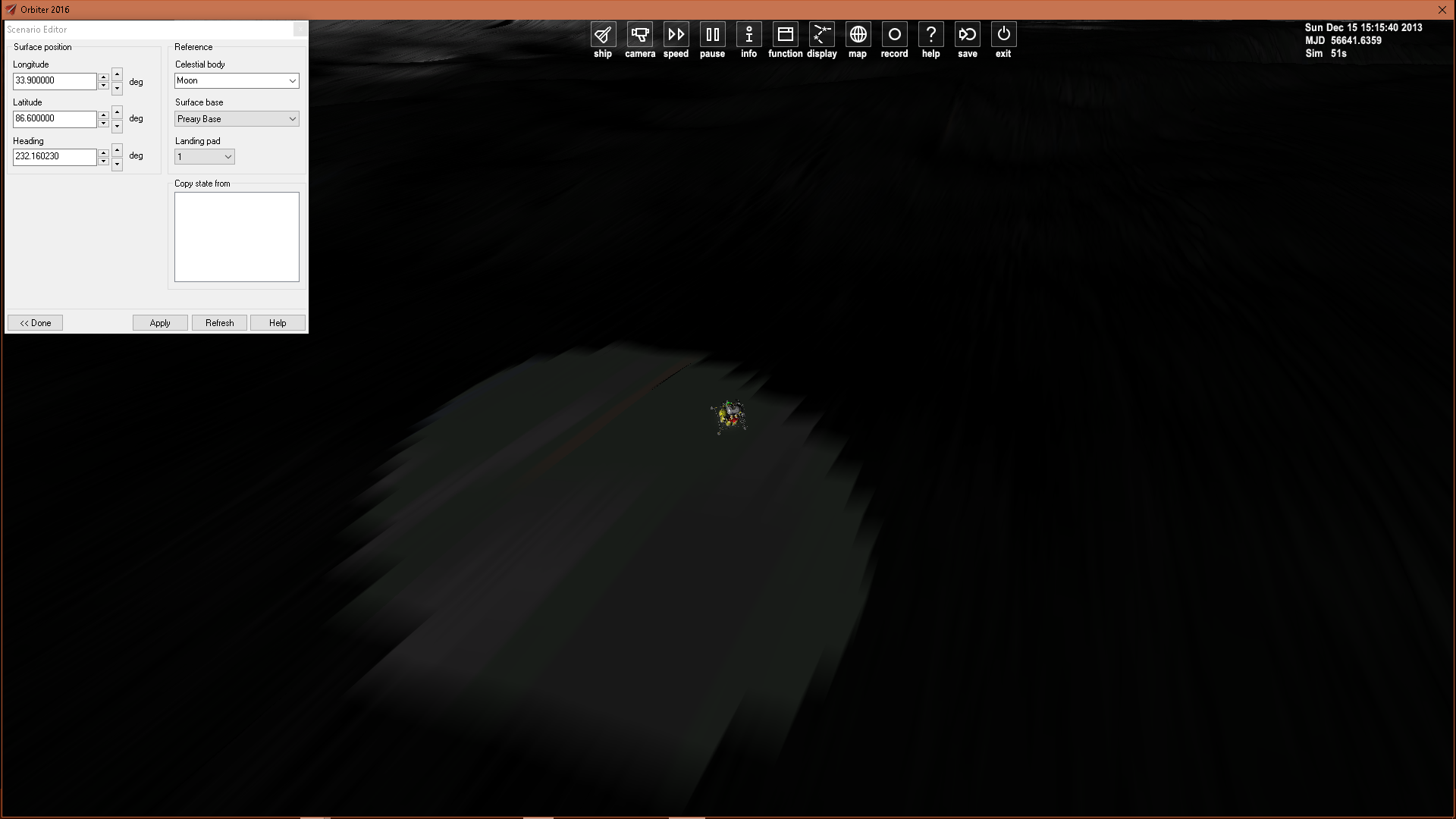
But it's an illusion generated by lower resolution terrain rendering:
b8fec7830679493.png


But really there's no difference! :embarrassed:
 
Can a build of this version of the d3d9 client be also made for the latest orbiter 2016 beta revision?
 
I posted this in a different thread but on second thought I figured that it would fit better here, but I seem to have some issues with the sky glitching in Orbiter 2010 P1 running D3D9:

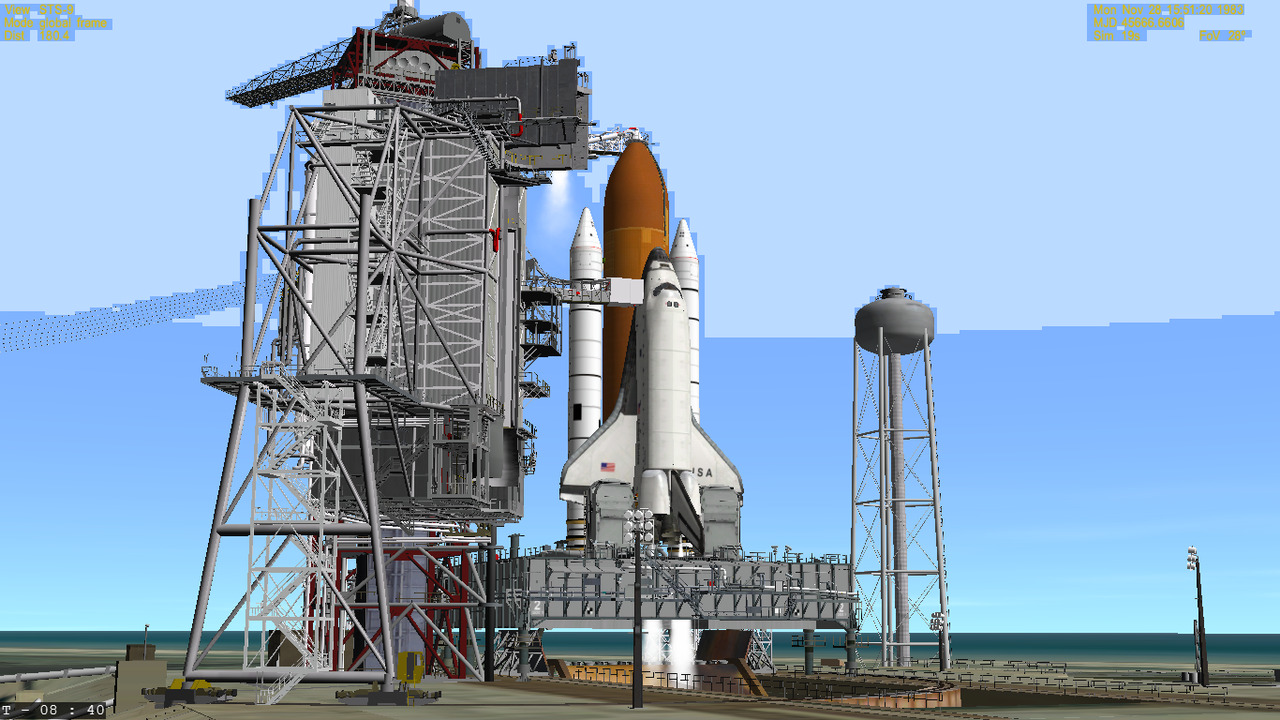
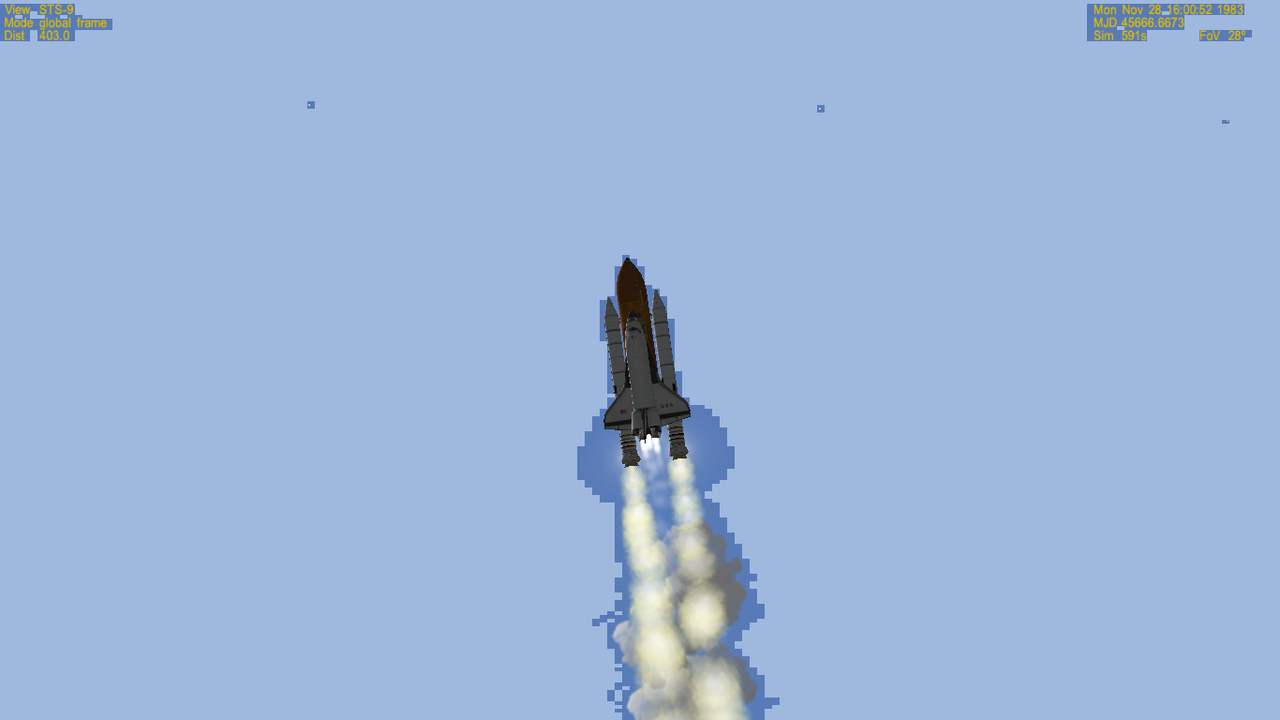
I'm having an issue which has only just recently popped up, and it only seems to happen with Orbiter 2010 P1 running with the D3D9 Client (R16.5 Build). Basically, Earth's atmosphere occasionally has this pixelated film that gradually disappears as you leave the atmosphere, going away completely at around 81km in altitude. I've been using 2010 and the D3D9 client on my Windows 10 laptop for months now and this issue is just now showing up. Any ideas on a fix would be greatly appreciated.

tumblr_p7z4q58Oy91sgt5t3o4_1280.png


tumblr_p7z4q58Oy91sgt5t3o2_1280.png


tumblr_p7z4q58Oy91sgt5t3o5_1280.png


tumblr_p7z4q58Oy91sgt5t3o1_1280.png


I was running a previous version (I think it was R15) and I upgraded to 16.5 in an attempt to fix the problem. It's kind of made things worse because the GDI compatibility check box doesn't seem to do anything anymore (no airspeed/altitude for shuttle landings etc).
 
Disregard this. I found what was causing the issue. If you set Discord to recognize your install of Orbiter with D3D9 installed, it causes this glitch.

I still have issues with the latest version of D3D9 for Orbiter 2010 P1 (R16.5), I'm not seeing the altitude and airspeed readings for Shuttle Fleet vessels in the glass cockpit view when I deploy the air data probes. I have verified that GDI Compatibility is checked in the Video tab.
 
D3D9Client2016 R3 (Shadow Update)

Here's a new bigger update once in a while. The long waited feature of vessel self shadowing has arrived. Currently the shadowing is limited to focus vessel and any other vessel in close proximity. Shadows received by planet's surface and surface base buildings can be glitchy in some conditions, (Stock Atlantis and launchpad for an example), so these shadows are disabled by default. But there is a plan to fix that so no worries.

Shadow map size can be altered from D3D9Client.cfg (valid sizes 1024, 2048, 4096) default is 2048.
 

Attachments

Last edited:
Kuddel

I was just thinking that we probably should convert the surface base meshes "structure_as" to a visuals (derived from vObject) so that we could add them to a visual object list and iterate through them in the main rendering loop in the Scene.cpp

PHP:
for (pv = vobjFirst; pv; pv = pv->next) {
	if (!pv->vobj->IsActive()) continue;
	if (!pv->vobj->IsVisible()) continue;
	if (pv->type == OBJTP_VESSEL) {
		pv->vobj->Render();
			
	}
}

Then we could deal with the buildings just like we do with the vessels. But it could also create some bugs. Those visuals wouldn't have OBJHANDLE available. Any thoughts ?

Also an other problem that has appeared is that we have reached the maximum number of flow control booleans in a shaders. I had to remove some non essentials booleans to get the new features to work. There's no easy solution to that.
 
Hi Jarmo,

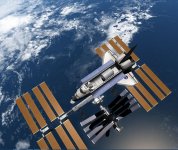
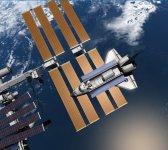
thanks for the shadow feature! I maneuvered around the ISS a bit and it looks very nice.

I found one little issue (sorry).
Could it be that some property of the ISS main solar panel texture is preventing it to "get" a shadow?
As seen in the attachments, the Shuttle casts a perfect shadow onto the "darker" central panels, but fails to do so onto the P6 (or was it S6) truss' panels...

The other way around however it works like advertised :thumbup:

Regarding the "unification" of Vessels and Base-Objects having a common Render() API, I like the idea.
I have not yet looked into that in any detail however :blush:

/Kuddel
 

Attachments

  • shadow.jpg
    shadow.jpg
    203 KB · Views: 51
  • no-shadow.jpg
    no-shadow.jpg
    190.6 KB · Views: 43
Sorry, I forgot to add the test scenarios (for easier reproduction)

_shadow_test(1).scn : Shuttle above ISS' main solar panels
_shadow_test(2).scn : Shuttle above ISS' central (smaller) solar panels
_shadow_test(3).scn : Shuttle below ISS' main solar panels

...and I also forgot to express how much "wow" the self-shadowing adds to the sim!
 

Attachments

Last edited:
Could it be that some property of the ISS main solar panel texture is preventing it to "get" a shadow?

Yes, that appears to be the case. It's the translucency map that will sent the panels to Advanced shader and it doesn't have the shadow code. I forgot it. Not sure if a simple copy-paste works due to a flow control problem. The shader is broken and the translucency isn't working as it's supposed to, anyways. So, might be better to just disable the loading of translucency maps until the issues with the shader are fixed.

A hot fix is to delete the "issbso_*" translucency maps.
 
Best improvement in a while! Thank you.

I'd like to make a small suggestion though, the Video - Advanced menu could use some smooth fonts and a general cleanup in terms of letter case in order to be more uniform with the rest of the Launchpad.

I know it's probably the least helpful suggestion and something that's not on your mind, but I guess I have a user interface OCD of some sort :lol:
 
The shader is broken and the translucency isn't working as it's supposed to, anyways. So, might be better to just disable the loading of translucency maps until the issues with the shader are fixed.
A hot fix is to delete the "issbso_*" translucency maps.

Sorry, I haven't been maintaining the shader like I should. Yeah, for now just delete the transparency maps until I get around to fixing the shader.

_transm.dds
_transl.dds
 
WOW !!!
 

Attachments

  • self shadows.jpg
    self shadows.jpg
    150.7 KB · Views: 66
Back
Top