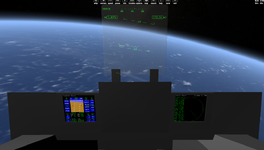
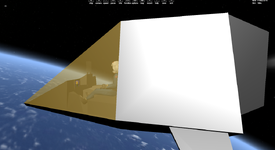
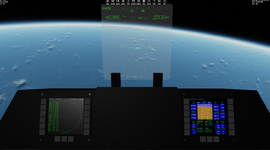
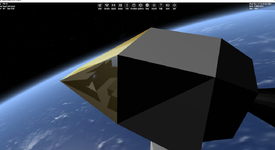
My objective here is to create a basic but functional VC for the ShuttlePB, and learn how to do it in the process.
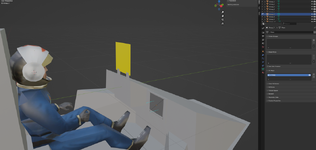
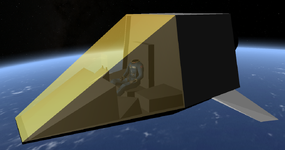
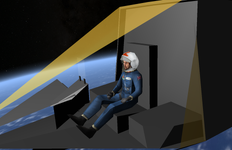
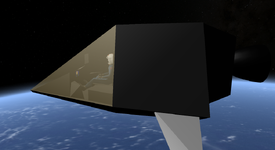
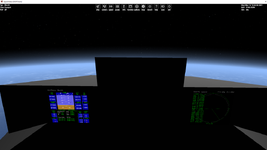
I have my cockpit set up with two 'squares' (each made of 4 vertices and 2 triangles), on which I want, as a first exercise, to display the two 'default' Orbiter MFDs.
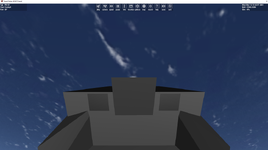
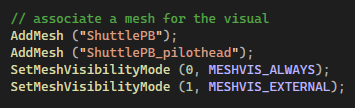
These two 'wannabe MFDs' are also known as 'MeshGroup 7' for the Right one & 'MeshGroup 8' for the Left one. This is a lightly modded Shuttle PB, there's only 1 mesh, index 0.
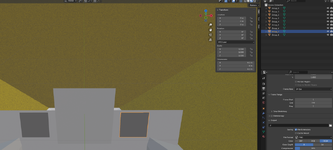
I managed to 'enable' the Virtual Cockpit using 'clbkLoadVC'. But that's the best I could do studying the samples & the documentation.
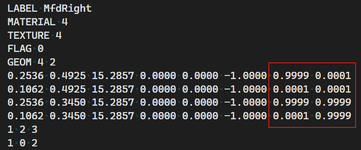
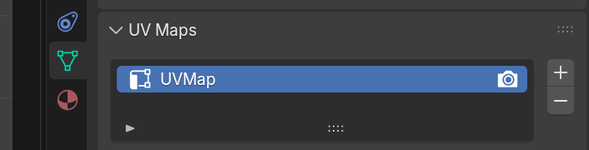
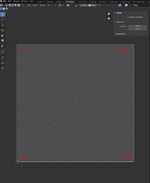
My question is : what am I missing here ? Answer : the meshgroup UV coordinates.
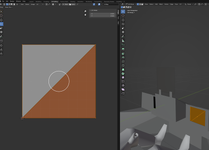
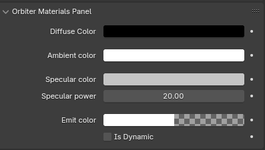
Note : functional Blender material setting for the MFDs :
I have my cockpit set up with two 'squares' (each made of 4 vertices and 2 triangles), on which I want, as a first exercise, to display the two 'default' Orbiter MFDs.
These two 'wannabe MFDs' are also known as 'MeshGroup 7' for the Right one & 'MeshGroup 8' for the Left one. This is a lightly modded Shuttle PB, there's only 1 mesh, index 0.
I managed to 'enable' the Virtual Cockpit using 'clbkLoadVC'. But that's the best I could do studying the samples & the documentation.
bool ShuttlePB::clbkLoadVC (int id)
{
static VCMFDSPEC mfds_left = { 0, 7 };
static VCMFDSPEC mfds_right = { 0, 8 };
// Left & Right MFDs
oapiVCRegisterMFD(MFD_LEFT, &mfds_left);
oapiVCRegisterMFD(MFD_RIGHT, &mfds_right);
// Pilot's eyes location
SetCameraOffset(_V(0, 0.8, 0));
return true;
}
My question is : what am I missing here ? Answer : the meshgroup UV coordinates.
Note : functional Blender material setting for the MFDs :
Attachments
Last edited:


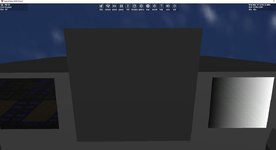

 Thank you guys, very cool!