Discussion Tile making

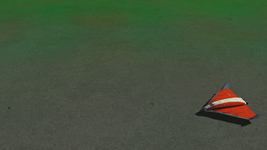
There are no details from a distance. You shouldn't need to zoom just to see something other than a blank colour. The bluish-ice isn't bad though.
 
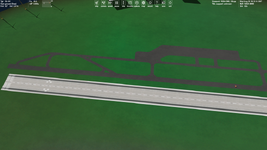
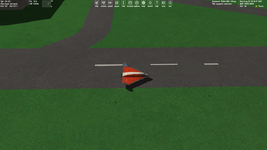
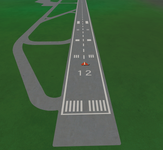
I manually painted runway markings on surface tiles:

rt.png

But it flickers a lot, since the surface tiles have much resolution. I can try "Feather" for these white areas in Photoshop, but then the marking will probably not be clear...
 
I can try "Feather" for these white areas in Photoshop, but then the marking will probably not be clear...
This way doesn't help with flickering and makes markings to look bad.

Also, I reduced the tile resolution by four times and I didn't like how it looks like (I'm trying to get a highly detailed tiles for this island).

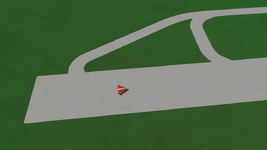
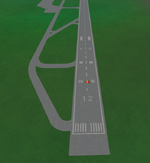
The way that helps is reducing the "contrast" between the markings and runway:

rt.png

It doesn't look as nice as before, but it makes the flickering less noticeable. (Although there's something calm about it.)
 
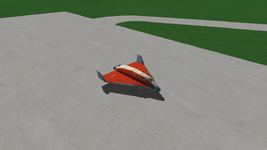
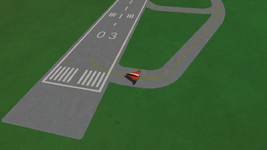
I made different comparative tests with the various levels and resolutions of surface tiles, and I got a very nice result without flickering (but keeping the same high quality) using tiles up to 22 LVL of 1024 resolution:

22LVL.png

Yes, the max. resolution level is 21 in Orbiter (OpenOrbiter) settings, but it didn't stop me from using 22 one. Now I even can try to return the more white markings.

By default the max. resolution in Orbiter 2016 a is 19 LVL tile of resolution 512. So, if we use a tile of 22 LVL of resolution 1024, then it corresponds to using a tile of 19 LVL of resolution 8192, namely this is 16 times more detailed.
 
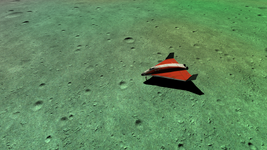
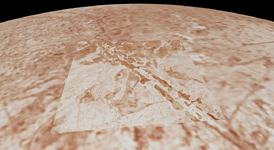
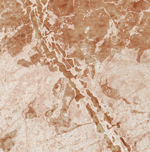
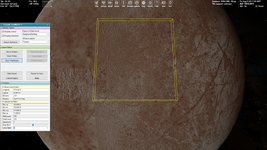
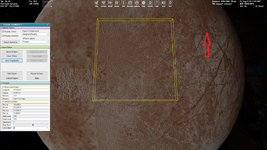
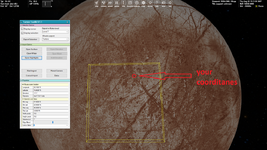
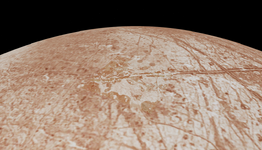
I turned some ice from Northern Quebec into nice Europa tiles. And apart from the painted-in linea that goes through the tiles, I think it looks very good! Just wish it blended in a bit better with the tiles around it though :/
1723215667911.png
1723215675242.png
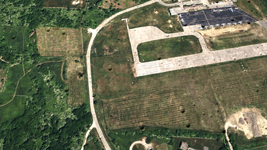
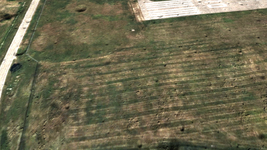
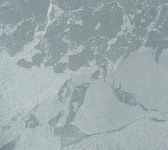
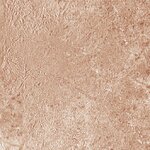
The original tiles, found on Google Earth at 54°15'0.15"N 64°11'28.33"W with historical images from 12/2018.
1723215753587.png
 
I think you know all these ways, but nevertheless it could be useful.

For the better matching you can just export an background (default) tile and paint it in Photoshop adding snow/ice (it's trivial).

If you use an other texture then you can combine these methods:
  • overlay a tile by texture making it transparent
  • apply the "Match Color" adjustment command in Photoshop
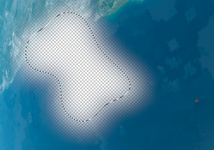
  • apply the "Feather" for your selection, it makes a smooth transparency on the border. That's very effective. Also, you can make your selection of irregular shape, then the edges will be less noticeable:

ps.png
 
I think you know all these ways, but nevertheless it could be useful.

For the better matching you can just export an background (default) tile and paint it in Photoshop adding snow/ice (it's trivial).

If you use an other texture then you can combine these methods:
  • overlay a tile by texture making it transparent
  • apply the "Match Color" adjustment command in Photoshop
  • apply the "Feather" for your selection, it makes a smooth transparency on the border. That's very effective. Also, you can make your selection of irregular shape, then the edges will be less noticeable:

View attachment 40020

Unfortunately I don't have the original tile (I have no idea how to extract them from the original file), which is the real problem here, otherwise I could have blended them well together. I never did the Match Color way though, so that's something I'll keep in mind in the future ;)
 
Unfortunately I don't have the original tile
I think it should be very easy to extract a tile picture of any level for any celestial body using the TerrainToolKit. I'll try to do it a little later. (Maybe the "treeman" and "tileedit" could do it too, but I'm not entirely sure.)
 
I would certainly be grateful if you could give me the background tile :)
The tiles are for a base I'm planning to make, which is located at +81.770523 +19.403215
About here:

1723225966665.png
 
Оf course. What the resolution level do you need?
 
That's this tile. And I got the name wrong, it must be 7/3/11:

tile.png
 
I manually painted the tile (because I couldn't figure out Match Colour properly, the attempt I did wasn't great lol) to help bridge the edges of colours between my tiles and the vanilla ones, and I think it does look better. It's still not perfect, but it doesn't really stand out at first glance anymore.
1723229796249.png
 
Back
Top