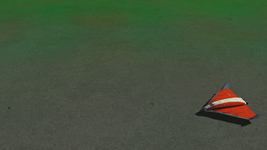
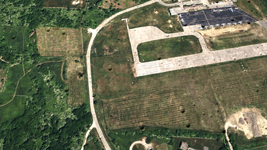
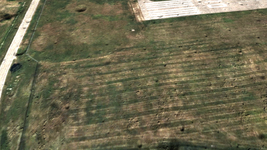
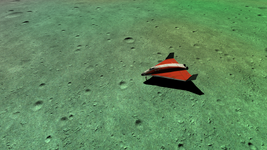
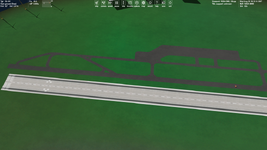
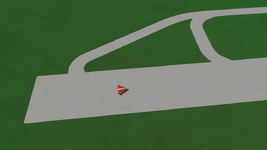
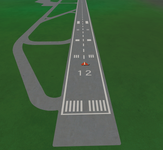
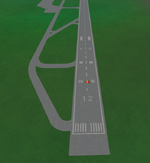
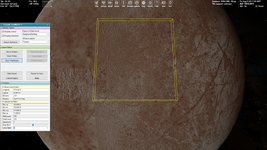
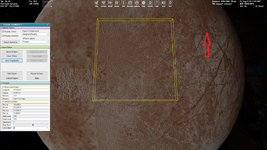
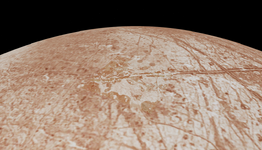
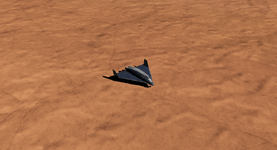
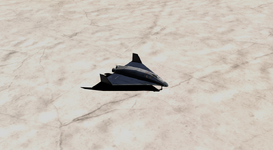
I think you know all these ways, but nevertheless it could be useful.
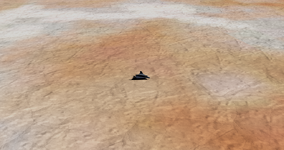
For the better matching you can just export an background (default) tile and paint it in Photoshop adding snow/ice (it's trivial).
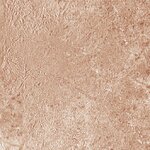
If you use an other texture then you can combine these methods:
- overlay a tile by texture making it transparent
- apply the "Match Color" adjustment command in Photoshop
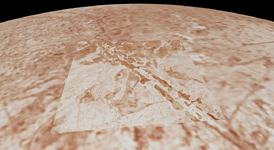
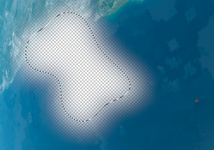
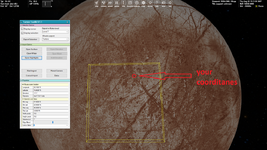
- apply the "Feather" for your selection, it makes a smooth transparency on the border. That's very effective. Also, you can make your selection of irregular shape, then the edges will be less noticeable:
View attachment 40020