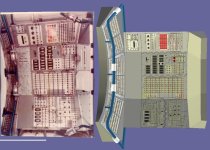
Skylab 1973 rebuild

Oh. I can split the mesh up and adjust the mesh values. Right now they are at
0.878431 0.878431 0.878431 1.000000
0.878431 0.878431 0.878431 1.000000
1.000000 1.000000 1.000000 1.000000 20
0.300000 0.300000 0.300000 1.000000
 
Oh. I can split the mesh up and adjust the mesh values. Right now they are at
0.878431 0.878431 0.878431 1.000000
0.878431 0.878431 0.878431 1.000000
1.000000 1.000000 1.000000 1.000000 20
0.300000 0.300000 0.300000 1.000000

No, I think that will just drive you insane. 😉

Maybe somebody else knows what I mean there, when the lighting is not calculated in real or game time, but is calculated before by the modelling software and painted over the actual static texture.
 
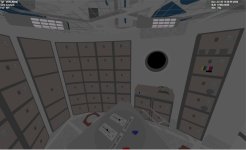
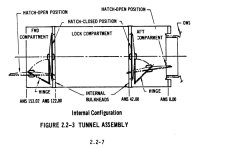
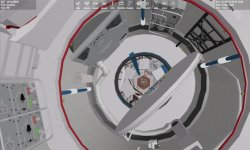
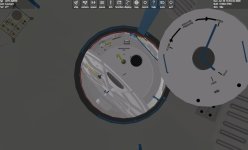
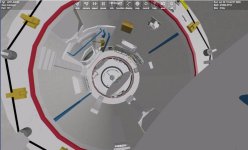
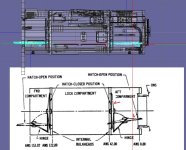
Working on the airlock and ows hatches.
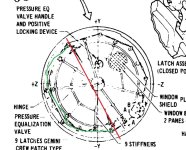
I don't understand how the inner/outer airlock hatches should animate open.
There are 2 parts. 1 c shaped hinge. It looks like it rotates 45 degrees? But the hatch also rotates.
 

Attachments

  • innerhatch1.jpg
    innerhatch1.jpg
    103.3 KB · Views: 9
  • airlockdoors.jpg
    airlockdoors.jpg
    58 KB · Views: 10
  • innerairlockhatch1.jpg
    innerairlockhatch1.jpg
    78.5 KB · Views: 9
  • skylabowshatch1.jpg
    skylabowshatch1.jpg
    41.6 KB · Views: 10
I am still trying to figure these hatches. From what I see. There is a C hinge and then the hatch is hinged at the ends. So the c hinge would rotate away and then hatch would flip, On the diagram the dome part of the hatch is facing out to the ends of the tunnel. But when rotated the dome is now on top rather than on the bottom.
BUT the pins that hatches rotate on are not in the middle. So the hatch can only rotate one direction.
 

Attachments

  • SKYLABHATCHESOPEN.jpg
    SKYLABHATCHESOPEN.jpg
    64.5 KB · Views: 13
  • AIRLOCKDOORS1.jpg
    AIRLOCKDOORS1.jpg
    69.6 KB · Views: 13
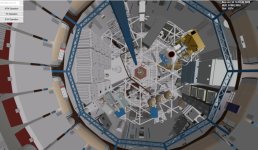
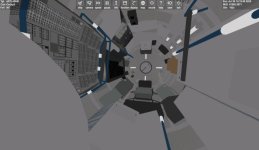
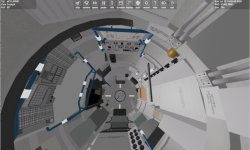
I am getting confused and frustrated. trying to redo the sts area between the the mda and airlock. we know the windows are 37 degrees off center. But the equipment seems to be off center too?
 

Attachments

  • SYLABSTSLAYOUT.jpg
    SYLABSTSLAYOUT.jpg
    95.7 KB · Views: 5
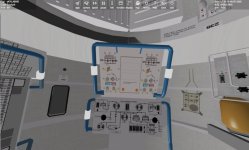
Redid the STS area. Need to make sure labels are the right orientation.

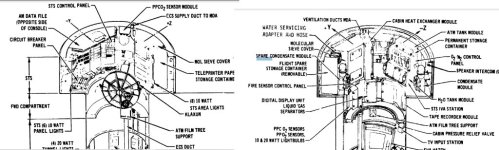
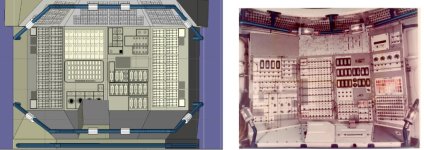
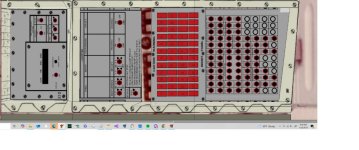
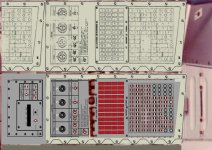
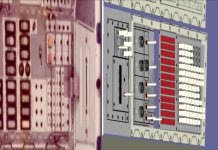
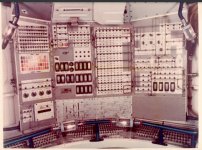
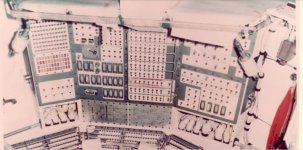
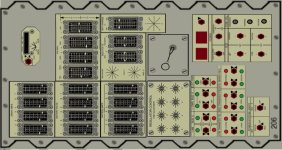
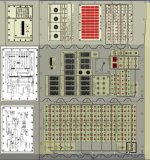
The big control panel in the STS is wrong. I just laid overlays. But the orientation is wrong. It seems in the STS as far as labels go up is towards the OWS.
 

Attachments

  • STSCONTROLPANEL.jpg
    STSCONTROLPANEL.jpg
    59.6 KB · Views: 23
  • SKYLABSTS3.jpg
    SKYLABSTS3.jpg
    71.1 KB · Views: 24
  • SKYLABSTS2.jpg
    SKYLABSTS2.jpg
    69.8 KB · Views: 25
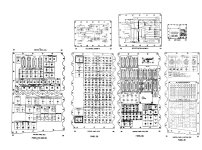
Lots of stuff to do this. I guess no switches but textures?
 

Attachments

  • stspanellayout.jpg
    stspanellayout.jpg
    136.6 KB · Views: 13
  • stspanel1a.jpg
    stspanel1a.jpg
    95.3 KB · Views: 12
Can the player see it from up close? Then you could make use of some more details. And if you can't operate it, using a single mesh for the switches and just referencing lots of them in the code could be helpful.

I wonder, would it make sense if we could reference just previously defined meshgroups in a mesh file, so that its reused in a different position and the file can be smaller and easier to render. At least, most modelling software can't deal with it, thats more common for CAD software.
 
Can the player see it from up close? Then you could make use of some more details. And if you can't operate it, using a single mesh for the switches and just referencing lots of them in the code could be helpful.

I wonder, would it make sense if we could reference just previously defined meshgroups in a mesh file, so that its reused in a different position and the file can be smaller and easier to render. At least, most modelling software can't deal with it, thats more common for CAD software.
It depends. right now they could move close. But If I go with predetermined VC spots then not really besides zoom in/out

I would say not operate. So a single mesh group of switches?
 
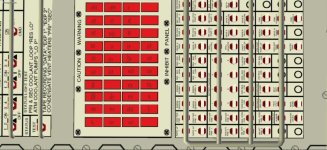
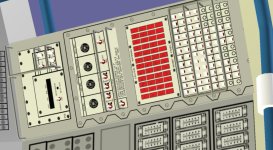
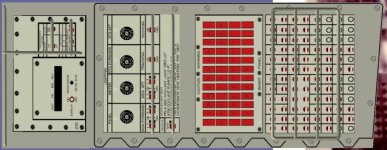
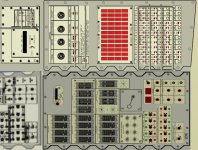
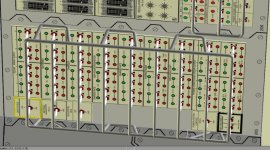
1 panel of the STS control Panel. This has the clock and lighting control and c&w

I need to add the guards.

I wonder about the colors? I am using a light gray background and the same for the panels?

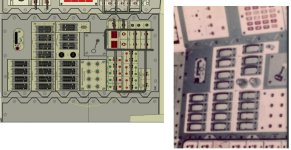
on the real one the panels look white?

I guess for the switches below the C&W lights. I will make into 1 group. And I think get the clock to display the GMT,.....
I may just make rectangles box and paint the textures on? I need to redo the textures so the round circles are round and not oval.


Thoughts?
 

Attachments

  • stssidepanel1.jpg
    stssidepanel1.jpg
    84.8 KB · Views: 8
  • stssidepanel2.jpg
    stssidepanel2.jpg
    112.2 KB · Views: 8
  • stssidepanel3.jpg
    stssidepanel3.jpg
    88.4 KB · Views: 9
  • realstspanel2.jpg
    realstspanel2.jpg
    105.8 KB · Views: 9
  • realstspanel1.jpg
    realstspanel1.jpg
    97.4 KB · Views: 9
It depends. right now they could move close. But If I go with predetermined VC spots then not really besides zoom in/out

I would say not operate. So a single mesh group of switches?

Too much flexibility can create a lot of work.
 
Too much flexibility can create a lot of work.
YES. I think for now I like the ability to move in and out and around. I can see mistakes,....

But I think I may go with set VC positions. Maybe just one in the center of the control panel.

But I think wonder then like on the STS side panel. All the switches could just be a part of the texture rather than mesh group???
 
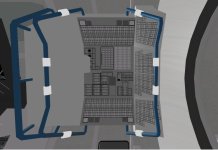
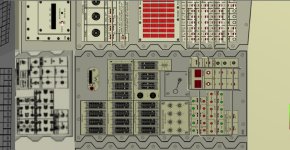
Add the first middle panel. I noticed the difference in the color of the panel. Should I make them the same color or leave?
I will make the middle panel lines thinner compared to the left panel
 

Attachments

  • skylab2panels1.jpg
    skylab2panels1.jpg
    118.9 KB · Views: 9
  • skylab2panels2.jpg
    skylab2panels2.jpg
    113.2 KB · Views: 9
No, I think that will just drive you insane. 😉

Maybe somebody else knows what I mean there, when the lighting is not calculated in real or game time, but is calculated before by the modelling software and painted over the actual static texture.

The idea is to load the meshes into something like Blender, use the rendering engine to get a 'still' picture that looks real good, then take shots of the 'lit' meshes and make textures of them. A bit tedious, but it works.
 
So here is a rendered image of the panel. So you build the mesh and render it and use as a textures? How to light it?

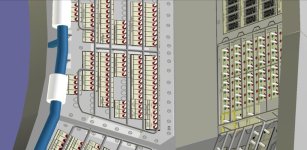
So in the center the edges overlap. the end of the 4 panels are bent. I guess the edges are bent where they meet the center panels?
 

Attachments

  • RENDERTEST.jpg
    RENDERTEST.jpg
    114.9 KB · Views: 10
  • SKYLABPANELSEAM.jpg
    SKYLABPANELSEAM.jpg
    100.1 KB · Views: 10
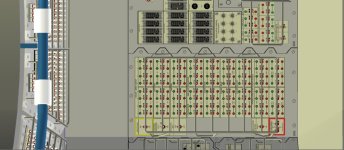
Lots of switches. Not sure how much I will get done in a couple of weeks. But I can make sure it will work in 2016 and 2024
 

Attachments

  • stscontrolpanelclose2.jpg
    stscontrolpanelclose2.jpg
    101.4 KB · Views: 7
  • stscontrolpanelclose1.jpg
    stscontrolpanelclose1.jpg
    90.7 KB · Views: 7
  • stscontrolpanel1a.jpg
    stscontrolpanel1a.jpg
    90.5 KB · Views: 7
Back
Top