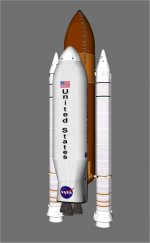
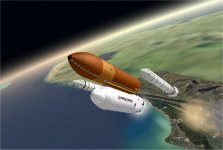
On a totally clear, early May day. Delta Glider 5 rolls slowly to pad 39-B to begin a weeks preperation for DG-13.
DG-13 will land lunar expedition 9

This is a question from someone who just started checking out scenario files and such. How did you put the DeltaGlider on the external fuel tank/boosters? Ive been looking around the scenario files and such but i am unsure on how to add the fueltank+boosters to other spacecraft other than the space shuttle.
I am an on and off orbiter user since 2006 slowly learning and probaly forgetting things along the way

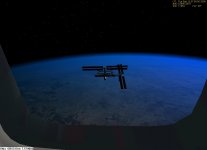
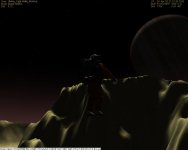
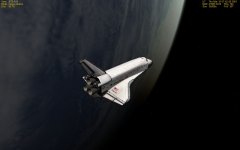
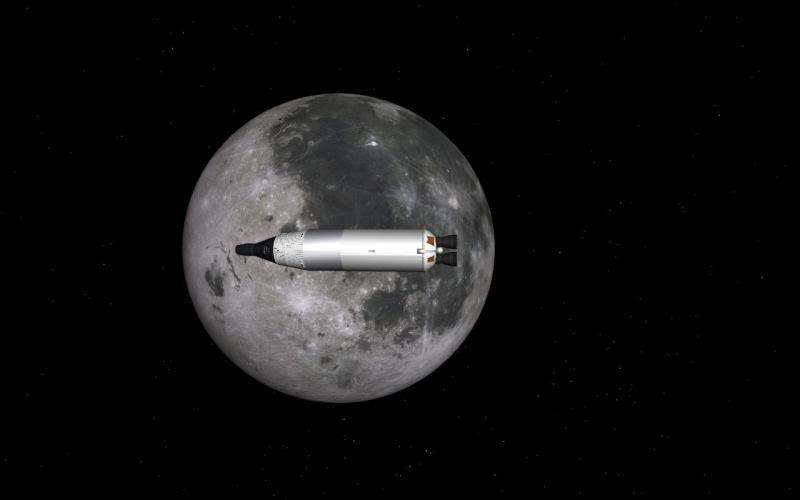
And to add to this thread im posting this screenshot of the Space Shuttle Atlantis in orbit around the moon

Last edited: