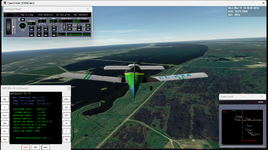
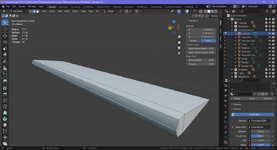
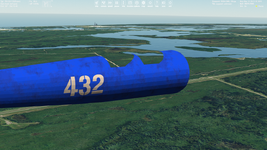
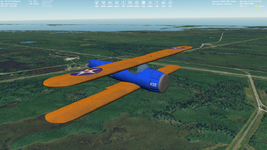
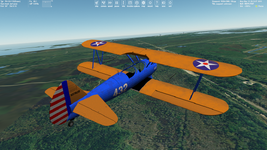
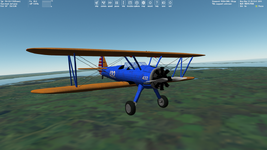
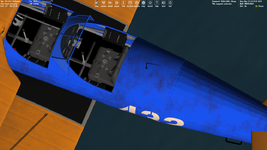
Is it possible to get coordinates (in a global coordinate system) of a vector that is collinear with an edge using some default Blender feature or some add-on? I need these coordinates for the rotation axis coordinates to animate an aileron of aircraft. Here the edge is selected:
View attachment 44354
Also, I'm wondering how to get coordinates for a normal vector that is perpendicular to selected face (for animation gauges on dashboard). Of course, I could get these coordinates using coordinates of vertex and calculation, but maybe anyone knows if it can be done automatically.
In Edit Mode
Switch to Vertex mode
Select the edge (Both Vertices)
Press Shift-Numpad1
Switch to Orthographic View (Numpad5)
Now Both Vertices should be Overlap
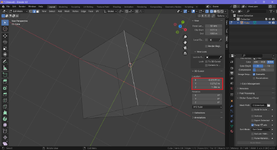
Add a plane. Select Align->View in the Left Bottom Corner, the Small "Add Plane" menu
Select the Plane and press P and Separate by Selection
Apply Rotation Scale of the Plane. Menu Object->Apply->Rotation&Scale
Split the Window and Change to Python Console
Copy the Following paste it in the Python Console and Press ENTER
import bpy
obj = bpy.context.active_object
p = obj.data.polygons[0]
print (p.normal)
You will then see something like this which is the Normal Vector(Your Rotation Axis)
<Vector (-0.8047, 0.3705, 0.4638)>
If the Rotation Axis is in The Wrong Direction When you test it in Orbiter, you need to Flip the Normal of the Face
In Edit Mode Select the Face and press ALT-n -> Flip
Also you Need to Swap the Y and Z values
For my example you need to swap the 0.3705 and 0.4638 values.