Orbiter 2016

Stupid question: I'm working on seeing if the Outer Planets mod by VF2_Rolf can be brought up to work in 2016, and am making some decent headway. But I'm curious: There are a few moons that have irregular meshes: is there any way of making the meshes behave like the earth/moon/mars meshes? I.e. allow landing on these bodies to conform to the surfaces of the mesh? (I think right now the crafts land on an invisible sphere surrounding the moons.)
 
There are a few moons that have irregular meshes: is there any way of making the meshes behave like the earth/moon/mars meshes?

There wasn't in Orbiter 2010, but in 2016 you can define their surface with elevation data, as was done for Deimos and Phobos. It won't be very easy converting the meshes to useful elevation data, though.
 
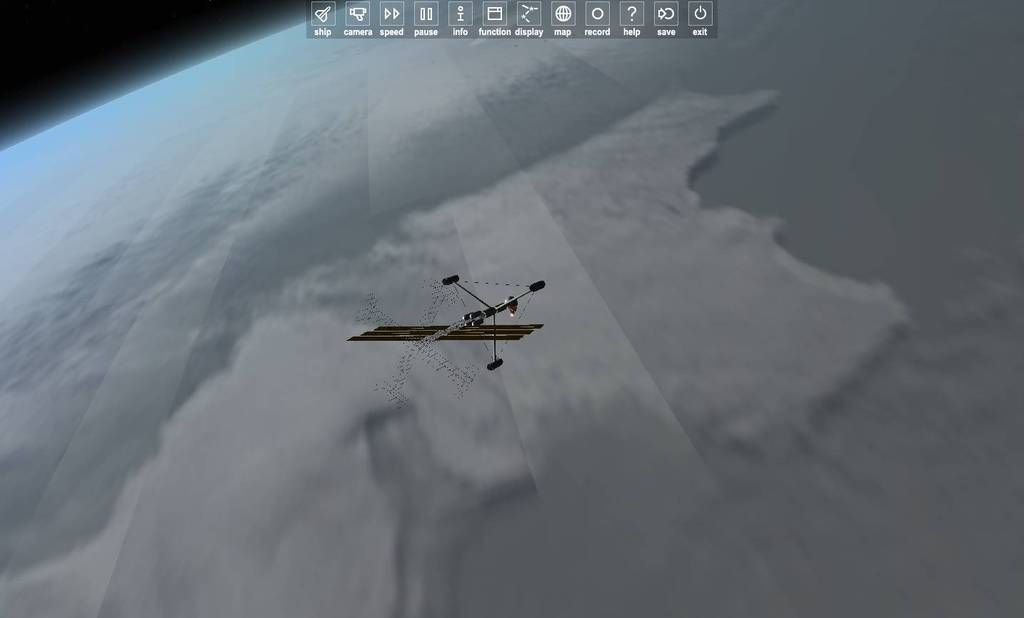
I'm not sure if this is related to the breakup around the planets atmosphere that has been discussed here or not, but I was docked to the Aurora space station (in a circumpolar orbit), and as I passed over Antarctica I took this interesting screenshot. Notice the parallel banding; it tended to break up at points (you can see just above the space station there's a section that becomes double-wide).

0056_zpsgv6uxija.jpg
 
I'm not sure if this is related to the breakup around the planets atmosphere that has been discussed here or not, but I was docked to the Aurora space station (in a circumpolar orbit), and as I passed over Antarctica I took this interesting screenshot. Notice the parallel banding; it tended to break up at points (you can see just above the space station there's a section that becomes double-wide).

That could be related to a cloud shadows. It's know that they can cause issues like that in the inline engine but should not happen in D3D9. Try disabling cloud shadows and see if the problem disappears.
 
Huh... Has something changed in the way stock autopilots are handled since the release version? It appears like they are now unable to use rcs thrusters that weren't there at sim-start.
 
ahoy hoy gents!

So I logged on to the forums randomly today to see what was up with Orbiter, and woot 2016!

I have DLed it and it seems my new rig is too snobby to play DX7 stuff, so I've also (happily) installed the DX9 client too.

So first, let me say cheers martins, great work! Terrain! :D and cheers Jarmonik for the dx9! :D

Everything seems sweet except for one thing/bug. I get a flickering along the horizon, but only when I am landed AND on sufficiently elevated terrain, ie on Ascension Island. I've done some searches and found mention of it, but can't actually find a solution. Is there one? EDIT: doesn't seem to happen with the hi-res textures.... I'm happy :D EDIT 2: nope still happening... :( EDIT 3: curiously it only happens at certain times of day it seems. I ran time accel and it stopped happening, then started again. Didn't seem to like early mornings or a couple hours around midday... :/ ?

Orbiter finally getting beautiful and smooth could make a man start deving again...

 
Last edited:
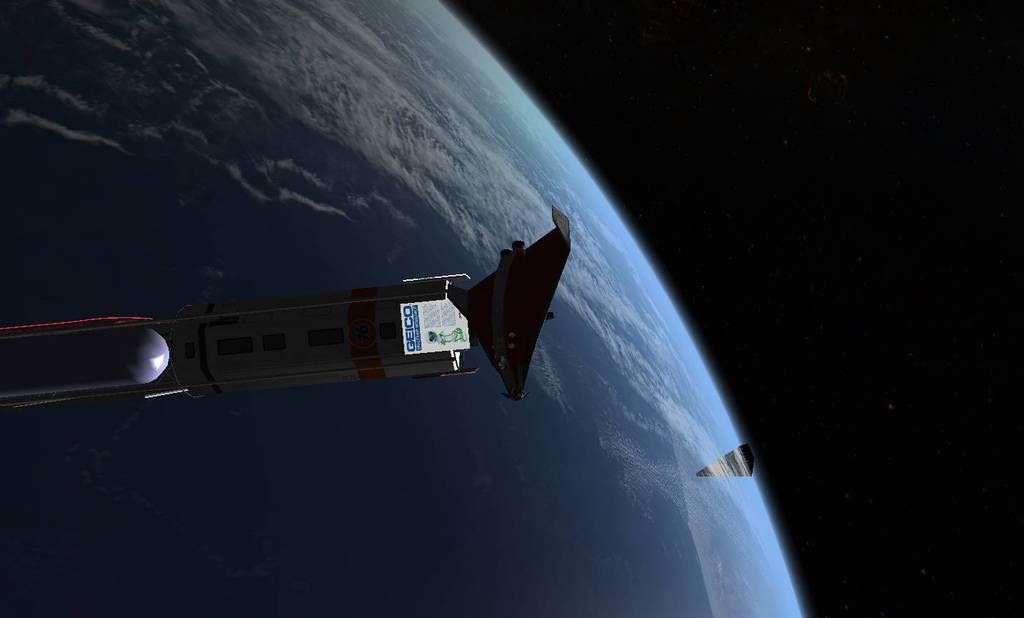
This is the other issue I originally mentioned. Seeing along the edges of planets with atmospheres, a random jagged flickering phenomenon. It flickers so fast this is the first time I was able to capture it in a screenshot. It's as if sections of atmosphere aren't rendered.

0067_zpsfkd3uh2n.jpg


---------- Post added at 03:58 PM ---------- Previous post was at 02:28 PM ----------

That could be related to a cloud shadows. It's know that they can cause issues like that in the inline engine but should not happen in D3D9. Try disabling cloud shadows and see if the problem disappears.

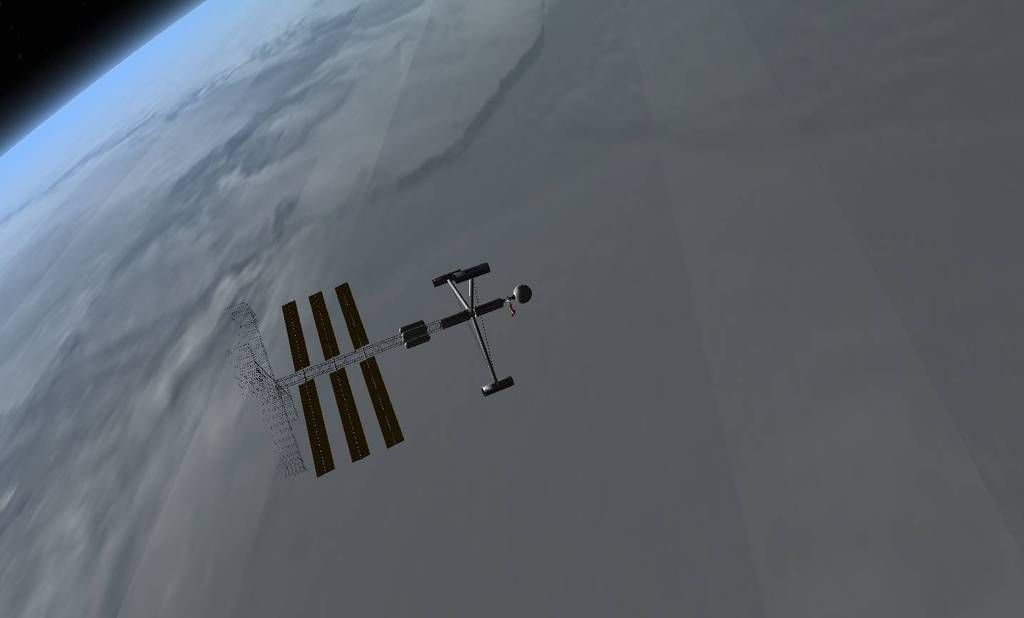
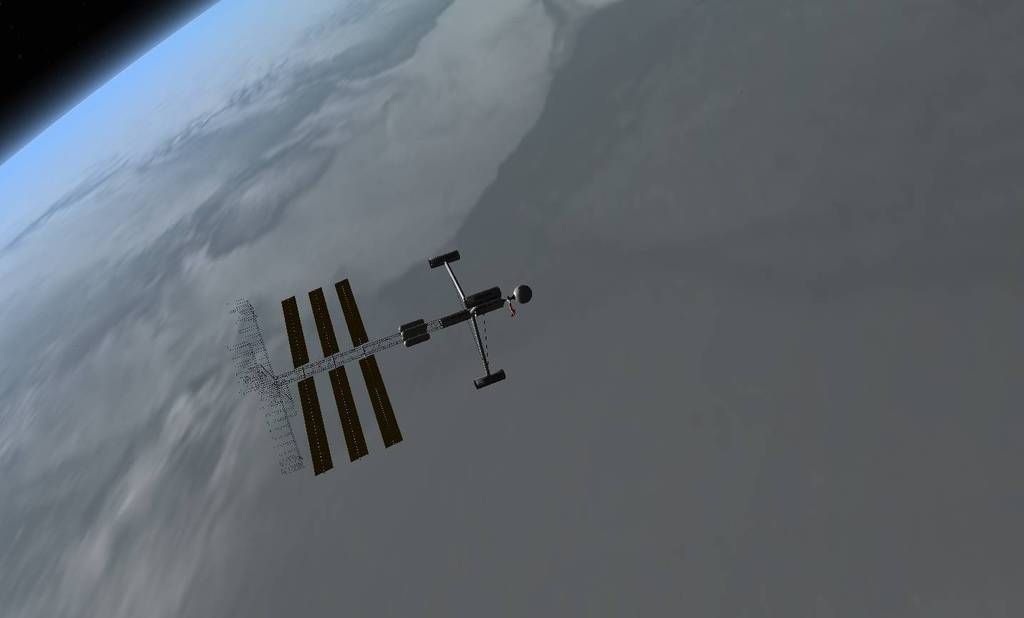
Disabling cloud shadows seems to resolve it (though it's not as realistic...).

Cloud shadows on:

0075_zpsawcexyfi.jpg


Cloud shadows off:

0076_zpsvfvv9xup.jpg
 
Last edited:
Stupid question: Would it be possible to extend the collision system to include ship meshes, not just ground ones? So you would bounce off ships rather than pass through them?

---------- Post added at 10:34 PM ---------- Previous post was at 08:10 PM ----------

Another stupid question. It was probably like this always, but I've just now noticed. In 3D cockpit view in the DG... where's the power buttons for the MFDs?
 
Stupid question: Would it be possible to extend the collision system to include ship meshes, not just ground ones?

You can't use a high-poly mesh for that, the performance loss would be enormous. The ground doesn't actually need to do collision detection with a mesh, just with the altitude point nearest to a given touchdown point, which is quite a different operation.

On the other hand, you can't really use the touchdown points as a collision mesh directly, because you have no normals. Doesn't matter that much when you're bumping into the ground, because the normal of that is known, but if, say, a UMMU bumps into a vessel, the result will be quite different depending on the angle of the impact... which is not known, because the touchdown points are just an outline, not a mesh. They don't have a surface between them, so unless you hit a point exactly, there either won't be a collision, or the result will be pretty random, depending on how you're trying to handle it.
 
Last edited:
Two remarks about the planetary map:

"Find" doesn't seem to work, or it works in such an unintuitive way that I wasn't able to use it.

Seeing longitude and latitude of the cursor position (and/or the selected marker when one is selected) would be neat. Makes flying places without a transmitter a little easier.
 
Hmm. Is this release not compatible with Win 10, or something? Started up, hung up, crashed the system. Odd.

NVM.
 
Many of us are running Win10. You will need to be far more specific with what's going on.
 
Many of us are running Win10. You will need to be far more specific with what's going on.

Yeah, that's as specific as it gets, really. Click on the orbiter.exe to start, everything froze, and had to restart by physically turning the computer off, as even Task Manager couldn't be accessed with ctrl+alt+del.

Only thing that has ever done this in my time on Win 10.

Might be a duff download, perhaps. Trying the windows installer version this time.

In any case, query is answered.
 
Last edited by a moderator:
I just fired up Orbiter 2016 for the first time. Good fun! :)

:hailprobe:

Thanks Martin. :tiphat:
 
Missed release by almost half a year! Congrats to everyone! I'm very excited. Is there more detailed changelog somewhere apart from press release?

Update: You need to update Orbiter Tab above forum, it has lots of outdated info.
 
Last edited:
Back
Top