-
ORBITER-FORUM will be temporarily closed at 2026-07-23 18:00 UTC while we complete some OF maintenance tasks. The amount of downtime is expected to take up to one hour, but probably less.
You are using an out of date browser. It may not display this or other websites correctly.
You should upgrade or use an alternative browser.
You should upgrade or use an alternative browser.
Skylab 1973 rebuild
- Thread starter gattispilot
- Start date
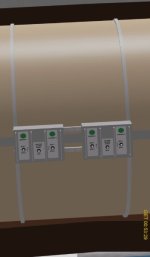
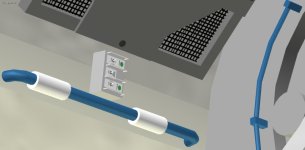
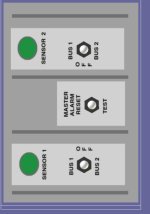
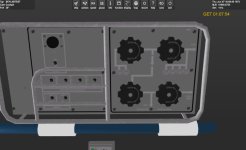
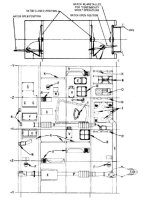
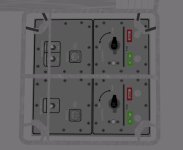
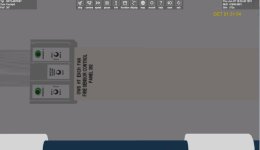
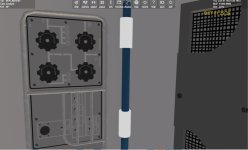
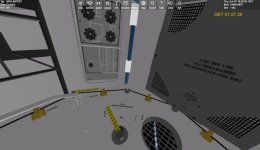
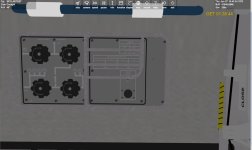
I have a mesh question. If I plan to have switches,..... working. Here on the fire control box in the airlock and also on a water tank.
The switches are separate mesh groups. BUT what about the lights? Right now it is a texture with a green light?
Sure I can but a sphere/dome there. But how to change the color? MAybe like the talkbacks. Move a color texture depending on things?
The switches are separate mesh groups. BUT what about the lights? Right now it is a texture with a green light?
Sure I can but a sphere/dome there. But how to change the color? MAybe like the talkbacks. Move a color texture depending on things?
Attachments

n72.75
Seize the means of computation
Orbiter Contributor
Addon Developer
Tutorial Publisher
Donator
- Joined
- Mar 21, 2008
- Messages
- 2,874
- Reaction score
- 1,718
- Points
- 128
- Location
- Saco, ME
- Website
- mwhume.space
- Preferred Pronouns
- he/him
You could change changeing the emissivity/difuse color of the mesh. or change the alpha chanel of a "light" texture, on the actual light mesh.I have a mesh question. If I plan to have switches,..... working. Here on the fire control box in the airlock and also on a water tank.
The switches are separate mesh groups. BUT what about the lights? Right now it is a texture with a green light?
Sure I can but a sphere/dome there. But how to change the color? MAybe like the talkbacks. Move a color texture depending on things?
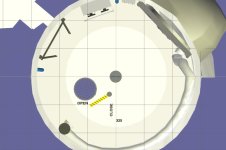
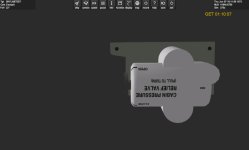
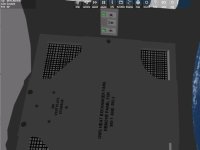
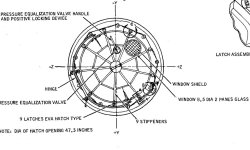
UGH. I realize the hatches are WRONG. The hinges are on the OMWS and MDA side. The stiffeners are on that side. The hatch is larger. on the ows side it has the lock mechanical part. Which has a bar/handle at the bottom.
Because I am building this as launch ready. There may things that are different than images. For instance you would not see the tube from the airlock side to OWS. A mesh could be added???
Because I am building this as launch ready. There may things that are different than images. For instance you would not see the tube from the airlock side to OWS. A mesh could be added???
Attachments
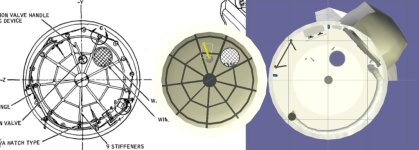
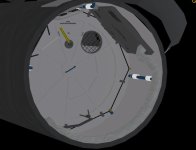
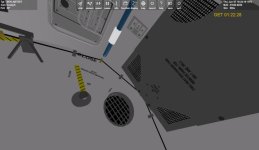
I think this is finally it for the aft section of the airlock.
I think I am not sure about is the color of the panels and the lettering color.
The other thing is how to show the edges? like you see the edge of the interior wall, hatch,...
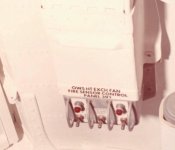
it looks like the default color on the fire sensor is red?
But you can the panel is almost white with black lettering Handle have white lettering
I think I am not sure about is the color of the panels and the lettering color.
The other thing is how to show the edges? like you see the edge of the interior wall, hatch,...
it looks like the default color on the fire sensor is red?
But you can the panel is almost white with black lettering Handle have white lettering
Attachments
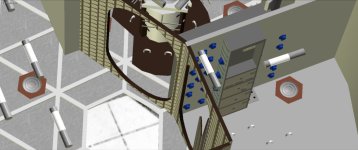
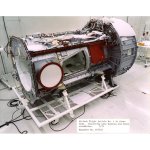
I have the section between the 2 airlock interior hatches and the top of the OWS. I am looking at the airlock ext hatch. I guess there should be a seal along the red lines?
Attachments
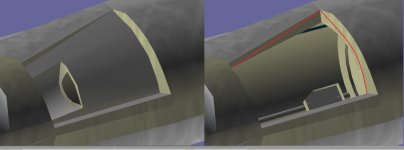
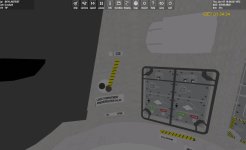
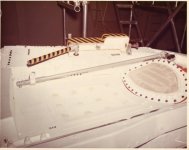
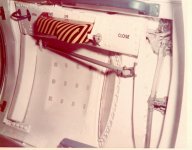
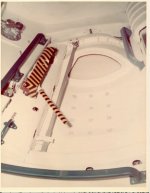
Confused. I know Skylab used a modified Gemini hatch.
I wonder which side? Also looking for drawing of the hatch with dimensions. I can't get the hatch to fit properly. it looks like the front edges stick out I might use the drawing of the airlock and cut the hatch opening out? and then fit the hatch to it?
I wonder which side? Also looking for drawing of the hatch with dimensions. I can't get the hatch to fit properly. it looks like the front edges stick out I might use the drawing of the airlock and cut the hatch opening out? and then fit the hatch to it?
Attachments
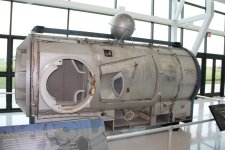
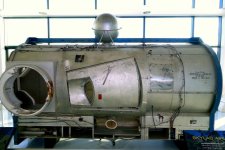
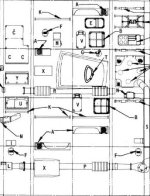
I applied the drawing to the tunnel and looks good for interior. Angled the hatch to fit the exterior. BUT what is confusing is the angle gaps. On the exterior there is a gap at the bottom and a smaller gap at the top, That is because the gemini hatch went on a cone shape and the tunnel is a cylinder. Would like to have a drawing of the hatch to get the curve right
I think I finally got this to work. I need to redo the interior of the hatch.
On the interior lighting. I have the emmissive set at .3 so it glows. BUT what about the hatch. Should it be lit. If it does then when open it would glow. I guess I could have an interior mesh and when open the exterior hatch is seen?
On the interior lighting. I have the emmissive set at .3 so it glows. BUT what about the hatch. Should it be lit. If it does then when open it would glow. I guess I could have an interior mesh and when open the exterior hatch is seen?
Attachments

TheShuttleExperience
Well-known member
Nice! Skylab get's a second life 
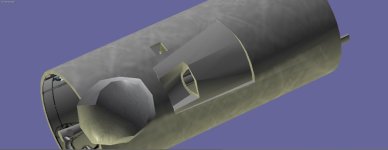
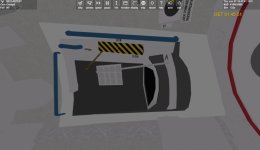
more panels,.....
I think I may apply a texture to the wall to help with the washing. Here I just toned the emissive down.
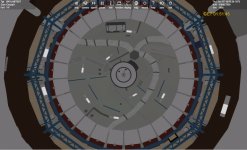
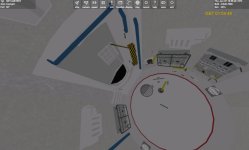
I think the walls of 2nd floor and dome are done.
Most images show a device in the airlock. I left it as it would be on launch.
I think I may apply a texture to the wall to help with the washing. Here I just toned the emissive down.
I think the walls of 2nd floor and dome are done.
Most images show a device in the airlock. I left it as it would be on launch.
Attachments
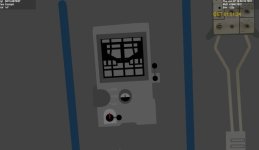
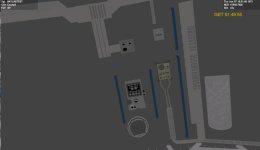
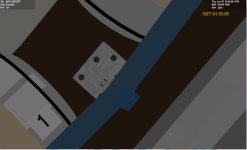
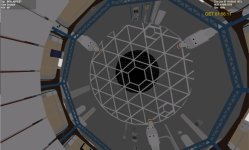
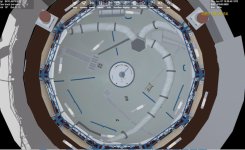
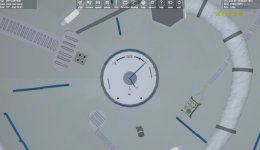
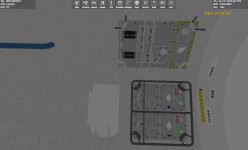
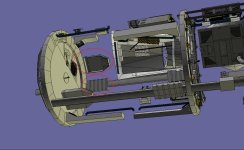
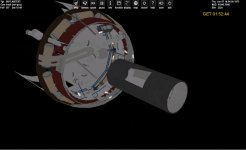
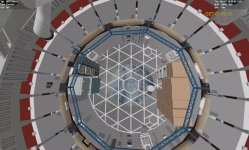
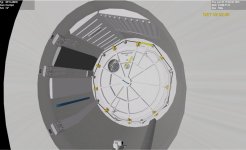
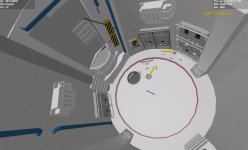
I moved the meshes from VB to a dll. So I can move the camera better.
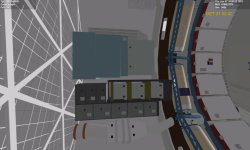
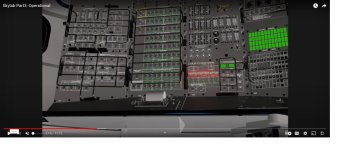
I am not sure about all the switches,.... in the upper airlock. and then all the stuff in the MDA.
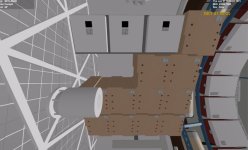
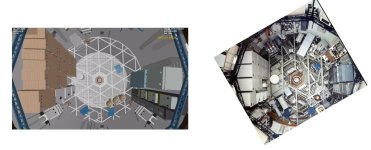
I had notice difference in images. There were changes in launch state and orbit. One I noticed was the condensate module. It shows under the storage area. But it was there for orbit and not launch.
I am not sure about all the switches,.... in the upper airlock. and then all the stuff in the MDA.
I had notice difference in images. There were changes in launch state and orbit. One I noticed was the condensate module. It shows under the storage area. But it was there for orbit and not launch.
Attachments
TheShuttleExperience
Well-known member
I moved the meshes from VB to a dll. So I can move the camera better.
I am not sure about all the switches,.... in the upper airlock. and then all the stuff in the MDA.
I had notice difference in images. There were changes in launch state and orbit. One I noticed was the condensate module. It shows under the storage area. But it was there for orbit and not launch.

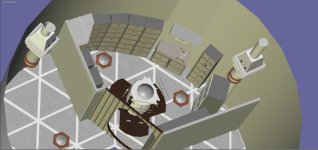
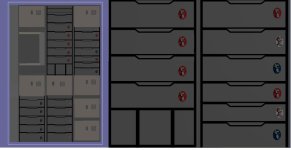
Working on the waste management room
Been asked if I was done? If we want a full interior, then no. Not sure when it will be done.
But I thought what if I did an exterior one with the airlock area in hi detail?
And do one with 2 solar panels as intended?
Been asked if I was done? If we want a full interior, then no. Not sure when it will be done.
But I thought what if I did an exterior one with the airlock area in hi detail?
And do one with 2 solar panels as intended?