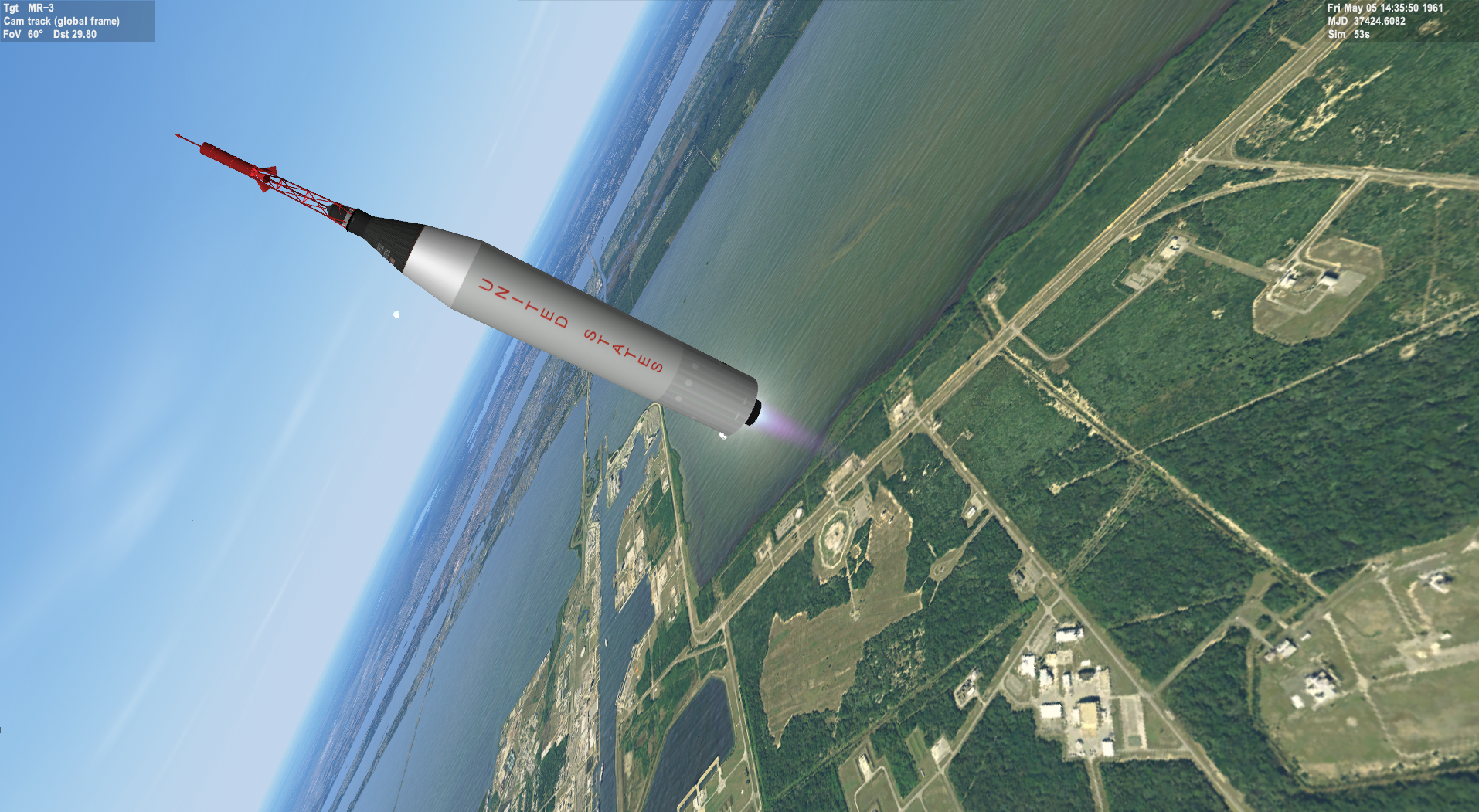
New Release Project Mercury X for Orbiter 2016

No problem, I continue to be impressed by this add-on!

 
Ah, I see, the orientation of the spacecraft and adapter to the launch complex is correct, but the Atlas is off by 90 degrees. The Mercury launches went into orbit in a heads-up orientation which would mean that the Atlas would climb into orbit on its side.

---------- Post added at 10:20 PM ---------- Previous post was at 10:19 PM ----------

The Titan II did the same thing, but the Gemini spacecraft was oriented so that the spacecraft would also go into orbit on its side if I remember correctly.
 
The addon is now updated to version 1.3.

Changes include
  • Now allows time acceleration during launch (but please wait until after T+15 for Atlas and T+30 for Redstone).
  • Periscope has altitude indicators, used to calculate altitude when out of radio contact. Adjust altitude setting with V and B when in periscope mode (F8).
  • MFD's and glass cockpit dissapears when out of radio contact (at least one surface base must be above horizon).
  • Little Joe by '4th rock'
  • Boilerplate capsules by '4th rock'
  • Early Project Mercury development scenarios, currently includes Big Joe, Little Joe and MR-BD.
  • Fixed Atlas mesh orientation.
  • Booster camera views (F8->Ctrl+ArrowDown, toggle front/back view with C.
  • A carrier ship at each of the manned landing sites.
  • Added Ctrl+R key combination to reload disappearing parachute meshes and more.
  • A wide range of bugfixes, and probably added some new bugs too. Please let us know if you find any!

Remember to add the surface bases!
Append "DIR Earth\Base\ProjectMercury CONTEXT MercuryBases" to BEGIN_SURFBASE in Config\Earth.cfg.

The addon is now on Orbithangar, so I've removed the mirror sites.

https://www.orbithangar.com/showAddon.php?id=aa76f625-781d-4194-b153-16b81c9ae3e0
 
SUPER WORK :tiphat:

I love the animation of the representation of ice on the body of the ATLAS. :hailprobe:
And everything else too !!!! :thumbup: :thumbup:

THANK YOU ALL :hail:
 
Thank you for the update, very cool to include the development era missions and carriers! One bug I noticed in the 2010 version is for spacecraft 6-8 the texture does not show up.

---------- Post added at 10:30 PM ---------- Previous post was at 07:28 PM ----------

I noticed spacecraft 6 is now a boilerplate, is there an option for a “blank” manned version (ie spacecraft 6 from v1.2)?
 
Thank you for the update, very cool to include the development era missions and carriers! One bug I noticed in the 2010 version is for spacecraft 6-8 the texture does not show up.

---------- Post added at 10:30 PM ---------- Previous post was at 07:28 PM ----------

I noticed spacecraft 6 is now a boilerplate, is there an option for a “blank” manned version (ie spacecraft 6 from v1.2)?

Weird, it works for me (tried with the Program development\Mercury-Redstone Booster Development scenario). Which scenario did you use?
And do you have the big_joe_capsule.dds etc. textures in the Textures\ProjectMercury folder?

As for the generic manned capsule (Freedom 7II), it's capsule number is now 9.

If you input any capsule number higher than 9, or remove the capsule line in the scenario, it will default to the generic.

In the next release I'll revert it back to being 6 again, making the boilerplates 7,8,9.
 
Been ages since I've been on Orbiterhangar, so it's the first time I've seen the redesigned interface. But shouldn't the version numbers for the 2010 and the 2016 download differ? They both refer to the 2016 version.
 
In regards to the texture, it is installed and I tried all 3 development scenarios but no joy. I removed 1.2 before I put in 1.3 so thought I put it in clean.

In regards to spacecraft number, that did the trick!

---------- Post added at 01:51 PM ---------- Previous post was at 11:27 AM ----------

Here's the texture portion from the big_joe_capsule mesh:

Code:
TEXTURES 4
ProjectMercury\MERC_SCOPE.dds
ProjectMercury\MERC_METAL.dds
ProjectMercury\MERC_ORANGE.dds
ProjectMercury\big_joe_capsule.dds

The little_joe_capsule and MR-BD_capsule meshes are the same but with the corresponding capsule textures. I also double checked the textures were in the folder. Could it be something in the module? I'm using the 2010 version without an external graphics client.

---------- Post added at 02:05 PM ---------- Previous post was at 01:51 PM ----------

picture.php
 
Been ages since I've been on Orbiterhangar, so it's the first time I've seen the redesigned interface. But shouldn't the version numbers for the 2010 and the 2016 download differ? They both refer to the 2016 version.

They should, yes. But Orbithangar is currently under development, so right now it's not supported when one uploads an addon (I've at least not found a way to do it).
 
Doesn't Orbiter 2010 need the "Symbolic link to config"?
Please try running orbiter_ng.exe, go to the Video Tab, click [Advanced] Button
and click [Create symbolic links].
After that you can try running orbiter.exe (Default Client) again an see if that helped.

--- asbjos fixed the issue ;) ---
 
Last edited:
In regards to the texture, it is installed and I tried all 3 development scenarios but no joy. I removed 1.2 before I put in 1.3 so thought I put it in clean.

In regards to spacecraft number, that did the trick!

---------- Post added at 01:51 PM ---------- Previous post was at 11:27 AM ----------

Here's the texture portion from the big_joe_capsule mesh:

Code:
TEXTURES 4
ProjectMercury\MERC_SCOPE.dds
ProjectMercury\MERC_METAL.dds
ProjectMercury\MERC_ORANGE.dds
ProjectMercury\big_joe_capsule.dds

The little_joe_capsule and MR-BD_capsule meshes are the same but with the corresponding capsule textures. I also double checked the textures were in the folder. Could it be something in the module? I'm using the 2010 version without an external graphics client.

---------- Post added at 02:05 PM ---------- Previous post was at 01:51 PM ----------

picture.php

Ah, no, it is the old save-textures-in-wrong-format problem. D3D9Client tolerates it, but the inline graphics version does not. Install the attached patch to make the textures appear.
I will update the Orbithangar version as well, but no need to download the entire file again if you are already on version 1.3, just the patch.

And by the way, my own installation is a hot mess, so I always try to ensure that there is no need to do a clean install. So the next time something doesn't work, save yourself the effort. ;)
 

Attachments

Fixed, thank you very much!

---------- Post added at 04:31 PM ---------- Previous post was at 04:06 PM ----------

Heard there was some talk of alternate launchers/configurations, not sure if y'all would be interested in these:

picture.php


picture.php


picture.php


I have the pdf with the rest of the details.
 
Mercury-Jupiter (textures need more work, but you can get the feel of it):
0b2e671338814220.png


That maneuvering stage is interesting and opens up docking missions.
It would be as fun to fly in Orbiter as Gemini, but much simpler to implement...
 
Last edited:
argh, all of sudden. once I updated to version 1.3... im getting the base appear just below my earth texture. How is this so ? I had no problem with 1.2.

Im using the high-res earth textures. So., a chunk of the modded base is appearing below the earth surface.

Thanks guys.
 
argh, all of sudden. once I updated to version 1.3... im getting the base appear just below my earth texture. How is this so ? I had no problem with 1.2.

Im using the high-res earth textures. So., a chunk of the modded base is appearing below the earth surface.

Thanks guys.

Can you share a screenshot of what you're seeing?
Don't know if it's relevant, but the Launch Complex 5 mesh (used for Redstone launches) is slightly above the ground, as the ground beneath is not flat.
 
Ahh silly me - I was impatient - and made a system restore to an Earlier point / which now rectified the problem
. I’ll try gently adding the 1.3 again - and see what happens . What I meant, was the launch complex in fact - it started appearing below surface . Not sure why . I’m
Running a virtual machine windows 10. But never had issues
 
not sure if I downloaded the wrong version but for some reason my rockets spawn like this:

Also going into the cockpit view seems to crash the game instantly
 

Attachments

  • CurrentState.jpg
    CurrentState.jpg
    70.2 KB · Views: 26
Last edited:
Back
Top