How do you deal with all the win-api UI code in there? Do you have to rewrite all that, or are there some wrapper libs around?
It needs a complete rewrite :\How do you deal with all the win-api UI code in there? Do you have to rewrite all that, or are there some wrapper libs around?

:

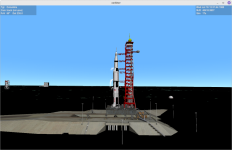
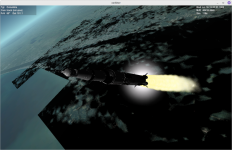
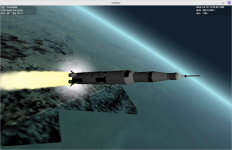
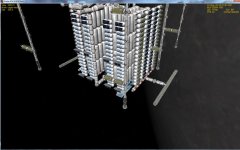
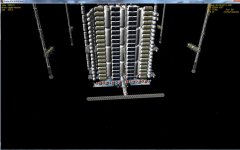
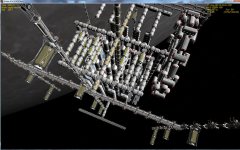
Is this on Linux?Attack of The Black Goo^^
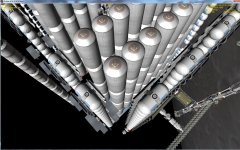
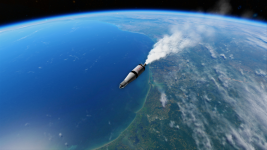
View attachment 28764
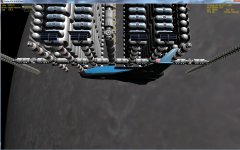
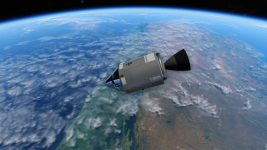
View attachment 28765
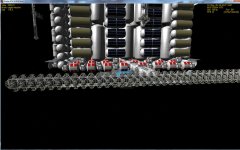
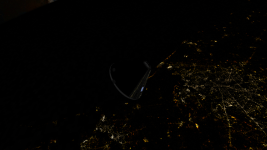
View attachment 28766
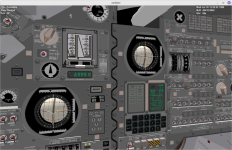
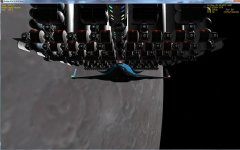
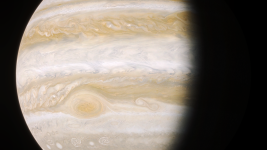
View attachment 28767
Man, we're still a way off...
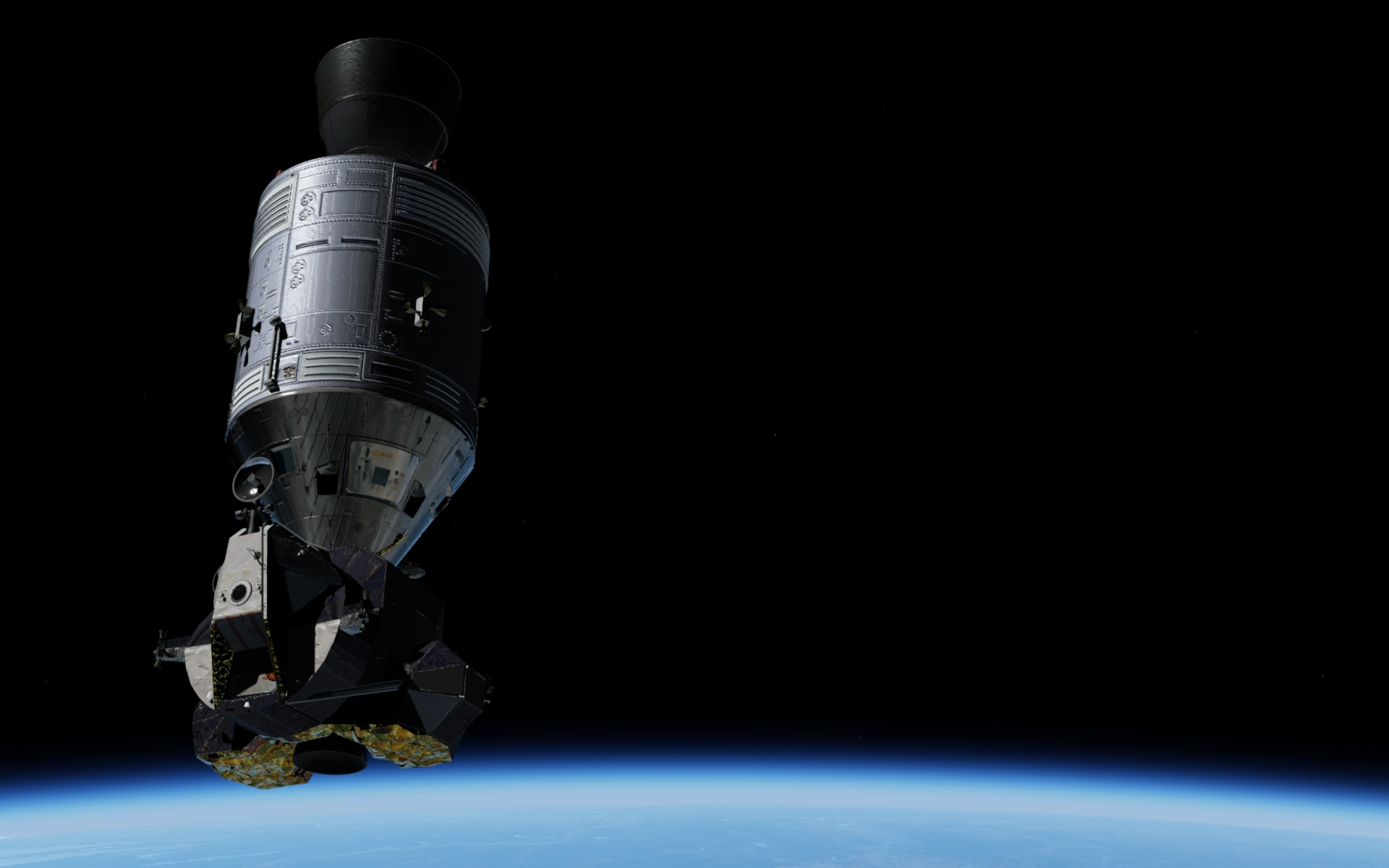
Real noob with NASSP, is the escape tower supposed to jettison by itself? Same thing with second stage separation, nothing happens when first stage runs out of fuel...
YepIs this on Linux?
All staging actions including tower jettison should happen automatically.Attack of The Black Goo^^
View attachment 28764
View attachment 28765
View attachment 28766
View attachment 28767
Man, we're still a way off...
Real noob with NASSP, is the escape tower supposed to jettison by itself? Same thing with second stage separation, nothing happens when first stage runs out of fuel...
OK thanksAll staging actions including tower jettison should happen automatically.


It has something to do with the "/Orbiter/Config/ProjectApollo/Earth_VirtualAGC/Base/Canaveral_VirtualAGC.cfg" file. If you remove the entries from BEGIN_SURFTILELIST to END_SURFTILELIST at the end of the file then these black areas are gone.Attack of The Black Goo^^
View attachment 28764
View attachment 28765
View attachment 28766
View attachment 28767
Man, we're still a way off...
Real noob with NASSP, is the escape tower supposed to jettison by itself? Same thing with second stage separation, nothing happens when first stage runs out of fuel...


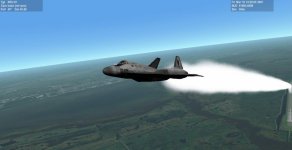
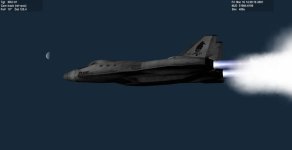
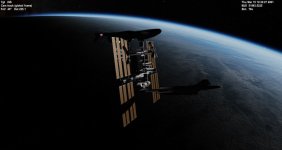
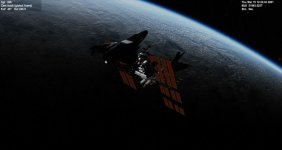
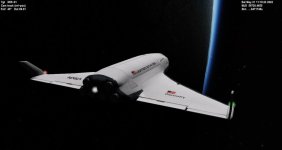
If you have the d3d9 client you can mess around with the atmospheric options and change the colors of pretty much any sky.Looking great! I would recommend some kind of adjustment to the atmosphere as well. That unnatural arc of color has bothered me since I installed O
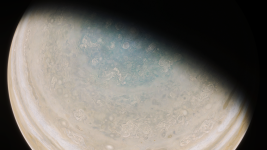
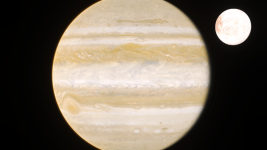
Yeah, but I think for the normal maps to work on clouds they need to be configured as transparent and not opaque like the default jupiter clouds, which have 100% coverage. If someone knows a way I think it would be worth giving it a try.Yeah, looks real cool. Experimenting with normal maps on that could give very interesting results![]()
If you have the d3d9 client you can mess around with the atmospheric options and change the colors of pretty much any sky.
Yeah, but I think for the normal maps to work on clouds they need to be configured as transparent and not opaque like the default jupiter clouds, which have 100% coverage. If someone knows a way I think it would be worth giving it a try.