Discussion Mesh making with Blender

You don't need to open multiple Blender windows. It's enough to use the only one.

 
Thanks.
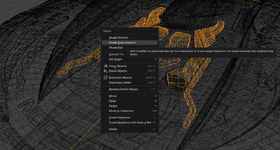
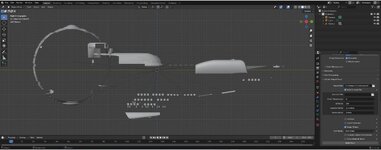
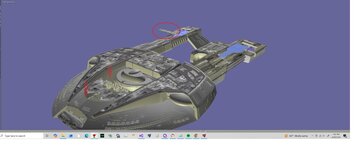
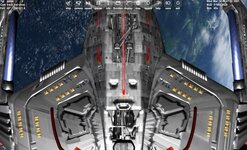
After looking at the saucer those are hole. there are no faces to flip. not sure how to fix that.
 

Attachments

  • akiraholes7.jpg
    akiraholes7.jpg
    51.3 KB · Views: 6
  • arikaholes6.jpg
    arikaholes6.jpg
    72.9 KB · Views: 6
  • akiraholes4.jpg
    akiraholes4.jpg
    78.8 KB · Views: 6
In this case you can:
  • add faces to close the holes
  • make double-sided faces
 
Boy, this is a lot than just convert to mesh.

I guess it might be easier to add the faces to the saucer and then add it back into the whole.

Textures? Not sure how to load them into blender. I bet the new faces need texturing.
 
Hi Luke,
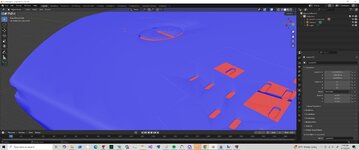
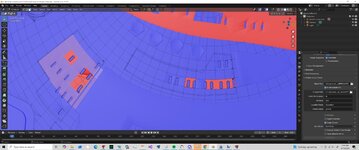
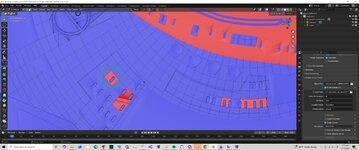
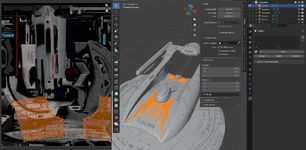
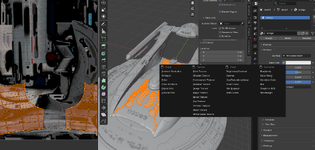
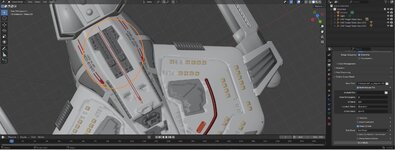
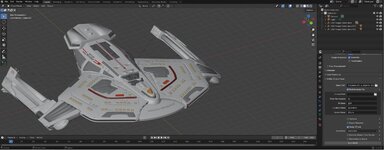
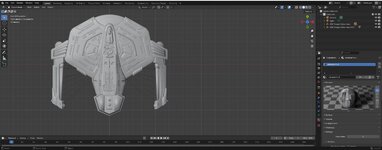
I've analyzed the current mesh, which is 35MB, and the first thing I need to do is apply "Shade Auto Smooth" to all objects to avoid oddly rounded edges. I also need to invert some faces and fill in any gaps in the mesh.

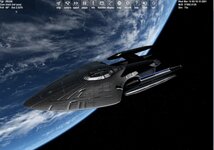
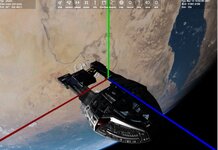
I've also had problems exporting and importing the mesh orbiter.
For the next step, texturing, ideally all the textures should be grouped into one image. Then, I'd import it into Blender by creating a new material for each object and loading it with Image Texture and into UV Editing. Finally, I'd unwrap the object and place it on the texture. However, other techniques are possible. It's not that simple.
 

Attachments

  • Capture d'écran 2026-04-14 181456.png
    Capture d'écran 2026-04-14 181456.png
    743 KB · Views: 9
  • Capture d'écran 2026-04-14 182417.png
    Capture d'écran 2026-04-14 182417.png
    610.6 KB · Views: 9
  • Capture d'écran 2026-04-14 182603.png
    Capture d'écran 2026-04-14 182603.png
    557.3 KB · Views: 9
Boy, this is a lot than just convert to mesh.

I guess it might be easier to add the faces to the saucer and then add it back into the whole.

Textures? Not sure how to load them into blender. I bet the new faces need texturing.
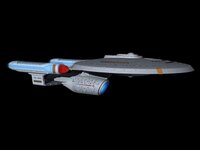
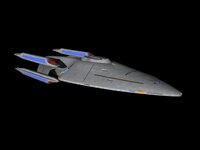
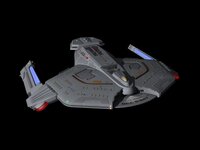
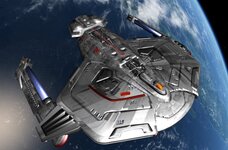
While Fast_toche is working on the Akira, do you think you could start working on some of the other vessels? As stated previously, I'd most like to see the Olympic and Prometheus done. The accompanying images of said spacecraft on Deviantart should give you a good idea as to the colors of the hulls and the reflectiveness of the materials.
 
Last edited:
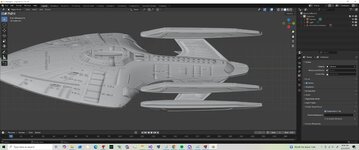
So i looked at the Olympic. Got issues. I attached the images. It looks like a major portion is missing in blender?
 

Attachments

  • d7o8cu6-b66c5900-cabf-4e49-b563-028bb4b78e86.jpg
    d7o8cu6-b66c5900-cabf-4e49-b563-028bb4b78e86.jpg
    35.4 KB · Views: 4
  • olympicmesh.jpg
    olympicmesh.jpg
    73.1 KB · Views: 4
  • oylmpicblend.jpg
    oylmpicblend.jpg
    58 KB · Views: 4
So i looked at the Olympic. Got issues. I attached the images. It looks like a major portion is missing in blender?
Now you just need to send Fast_toche the blend file so he can help you out with whatever issues you're having there.
 
Last edited:
Here are the blend files .
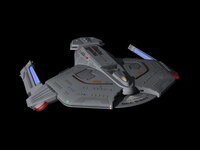
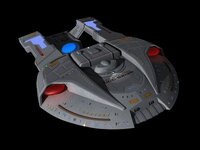
If you have the time, maybe you could start working on the Ambassador, Saber, and Steamrunner, as those feature prominently in a few of my STPSP scenarios. Again, the accompanying images should give you an idea of how said vessels should look with regards to their materials.
 
Here is what I get for the Steamrunner. I rotated it to the correct heading. BUT there are gaps in the hull,........
 

Attachments

  • steamrunnerblend.zip
    steamrunnerblend.zip
    6.3 MB · Views: 3
  • STEAMRUNNER.jpg
    STEAMRUNNER.jpg
    79.8 KB · Views: 6
  • steamrunnermeshissues.jpg
    steamrunnermeshissues.jpg
    43.9 KB · Views: 4
By the way, here are the images meant to accompany my posts and indicate how the materials are supposed to look:

Ambassador:
d4xzhv8-cd81613c-a74b-49c5-bfc8-9ba46c78266c.jpg

Prometheus:
de46nsf-abb1aba8-f11f-4022-ad90-11a524b6284b.jpg

Saber:
dbjpn0c-6f5a2bf6-6849-496a-8cef-c9ba659e7634.jpg

Steamrunner:
dbjpmty-8d992736-b1ab-44b0-af4a-42d225580f3b.jpg
 
Thanks for the images. I am not sure if I can help. I can convert into blender but there are issues with the meshes.
Honestly you might be better off learning blender,....
 
Thanks for the images. I am not sure if I can help. I can convert into blender but there are issues with the meshes.
Honestly you might be better off learning blender,....
At the very least, you could maybe start working on the Saber and Ambassador.
 
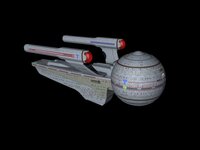
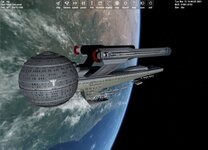
So On the saber. I have learned some things about blender.
But still need to figure things out. I would like to fill the number on the top and bottom.
No idea how to fix this. area where things are strenched?
Maybe just a plain grey material for the hull?
 

Attachments

  • saberorbi.jpg
    saberorbi.jpg
    127 KB · Views: 6
  • dbjpn0c-6f5a2bf6-6849-496a-8cef-c9ba659e7634.jpg
    dbjpn0c-6f5a2bf6-6849-496a-8cef-c9ba659e7634.jpg
    32.6 KB · Views: 6
  • saberblend2.jpg
    saberblend2.jpg
    68.2 KB · Views: 6
  • saberblend1.jpg
    saberblend1.jpg
    67.2 KB · Views: 2
  • saberblend.jpg
    saberblend.jpg
    58.6 KB · Views: 2
  • saber1.jpg
    saber1.jpg
    95.5 KB · Views: 2
Back
Top