- Joined
- Jun 6, 2012
- Messages
- 382
- Reaction score
- 254
- Points
- 78
- Location
- Sydney, Australia, Earth, Sol
- Website
- www.orbithangar.com
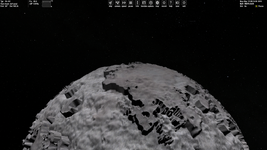
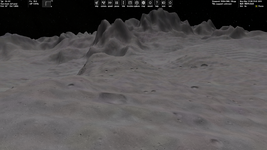
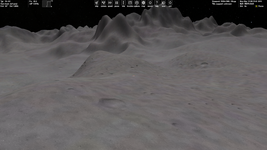
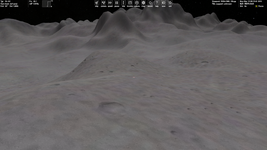
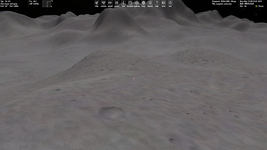
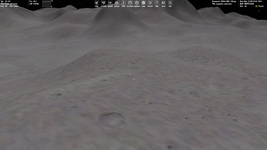
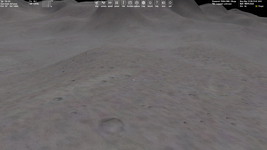
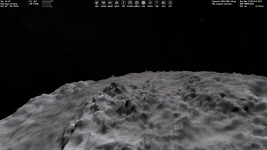
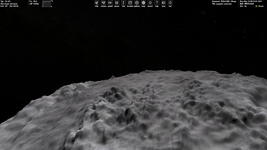
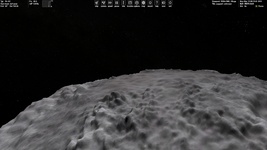
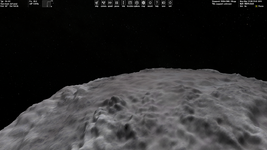
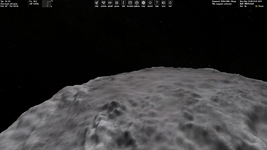
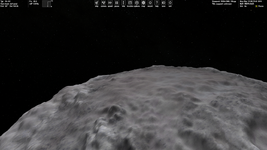
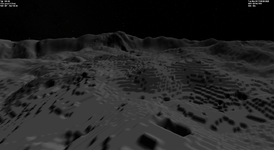
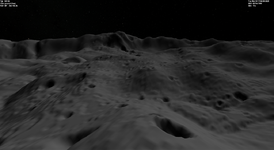
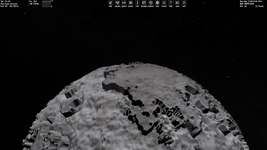
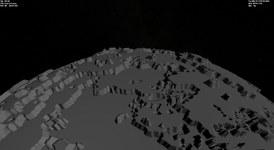
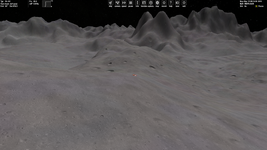
I've read your other posts too regarding the steps, I think that my issue was a combination of the source image I was using (not the file type, but the actual details in the image), and the ElevationResolution parameter. I found that removing that altogether helped reduce the steps.Sadly, for now I don't understand what causes these steps.
As @N_Molson very kindly demonstrated with Blender, increasing resolution increases the number of vertices, which sounds like it would always be good, but if you do not have an appropriately high resolution heightmap level, then you will just end up seeing very detailed close-up pixels. At least I think this is what is happening...
I have made a little diagram below which should explain this:
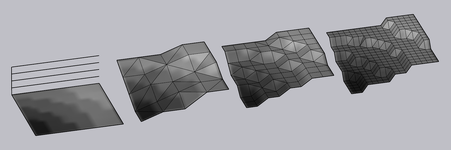
The leftmost image represents how a heightmap may look when 'zoomed in' (close to surface when using a lower patch resolution, level 7 for example) Notice how at this closeness, individual 'pixels' can be resolved.
The next three images represent two-fold increases in resolution (more points). The first image has an appropriate resolution for the elevation map's patch resolution (level), the second is getting too high, step artifacts can be resolved, and the last image is far too high, step artifacts are very pronounced.
There are other issues which can pronounce this step artifact even further. One would be a high relative relief. If the relief is high relative to the body's size (say Hyperion or Mimas), you're still only working with 256 variations in elevation (0-255 in a signed 16 bit image), so the differences between each variation become more pronounced. The other is I think what I was experiencing; stretching the image's histogram so I reduced these variations further (0, 2, 4, 6, ..., 255) essentially halving the number of variations I could work with. My case I think was a particularly niche and silly error, and I think most would be unlikely to encounter that.
My advice would be to entirely remove the ElevationResolution parameter, as I think most of the time Orbiter infers it based on the base level. Another thing I would suggest is try applying a significant blur to your heightmap, just to test. If blurring the image resolves the step issue, then I'd say you are facing simillar difficulties to those I was.
I will try your attached 'Elev.zip' and have a play too.
Last edited:

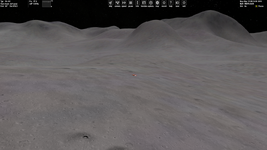
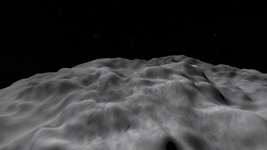
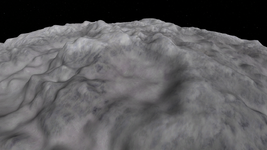
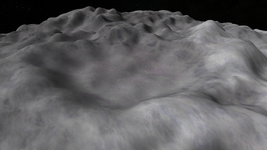
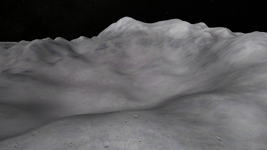
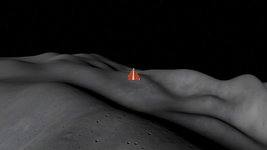
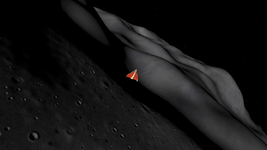
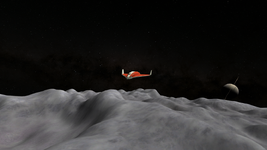
 :
: