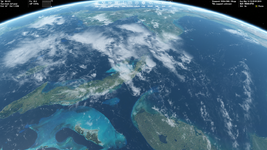
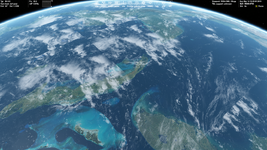
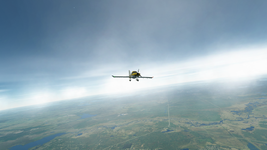
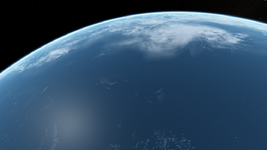
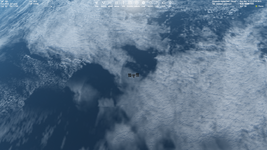
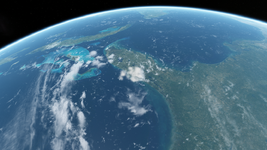
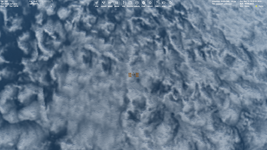
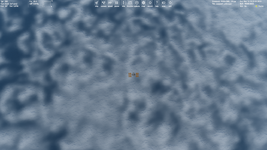
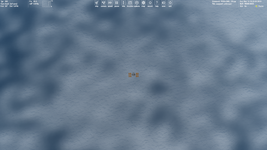
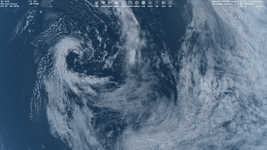
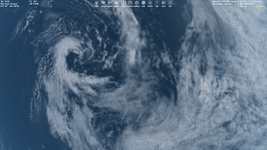
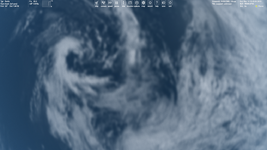
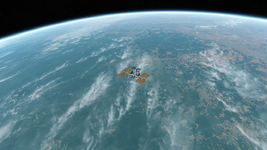
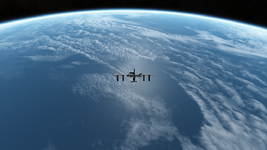
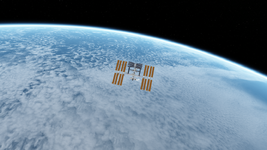
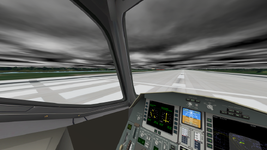
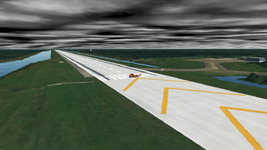
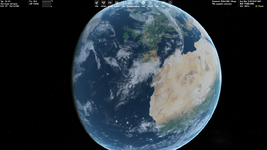
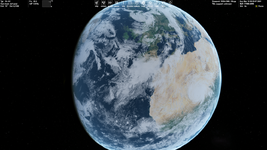
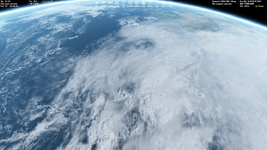
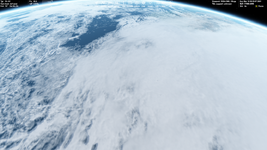
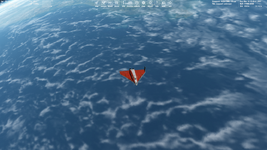
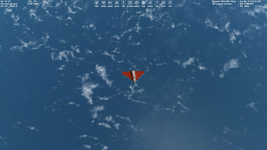
Cloud layer can be stopped, but static clouds may look pretty boring.
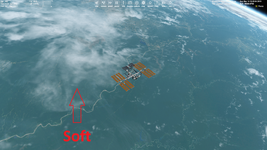
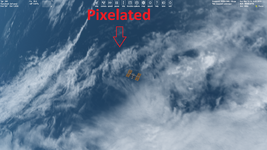
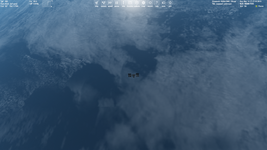
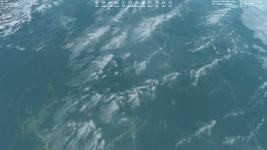
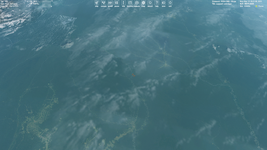
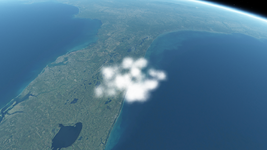
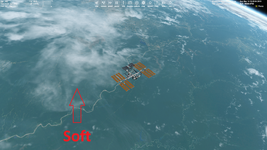
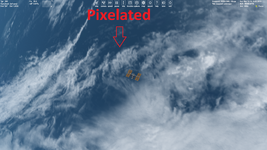
Maybe you have ideas how to make clouds less pixelated at low Earth orbit. I tried blurring and transparency (see screenshots above), but it reduces details of some things like cyclone.
Well I hope to make up for that by increasing the quality of the cloud textures. If I want accurate placement of the clouds, I have to stop it from moving, otherwise the visual realism kind of breaks down a bit if you have a Hurricane in the desert and mountain waves far away from any mountains. Do you know where to set the speed of the cloud layer? (Edit: Found it in the Earth.cfg

)
To make them less pixelated we first and foremost have to increase the resolution. If I manage to create higher resolution layers we are talking about a (theoretically, see below) possible cloud resolution of 10 meters in some areas, as that is currently the maximum resolution of Sentinel 2 data. Sentinel 2 is cutting-edge in freely accessible online satellite imagery, Landsat only has 30 Meters and even Landsat Next won't be better than 10 meters. Open intelligence super resolution sat imagery usually doesn't contain any clouds. But that's not a real problem as important cloud features in most cases rarely are smaller than 10 meters. And then there are other issues:
Let's enter a little side quest: I did a bit of maths here. Using Sentinel-10 data at max resolution would give us a level 16 texture map. Making a global level 16 cloud map though is a practically impossible task for a single user, not only because of the size of the end result (it should be about 8 - 10 Tb) but also of the process to get there, because you would have to do a lot of mosaicking and an insurmountable heap of removing artifacts. For this task you need at least a little datacentre and your own little power plant.
To better understand this I can give you another striking example: Comparing a level 8 map with a level 16 map, in the level 16 map every area corresponding to one pixel in the level 8 map contains four times the amount of data of the entire level 8 map
! So the level 16 map contains 32 768 times more pixels. Not 32 768 more pixels. Almost 9 x 10^12 or ten trillion more pixels. Having processed lots of panoramic images on the hundreds of megapixel scale that's a lot of pixels.
The formula for the longitude pixel dimension of the map is:
Lonpx = 128 x 2^(nlevel -1), so for level 16, that gives a horizontal image size of 4 194 304 pixels. The latitudinal length is exactly half of that, so 2 097 152 pixels.
If we take that into consideration (and the fact that we are talking about a 2-dimensional texture map instead of a fully simulated atmosphere!!!) we might appreciate more the enormous achievement that Microsoft did with their (still not perfect but) quite amazing weather simulation in MSFS. For a future realistic weather simulation in Orbiter which could come closer to that, we would have to consider a lot of resource management and local vs. global resolution issues (and a lot of other things as well, but I still think it is possible to improve a lot within this community with modern technology).
Anyway, on a global scale we can't get there quickly now anyway but most crucially:
It's not really necessary either as from LEO you would be mostly fine with a lower resolution of maybe 320 m per pixel which you would get at level 11. Still way to go, because one of our bottlenecks, plsplit64, can only process a maximum resolution of level 9. So for level 11 we would need 16 individual subtiles with the same individual resolution as a global level 9 map. That's a lot of work and time but doable.
If you look at the NASA Terra&Aqua MODIS Imagery with a resolution of
250 Meters at swatch centre we'll probably still run into some blocky cumulus clouds (we know they can be even smaller than 250 Meters), but then again consider the improvement! Level 8 means we have a resolution of at least 2560 meters per pixel (at the equator), that's what I call blocky clouds.
And another thing we could do is like in the global ground map create local areas of interest with higher, even extreme resolution up to level 16.
But another problem starts a little earlier, at the satellite images: Creating a glitch-free level 11 global cloud map at a resolution of 131 072 x 65 536 pixels still is a big task. Alright, now that I know most of the basic parameters I'll get to work.

Remember: Suggtestions and requests for the high res map to my inbox or in this thread!
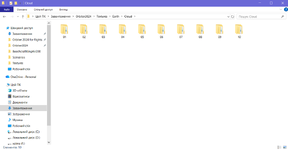
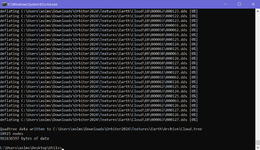
Update: I finally did achieve a level 10 cloud.tree (the issue probably was entering some wrong numbers somewhere in the process) but unfortunately I accidentally used the wrong bitmap version, so iI started wondering, why suddenly all the texture glitches reappeared. I am now considering to try upscaling the hurricane version to level 11, which I might actually finish this weekend. But I might opt to work a while on the image material to include some more features and replace some of the areas with rather low resolution problems with some new imagery. Something else I would want to try is to include a small area with much higher resolution, but we'll see if that works out.