Vessel Commerical LEO destinations and other space stations

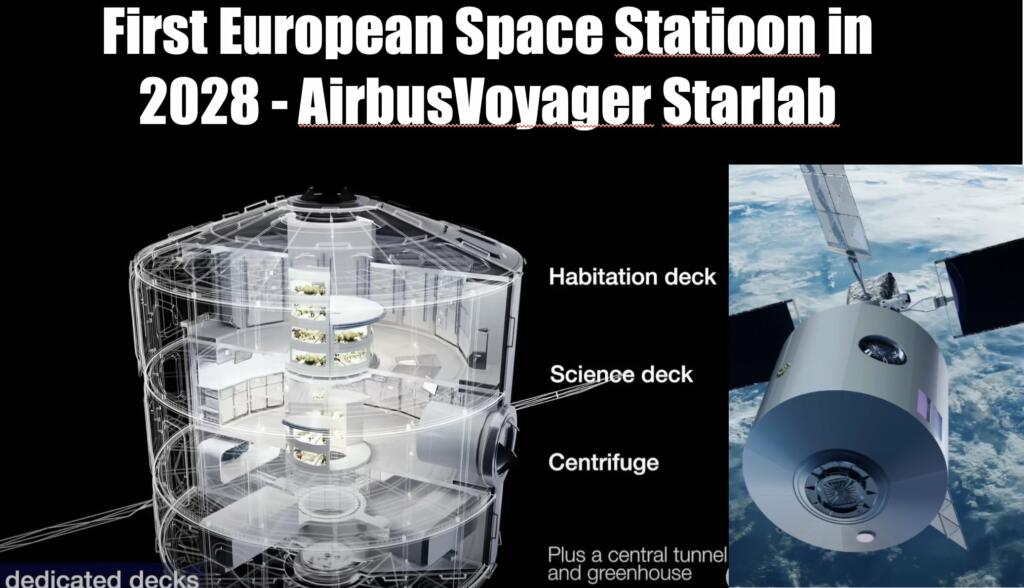
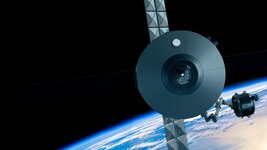
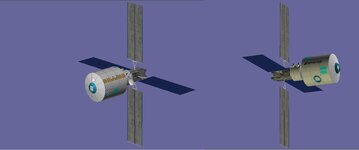
I have reduced the size and matched the placement to the video. I need to cut the windows. MAybe an interior? I need to look at the structure on the side. Add panels, lots of stuff on the middle cylinder.
 
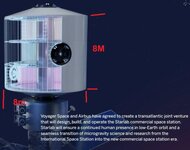
It looks like the diameter is 8m. Not sure about the length? And not sure what the centrifuge is. But it looks like that is where the side dock is?
 
Last edited:
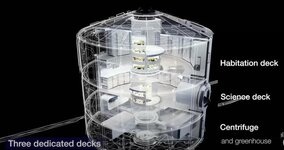
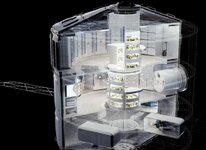
It looks like the main area is 8m x 8 m. Then tapered and both ends. 3 decks. The centrifuge is the lower deck. THere is a airlock hatch at the nose and side. 2 smaller equipment docks.
 

Attachments

  • Screen-Shot-2024-01-31-at-8.29.51-AM-768x406.jpg
    Screen-Shot-2024-01-31-at-8.29.51-AM-768x406.jpg
    69.4 KB · Views: 7
  • starlabsize1.jpg
    starlabsize1.jpg
    62.1 KB · Views: 7
  • Screen-Shot-2024-01-31-at-8.37.44-AM-768x560.jpg
    Screen-Shot-2024-01-31-at-8.37.44-AM-768x560.jpg
    48.5 KB · Views: 7
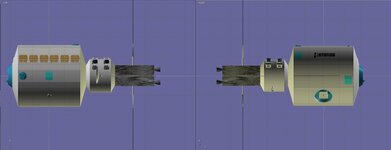
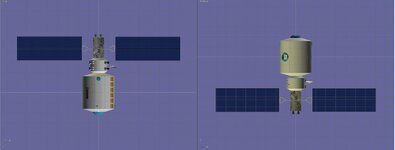
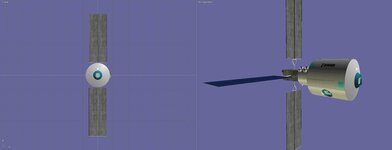
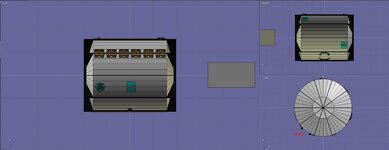
I have redone the StarLab. the main body is 8mx 8m. The mesh is 32 sided. But trying to figure out the lines at what degrees they are. It make it easier to tell where windows,.... go.
 

Attachments

  • skylabnew1.jpg
    skylabnew1.jpg
    28.2 KB · Views: 4
  • skylabnew2.jpg
    skylabnew2.jpg
    28.3 KB · Views: 4
  • skylabnew3.jpg
    skylabnew3.jpg
    19.5 KB · Views: 4
I might be able to help with that.
 
I might be able to help with that.
Thanks. So it looks like the front is divided into 10 sections. I remake it to 40 sides then each 4 sides will be a line/panel
 

Attachments

  • StarLab_Images-4k_006 (1).jpg
    StarLab_Images-4k_006 (1).jpg
    55.3 KB · Views: 2
Last edited:
Can you draw on the pic where the windows go ?
 
I think this is correct. Not really good image of the side with small airlock and center window
 

Attachments

  • spacelabwindows.jpg
    spacelabwindows.jpg
    37.8 KB · Views: 8
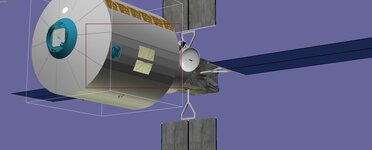
So I get this. Not sure how to fix the creases?
 

Attachments

  • slabcrease.jpg
    slabcrease.jpg
    36.5 KB · Views: 9
A much easier way is to make the windows a separate transparent part, that eliminates the need for cutting.
 
A much easier way is to make the windows a separate transparent part, that eliminates the need for cutting.
Not sure if I understand? You also have to cut for the airlock and the 2 science airlocks. Will need to have cut area to connect to the inner part, maybe?
 
You can do the cutting, but then you have to do a lot work to fix the creases.
 
  • What modelling program do you use?
  • Do you cut the windows using a boolean operation? That is:
Operand A (here: the shell) - operand B (a box) = Shell with a hole cut.

In my experience, cutting an opening always triggers some creasing of the faces which are cut.
In my modelling program (Gmax) it helps to convert the new Boolean object to an editable mesh, then turn on manual smoothing and select a proper smoothing level. But a slight creasing will remain.
 
  • What modelling program do you use?
  • Do you cut the windows using a boolean operation? That is:
Operand A (here: the shell) - operand B (a box) = Shell with a hole cut.

In my experience, cutting an opening always triggers some creasing of the faces which are cut.
In my modelling program (Gmax) it helps to convert the new Boolean object to an editable mesh, then turn on manual smoothing and select a proper smoothing level. But a slight creasing will remain.
I use Anim8tor. for the windows I picked the panels that the windows go into. THen I cut the mesh where the windows go. Then removed the mesh part and then extrude the opening.

Not sure if there is a smoothing function
 
Google found a thread on Animator mesh smoothing here.
I think the best way is this:
Re: How the heck do I round an edge?
« Reply #1 on: March 19, 2008, 12:24:31 pm »


A thing you can do is higher up the smooth angle of your object. Just double click on the object and you will see 'smooth angle 45'. Try out increasing the smooth angle for the right smoothing of your edges.

It seems that Animators' smoothing options are somehow limited, but you could try the procedure above.
 
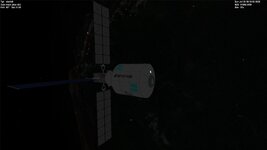
We get this: I am not if we have the vessel that this will launch in. I didn't see any RCS thrusters. It will need an Arm added.
 

Attachments

  • starlab4.jpg
    starlab4.jpg
    29.2 KB · Views: 4
Back
Top