Linux playground

Man, that's gonna be harder to port than Orbiter itself :ROFLMAO:
What are the requirements for these things? To be able to work over a LAN? If not, then a simpler ImGui dialog might be a solution.
I was playing around with python and ncurses and matplotlib, for a work project involving a few gigs of CAN data. I'd probably do something like that.

We will almost certainly continue to support the windows telemetry clients for a long time.

Right now the LM and CSM send out a 1024 byte TCP messages consisting of the raw PCM bytestream, the clients just receive this stream and handle the word and frame sync. It is  very simple from a TCP standpoint, but it works.

What I'm working on right now is a simple Orbiter plugin, that will allow multiple simultaneously connections, without changing the vessels' code at all, and will eventually allow for a very simple network API, so that we can do downlink and uplink through one port, and also get some time and vector data by simply sending a request.
 
I was playing around with python and ncurses and matplotlib, for a work project involving a few gigs of CAN data. I'd probably do something like that.

We will almost certainly continue to support the windows telemetry clients for a long time.

Right now the LM and CSM send out a 1024 byte TCP messages consisting of the raw PCM bytestream, the clients just receive this stream and handle the word and frame sync. It is  very simple from a TCP standpoint, but it works.

What I'm working on right now is a simple Orbiter plugin, that will allow multiple simultaneously connections, without changing the vessels' code at all, and will eventually allow for a very simple network API, so that we can do downlink and uplink through one port, and also get some time and vector data by simply sending a request.
I see, this is "real" telemetry for an emulated ground segment. If people don't want to put a raw network API into the core, maybe an Uplink/Downlink abstraction is more appropriate. It could even adapt to link budget / RTT / occlusions :unsure:
 
The IMFD stuff is obsolete. We could probably remove it at this point.


We have telemetry clients that use the TCP sockets:

Because IMFD's source is not available, I was looking for repo, etc but can't find any sources so far. n72.75 said that IMFD is now obsolete. Would it be possible to develop IMFD replacement for Linux and other platforms? Are telemetry clients IMFD replacement? Does they provide any inteplanetary course and auto burn time?
 
No. IMFD is not obsolete. Our use of it in NASSP is. Sorry for the confusion.
 
Good! Can you separate shader files from source files in OGLclient folder and put them in shaders folder like in D3D9client? That is much easier for programmers to access.
 
I recently read readme file in XRVessels. It said that XR2 mesh and textures are still copyrighted but you can create new mesh and images under GPL/MIT license on your fork.

That is only way to get XR2 binaries and install it before execute 'make install'. Mesh files are still ASCII code but image is bitmap image.
 
I recently read readme file in XRVessels. It said that XR2 mesh and textures are still copyrighted but you can create new mesh and images under GPL/MIT license on your fork.

That is only way to get XR2 binaries and install it before execute 'make install'. Mesh files are still ASCII code but image is bitmap image.
Look at the first page to see the instructions for using the XR vessels
 
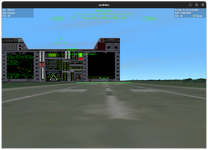
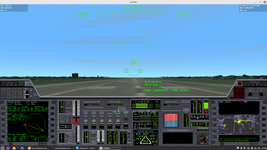
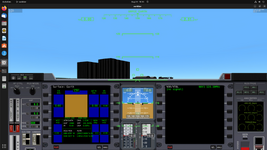
Ok, I extracted from XR2 package that I downloaded it before he removed them. I noticed new issues with window resize and time simulation. Time did not start (freeze forever). Instrument panel did not get resized when I tried to resize it to bigger window.

Screenshot from 2022-08-14 12-04-44.png
 
Ok, I extracted from XR2 package that I downloaded it before he removed them. I noticed new issues with window resize and time simulation. Time did not start (freeze forever). Instrument panel did not get resized when I tried to resize it to bigger window.

View attachment 29909
The panel has no "onresize" hook so the mouse cursor won't be at the expected position after you resize the window
 
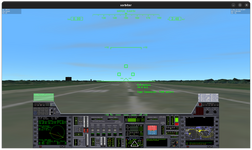
Ok, I now got it. I had changed default resolution in OGLCLient.cpp and got bigger window. However, panel was still not expanded to fit. Text was too small to read. I figured them out by reading Orbiter document. I had to press Ctrl-P to start time and was now able taking off.

I had to commented out 'add_subdirectory(Addons)' because I tried to build every time but entire addons were re-compiled again and again (wasted my time).

I tried that on Windows with MinGW/MSYS but compiler complaint about some functions are non-standard comparing with UNIX and Linux systems. For example, mkdir() use only one argument on MinGW/MSYS system but Linux and UNIX want two arguments (file name and protection mode).

Did you try Qt6 and SDL2 interface yet? If not, I will try myself. I just forked myself and created new branch for Qt6 or SDL.

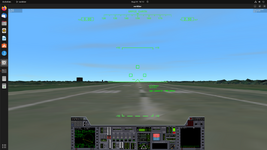
xorbiter3.png
 
Ok, I now got it. I had changed default resolution in OGLCLient.cpp and got bigger window. However, panel was still not expanded to fit. Text was too small to read. I figured them out by reading Orbiter document. I had to press Ctrl-P to start time and was now able taking off.

I had to commented out 'add_subdirectory(Addons)' because I tried to build every time but entire addons were re-compiled again and again (wasted my time).

I tried that on Windows with MinGW/MSYS but compiler complaint about some functions are non-standard comparing with UNIX and Linux systems. For example, mkdir() use only one argument on MinGW/MSYS system but Linux and UNIX want two arguments (file name and protection mode).

Did you try Qt6 and SDL2 interface yet? If not, I will try myself. I just forked myself and created new branch for Qt6 or SDL.

View attachment 30055
Does the panel stretch on the Windows version? I'm not sure it's a linux issue. Bear in mind that when the XR2 came out, 1920x1080 resolution was the top of the line.
I may switch to SDL2 if GLFW proves unsatisfactory but I don't intend to use Qt, it's too bloated for the limited use we would get from it.
 
Does the panel stretch on the Windows version? I'm not sure it's a linux issue. Bear in mind that when the XR2 came out, 1920x1080 resolution was the top of the line.
I may switch to SDL2 if GLFW proves unsatisfactory but I don't intend to use Qt, it's too bloated for the limited use we would get from it.

On Orbiter 2016 edition, I tried set 2560 x 1440 on video tab but got a message said that initializing 3D enviroment with hardware device failed. It only work on Llinux version. Windows version only support up to 1920 x 1080 HD format on GTX 1080 card. Today there are now many 4K and above monitors with HDR 10-bit color depth.

I often use SDL2 instead of GLFW for my other projects and it worked so well for me on 4K monitor. There are some GUI managers support SDL2 interface.
 
On Orbiter 2016 edition, I tried set 2560 x 1440 on video tab but got a message said that initializing 3D enviroment with hardware device failed. It only work on Llinux version. Windows version only support up to 1920 x 1080 HD format on GTX 1080 card. Today there are now many 4K and above monitors with HDR 10-bit color depth.

I often use SDL2 instead of GLFW for my other projects and it worked so well for me on 4K monitor. There are some GUI managers support SDL2 interface.
I just pushed an update which recreates the panels when the window in resized.
My monitor is only full HD so I cannot see how it performs in 4K but I suspect you'll have the same result as before.
1280.png1920.png
I'll see if I can add proper fullscreen support later but for now I don't want to have the debugger break in while in fullscreen opengl mode^^
 
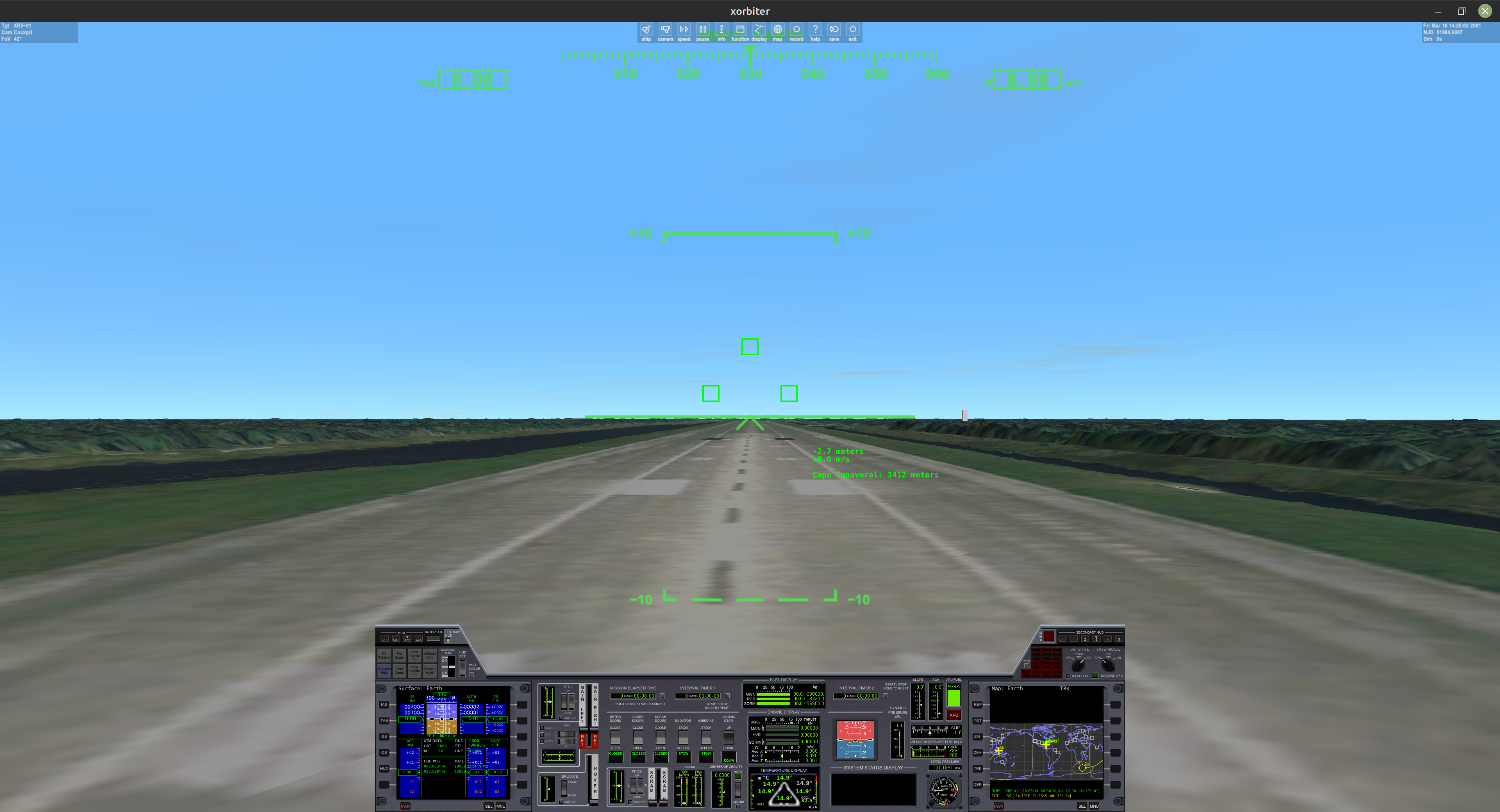
4k Resolution Max Window.
Bildschirmfoto%20vom%202022-08-24%2020-13-41.png


When I try NASSP I get these errors

OGLClient::clbkScaleBlt tgtx=0 tgty=0 tgtw=3840 tgth=2024
OGLClient::clbkScaleBlt srcx=485 srcy=0 srcw=2580 srch=1360
Segmentation fault (core dumped)
 
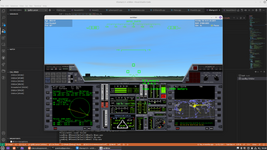
Yeah. I confirmed that. Panel was still not stretched when I resized and maximize to 4K screen. Yes, resizing is now working so well.

I kept getting repeating errors like that:

Code:
PolyLineSet::Load failed


xorbiter-4k.png
 
Yeah. I confirmed that. Panel was still not stretched when I resized and maximize to 4K screen. Yes, resizing is now working so well.
Does it do the same with the DeltaGlider's panel?
I kept getting repeating errors like that:

Code:
PolyLineSet::Load failed
This is just a warning because the earth has no contour map for the MapMFD.
4k Resolution Max Window.


When I try NASSP I get these errors

OGLClient::clbkScaleBlt tgtx=0 tgty=0 tgtw=3840 tgth=2024
OGLClient::clbkScaleBlt srcx=485 srcy=0 srcw=2580 srch=1360
Segmentation fault (core dumped)
Did it happen when you try viewing the lower panel? The clbkScaleBlt function does not support rendering to the main framebuffer yet and it causes a segfault...
Edit: now it does
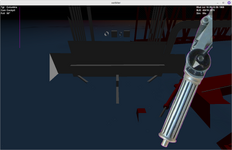
Edit2: trying to repair transparency but I'm hitting the same issues as the D3D9Client with the color key being filtered :
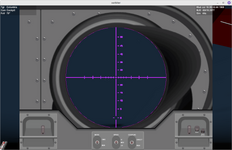
scope.png
Also the top hatch view is quite weird, I don't know what it's supposed to look like...
wtf.png
Something is amiss with the borders too...
Can anybody post screenshots of what it should look like?
 
Last edited:
No, Panel get stretched with Delta Glider that came with Orbiter. I tried XR1 but panel was not stretched. Same as XR5. Only Delta-Glider got stretched panel.

Update: I checked XRVessels repo and there are XR*InstrumentalPanel.cpp/h files so that you can update codes to fit 4K resolution or beyond.

delta-glider-at-ksc.png
 
Last edited:
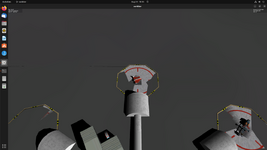
Also I tried that DeltaGlider at moon but some part of landing pad are not on ground. Also I noticed that match edges needs corrected.

dg-at-moon.png
 
Back
Top