Follow along with the video below to see how to install our site as a web app on your home screen.
Note: This feature may not be available in some browsers.
ORBITER-FORUM will be temporarily closed at 2026-07-23 18:00 UTC while we complete some OF maintenance tasks. The amount of downtime is expected to take up to one hour, but probably less.
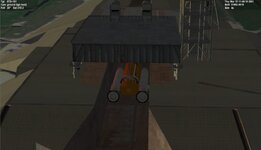
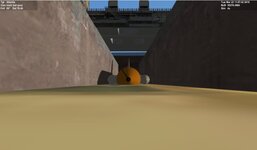
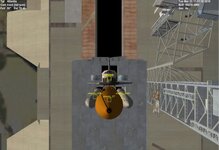
I have reinstalled Orbiter over my working orbiter. In default graphics the shuttle is on the pad. but run in d3d9 it is below the pad. the orbiter is not attached to to the ET
I'm not sure this will help, but have you tried to install Orbiter 2016 to a new install folder and then installing d3d9 to that vanilla install of Orbiter 2016?
This site uses cookies to help personalise content, tailor your experience and to keep you logged in if you register.
By continuing to use this site, you are consenting to our use of cookies.