Humor AbSIRD Orbiter

To all those who can't see the stereograms:

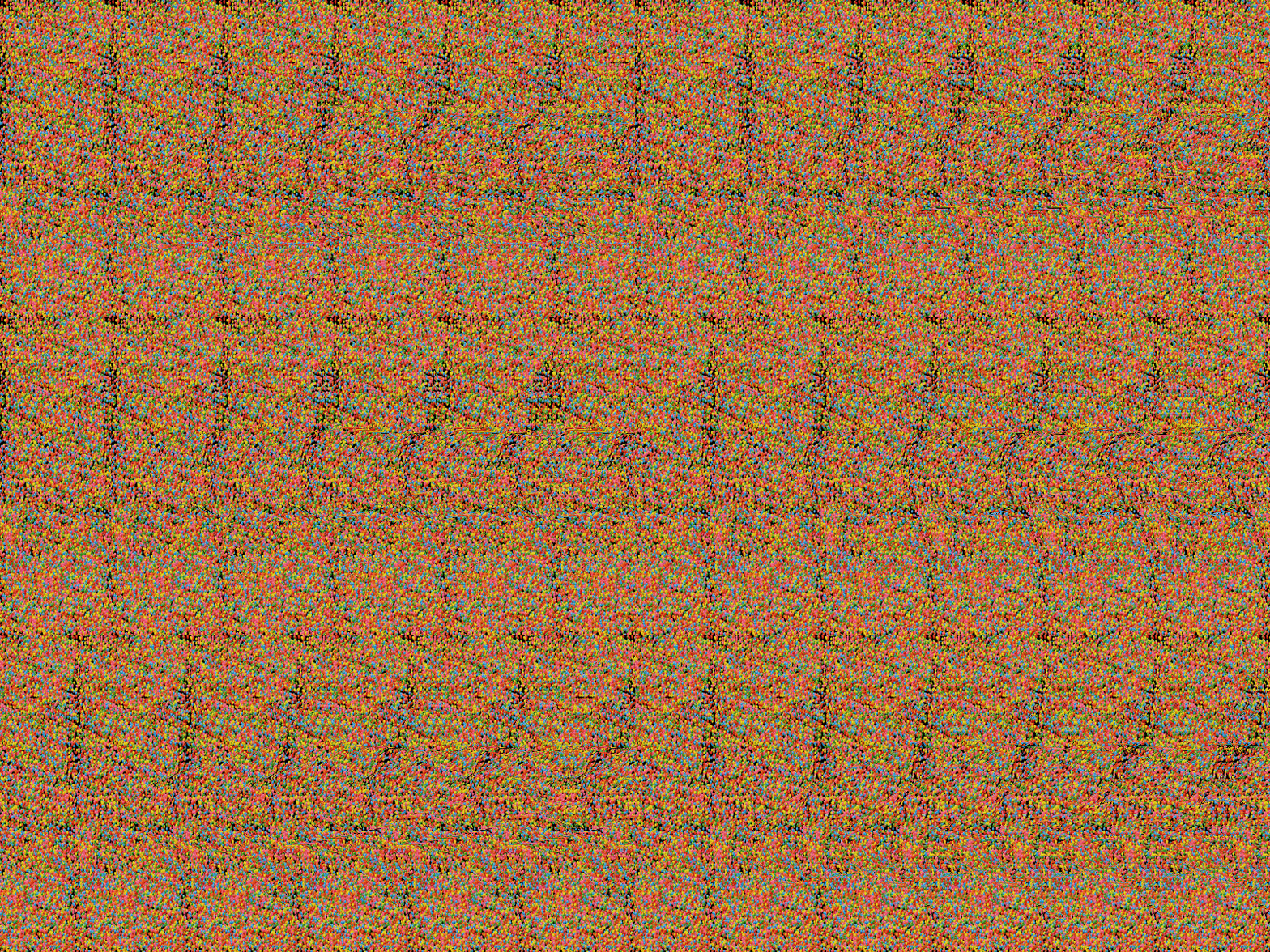
Put your index finger in front of your eyes. Now look at something that is further from you than your finger. The image of your finger should split in two. Well, that is what you have to do with the stereograms. You have to trick your eyes into focusing on a point which is further from you than the image plane. I do it by relaxing my eyes, which allows the image to split (like in the example with the finger), and then letting it "fall in place" - when your brain recognizes the pattern, the two images of the stereogram begin to overlap in a different way than when you look at the image normally and allows you to see it in 3D.

I hope this helps a bit :)
 
To all those who can't see the stereograms:

Put your index finger in front of your eyes. Now look at something that is further from you than your finger. The image of your finger should split in two. Well, that is what you have to do with the stereograms.

I did. Doesn't work. These stereograms just don't fit my vision. :(
 
If this is the interpupillary distance problem, as you wrote before, then resizing the images so that they are a bit smaller should help. Other than that, I have no idea what else you can do.
 
If this is the interpupillary distance problem, as you wrote before, then resizing the images so that they are a bit smaller should help. Other than that, I have no idea what else you can do.

I can do that, but there's three things I should know first:

  • What is the intended resolution and dpi of the pictures.
  • What is the standard interpupillary distance the images are created for.
  • What is my exact interpupillary distance - will measure that with a ruler myself.
 
You can do it much simpler, actually, if you can see the repeating pattern in these images. Then you can just measure its size on the screen and resize the images so that it is a bit smaller than your interpupillary distance. The smaller it is, the easier it should be to see the images, but also the less will be the depth.
 
Um. :shifty: everyone ignore my post with more. I just thought these images were edited to have a lot of noise.

Nothing to see just move along.


Edit: Oh! After reading the wiki page I remembered theses and my viewing technique! I can now make out all the pictures! :)
 
Last edited:
BTW. Not Orbiter related, but this animated one is great (click on it to view larger version):

Are the sharks facing upwards? And the moving dots seem to be covering up something else, a two-dimensional background? Argh.
 
Are the sharks facing upwards? And the moving dots seem to be covering up something else, a two-dimensional background? Argh.
A 3D (one) shark centered on the image is swimming/pointing toward the left side. There is a flat background behind it to see the depth.
 
I can see these kinds of cross-eye 3D images just fine. However my eyes, how do I uncross them now? :blink:

I could never see those side-by-side cross-eye 3D pictures, I got it once, and was never able to repeat it. My favourite method for viewing 3D is trough LCD Shutter Glasses, but there are almost no images for them. The main use is for viewing games in 3D, and watching 3D movies. My second favourite is the blue/red glasses, and that strange "everything is in neon colours" effect. I wish we had polarisation technology on our screens, those theatre polarised glasses are the best so far. The parallax barrier displays are super awesome, because you require absolutely no glasses to see the 3D effect. However, they are only available in miniature (few inches) size, for now. Like on the Nintendo DS 3D and on the FijuFilm 3D camcorder.


.
 
Last edited:
Back
Top