

This add-on contains "Interior" - a space module vessel based on Lua script. I wonted to create a vessel where you can just sit, look at space through big windows, and now watch videos/listen to music or the radio like in a space cinema with the Media Player MFD by @dgatsoulis.
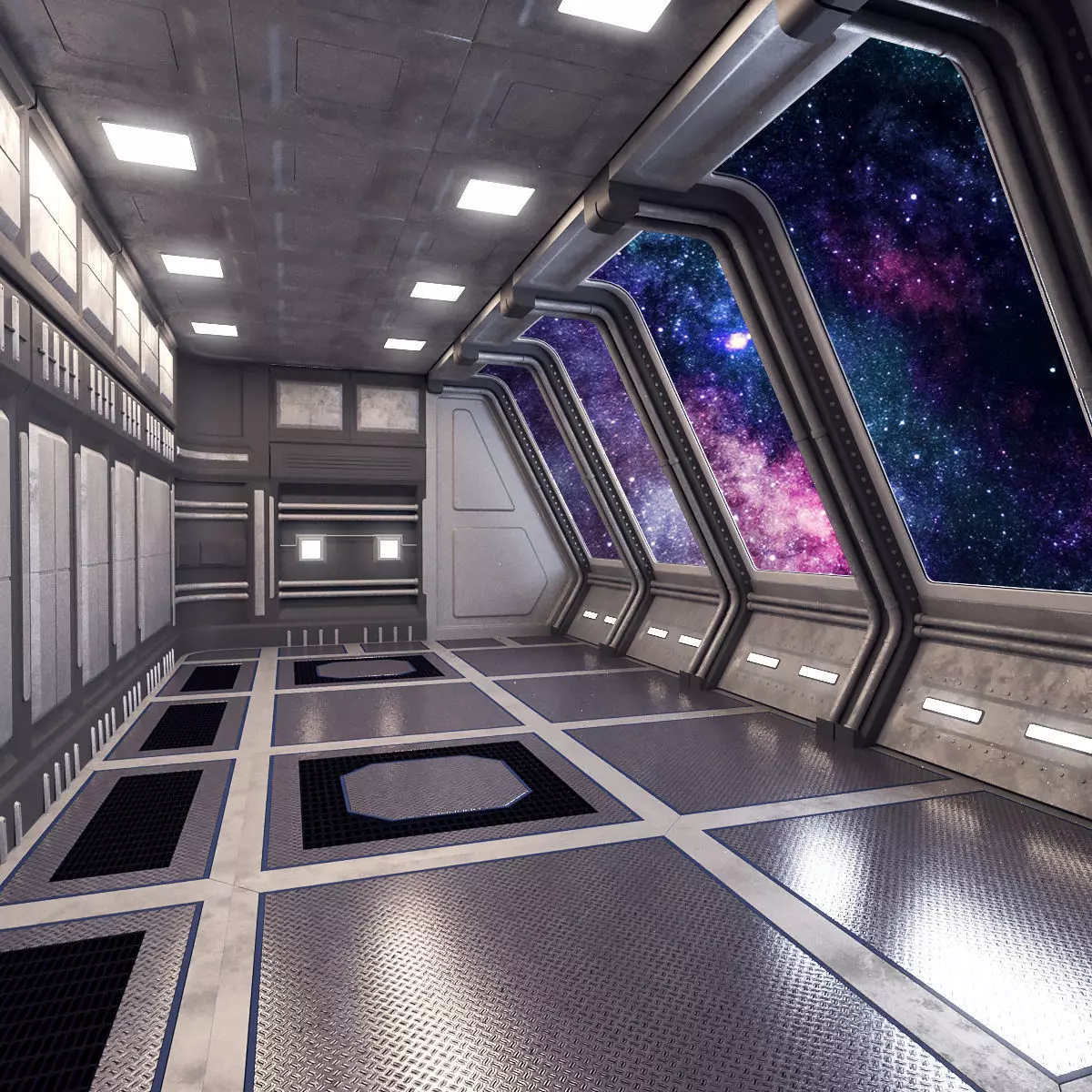
The mesh (3D model) I constructed from some blocks that I have bought under "Royalty Free No Ai License":
INSTALLATION: Unpack this add-on into Orbiter main directory.
There is a scenario located in /Scenarios/Interior.
Controls:
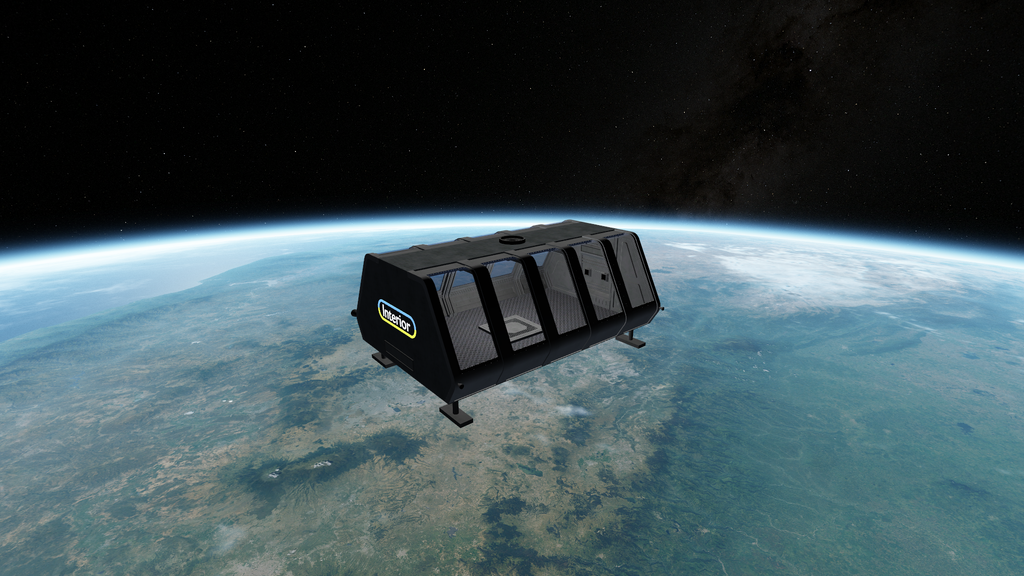
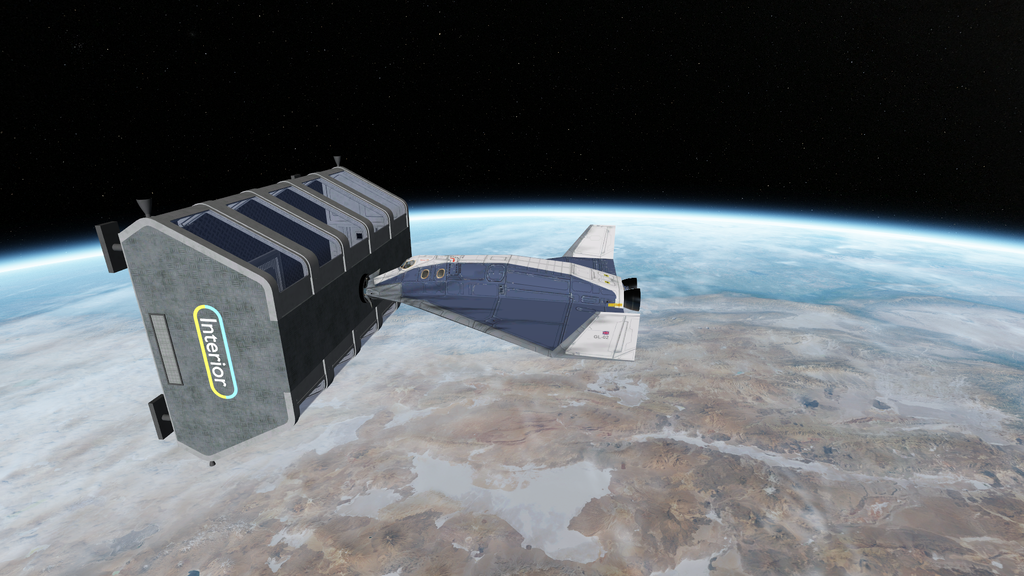
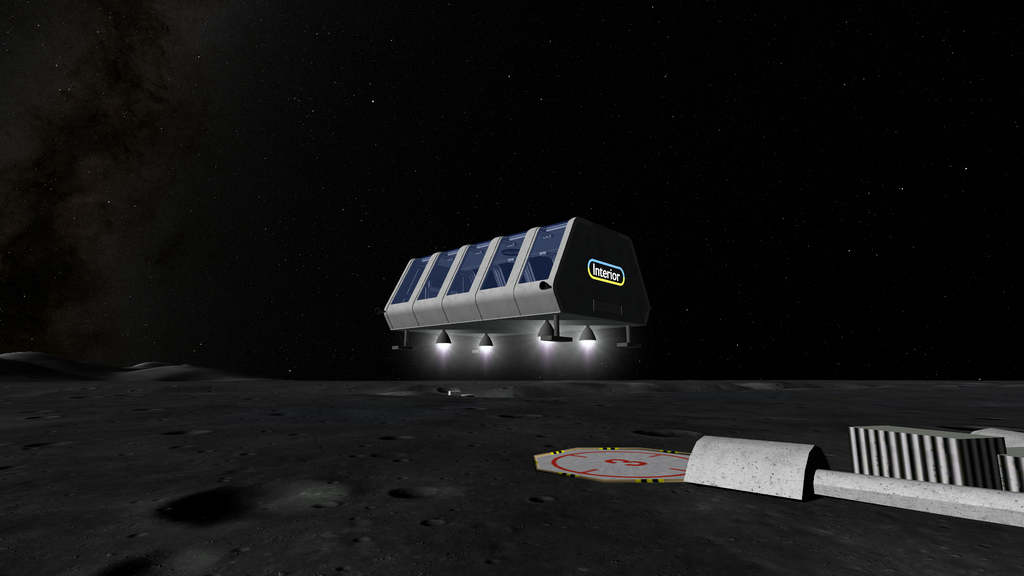
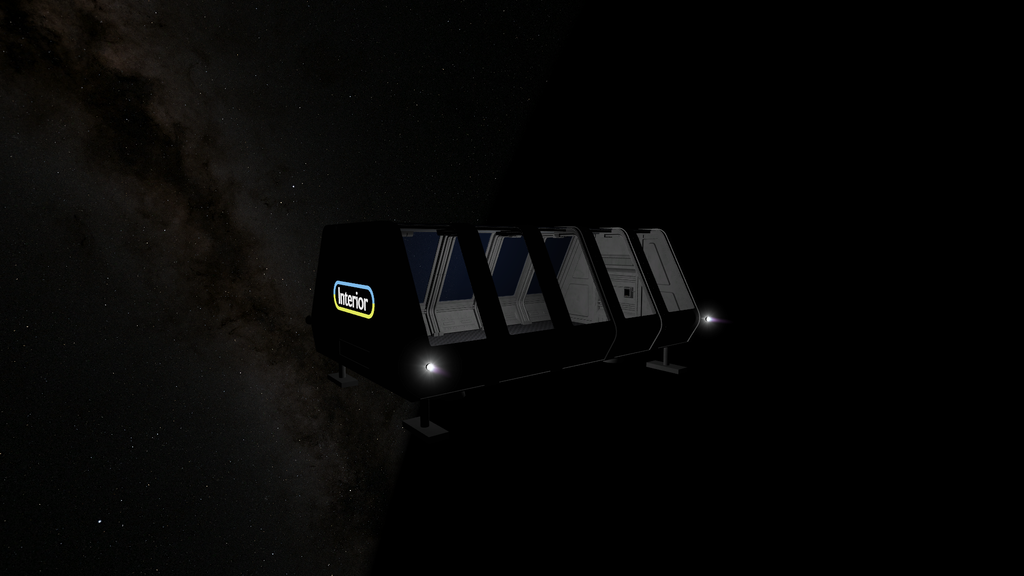
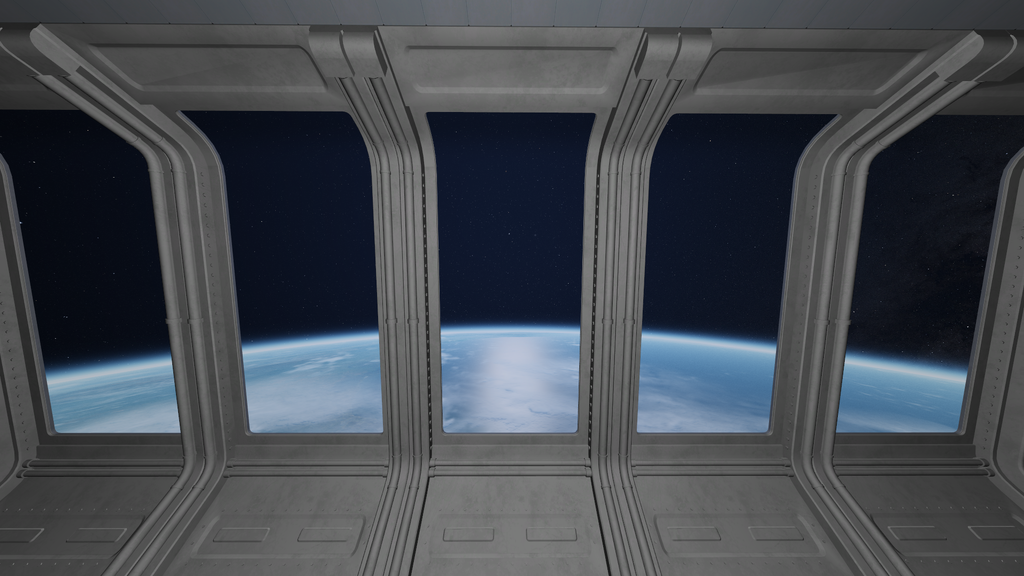
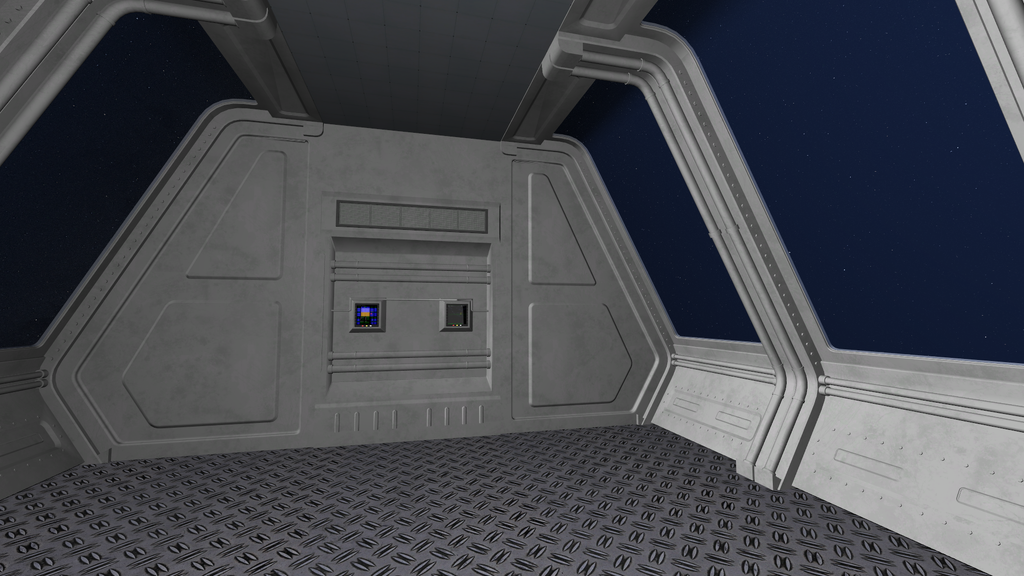
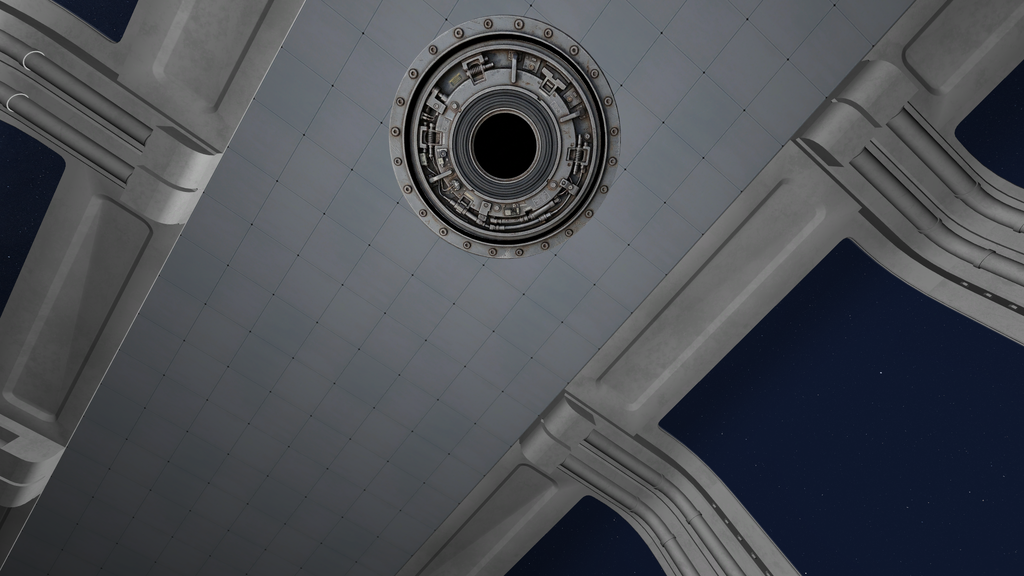
The mesh (3D model) I constructed from some blocks that I have bought under "Royalty Free No Ai License":
modular spaceship interior | 3D model
Model available for download in Autodesk FBX format. Visit CGTrader and browse more than 1 million 3D models, including 3D print and real-time assets
www.cgtrader.com
INSTALLATION: Unpack this add-on into Orbiter main directory.
There is a scenario located in /Scenarios/Interior.
Controls:
- Default commands for main, retro, hover, RCS thrusters;
- Ctrl+ J for enabling/disabling cabin light;
- Ctrl + Left and Ctrl + Right for switching between three VC camera positions;
- Home to reset camera direction.
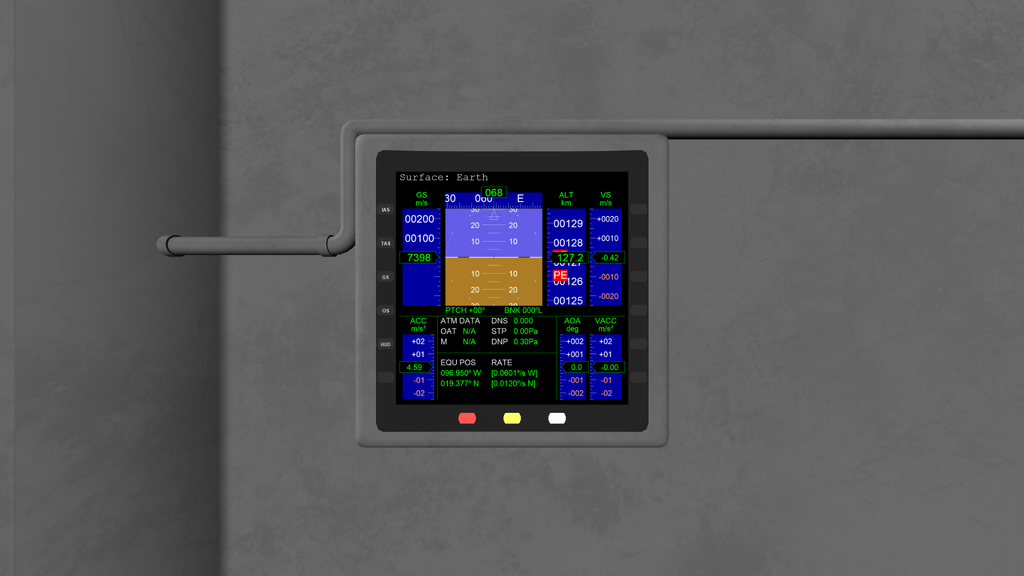
- two MFDs in VC with interactive buttons;
- one docking port;
- it's recommended to set FoV to be 60 degrees for internal and external views;
- it's recommended to set the "VCNearPlane" parameter to be "0.01" for /D3D9Client.cfg.
- Software License
- None Selected (All Rights Reserved / Inferred license)
- Supported Orbiter Version
- 2024


