Question Custom Planet Elevation Maps for Orbiter 2016?

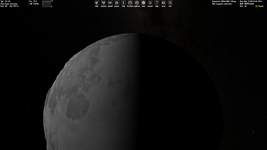
I'm experimenting with poles, but I forgot how to increase the brightness of the shaded area of a celestial body (if it's possible at all). So, is it possible to see the shadowed area?:
Без імені.png

I set the Ambient light level (0-255) option to 255, but it doesn't affect anything.

Perhaps this is impossible and I only did this in the KSP once.

It seems the Ambient light level (0-255) option is for vessels.
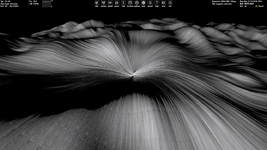
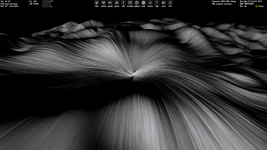
 
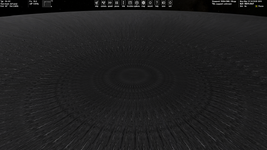
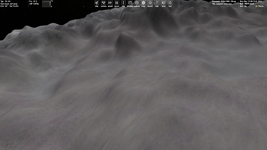
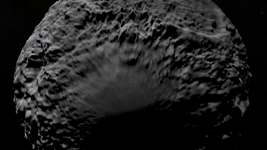
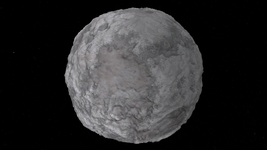
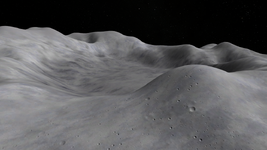
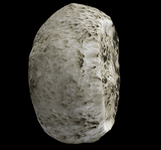
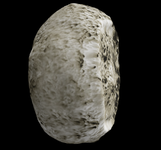
Pole with and without microtextures (poles aren't flatted):

1.png2.png

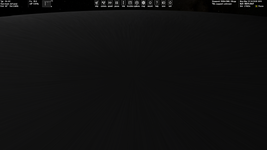
Pole with and without microtextures (poles are flatted):

3.png4.png

So, the last looks the best, namely with flat poles and without microtextures. But we need microtextures. So, could it be possible not to apply microtextures for polar regions and make smooth transition? Any ideas/opinions regarding this, @jarmonik? Although the singularity at the poles is not so noticeable overall.

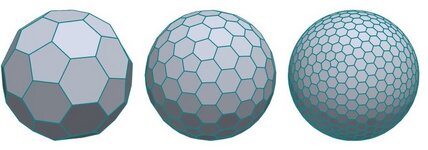
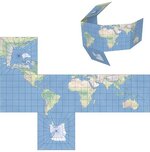
Or the radical proposal is another way of tiling the sphere, for example, somethiing like this:

123.jpg

But this can be quite difficult to implement. And this can make all scenery add-ons incompatible, so some conversion will be needed.
 
Elevations from -1500 to 10500 and from 0 to 20000 meters:

-1500_10500.png0_20000.png
 
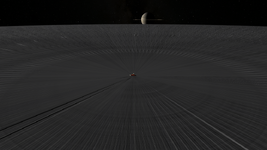
I'm noticing strogs lags (1-2 FPS) at zero lattitude and longitude with my Elev.tree when DG is moving on the ground, but these lags don't occur, for example, at longitude and lattitude 45 degrees. Could anyone try my Elev.tree?
 

Attachments

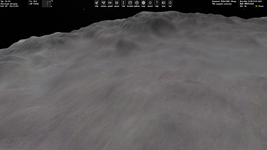
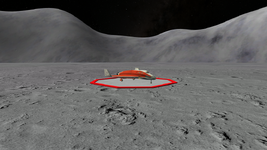
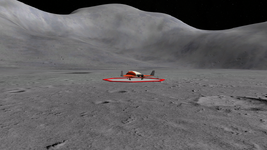
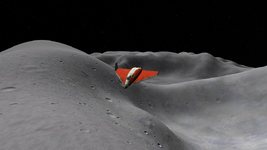
It seems I made a big mistake placing a landing pad at zero lattitude and longitude. It looks the FPS lags are caused by zero longitude seam of the Elev.tree map. At least I'm not noticing the issue at a different longitude. Now I placed the landing pad in a crater and everything seems to be good:

3.png4.png

I flatted the area around the landing pad and poles.

Just don't land at zero longitude :)
 
At least I'm not noticing the issue at a different longitude.
Also, I get lags even at zero lattitude (but non-zero longitude). It's strange, since I suppose there's no seam at zero lattitude.
 
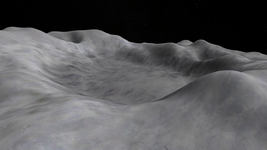
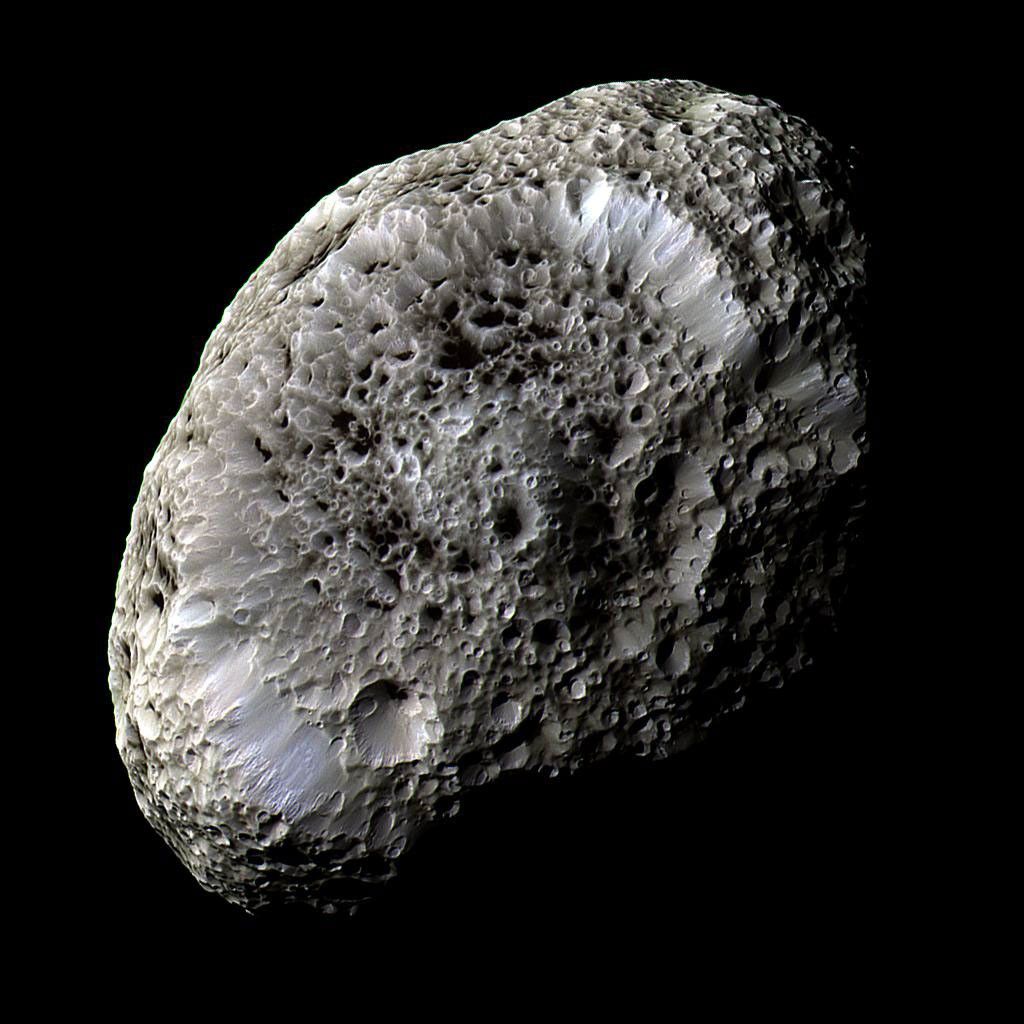
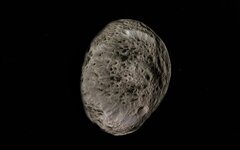
I'd like to post my successful "Elev.tree" (and "Surf.tree) with some additional files as an add-on for Hyperion (like an example). First, I'm attaching it here. Please, try it and give feedback. Note, that surface and elevation tiles are fictional.

INSTALLATION FOR HYPERION (SATURN'S MOON AS EXAMPLE):

1) Unpack this add-on into Orbiter main directory.
2) Edit /Config/Hyperion.cfg to uncomment "TileFormat = 2", set "MaxPatchResolution = 21", comment out "ElevationResolution = 2.0".
3) Edit /Config/MicroTex.cfg to add the following lines:

BODY Hyperion
NORMALS 1
LEVEL 0 D3D9Moon_A.dds 20.0
LEVEL 1 D3D9Moon_B.dds 5.0
LEVEL 2 D3D9Moon_C.dds 0.5

4) Launch a scenario located in /Scenarios/GlobalSurfaceElevationTiles.

This add-on may be used with Orbiter 2016 as well, but the D3D9 micro textures should be installed aditionally (although they are not necessary, but very desirable).

DOWNLOAD (327 MB)

1.png2.png

3.png4.png
 
tbh doesn't look much like a real one

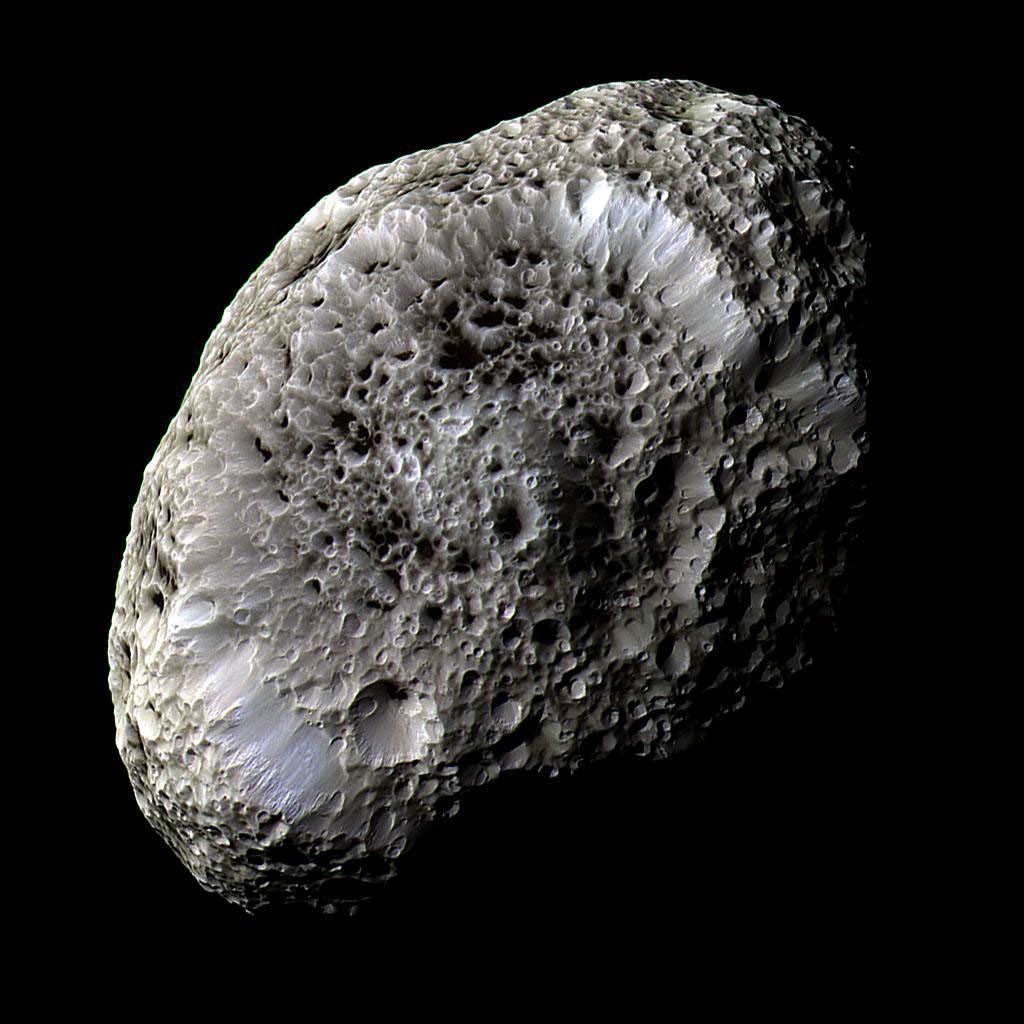
PIA07740.jpg
 
Yes, the surface and elevation tiles are fictional. I'm using Hyperion just as an example.
 
What if we ask AI to generate highly detailed surface maps for some celestial bodies? Just giving it reference (real) pictures. Does anyone know such the programs?
 
Pole with and without microtextures (poles aren't flatted):

View attachment 46300View attachment 46301

Pole with and without microtextures (poles are flatted):

View attachment 46302View attachment 46303

So, the last looks the best, namely with flat poles and without microtextures. But we need microtextures. So, could it be possible not to apply microtextures for polar regions and make smooth transition? Any ideas/opinions regarding this, @jarmonik? Although the singularity at the poles is not so noticeable overall.

Or the radical proposal is another way of tiling the sphere, for example, somethiing like this:

View attachment 46304

But this can be quite difficult to implement. And this can make all scenery add-ons incompatible, so some conversion will be needed.

Cubemapping would be a much better topology. This is also what spaceengine uses. It would be vastly easier to make compatible with our octtree texture/elevation formats.

You'd need:
  • A few new celbody API functions
  • the topology transform from cube to sphereoid/ellipsoid
  • GraphicsClient calls

1766790675569.jpeg
 
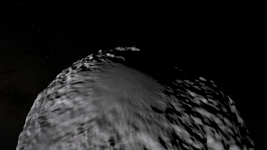
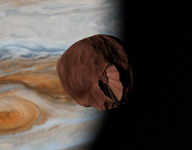
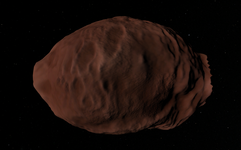
NASA made a 3D model there, it isn't a very spherical object. As they put it bluntly it is indeed 'potato-shaped' :

Hyperion is the largest of Saturn's irregular, nonspherical moons. Hyperion's mean radius is 83.9 miles (135 kilometers), but since Hyperion is rather potato-shaped, its shape can be described in terms of its diameter along its three axes: 255 x 163 x 137 miles (410 x 260 x 220 kilometers, respectively). Considering its odd shape, Hyperion is probably a remnant of a larger moon that was destroyed by a major impact.


1766798731883.png
 

Attachments

  • 1766798772666.png
    1766798772666.png
    207.4 KB · Views: 2
Yes, the surface and elevation tiles are fictional. I'm using Hyperion just as an example.
Nice to see your terraforming experiments! :)

Regarding Hyperion, I have an addon which adds surf and elev. I think it was from the old high res texture site, at least I can't find a link for it anymore. I f anyone can confirm it's "lost", if appropriate I'll re-upload.
It doesn't look too bad, the elev is not very detailed and could do with a rework.
0789.jpg
 
Nice to see your terraforming experiments! :)

Regarding Hyperion, I have an addon which adds surf and elev. I think it was from the old high res texture site, at least I can't find a link for it anymore. I f anyone can confirm it's "lost", if appropriate I'll re-upload.
It doesn't look too bad, the elev is not very detailed and could do with a rework.
View attachment 46413
Could you provide us with a download link?
 
Attempting to get a version of Amalthia working but I keep getting this hole, no matter what heightmap or resolution I use. It's like there's somekind of overflow going on with the height map, where the hightest parts are wrapping around and ending up at the bottom. Lowest point is ~-19.5km below "mean radius", while the highest point is ~41.5km above it.

I've been testing with a few different non-public-domain data sources, but I do plan on using this dataset, from the work of Phil Stooke.

What's going on here?

1770008941086.png
1770010351575.png

This toolset and scripts has been super helpful: https://www.orbiter-forum.com/threa...ation-maps-for-orbiter-2016.34105/post-634851
 

Attachments

Update:
@misha.physics your attached heightmap looks great! I used it for Hyperion, following parameters:

Code:
; === Visualisation Parameters ===
TileFormat = 2
MaxPatchResolution = 22
HorizonExcess = 1000

I did play with the ElevationResolution and found higer resolution yielded steps, as I theorised in my last post:
ElevationResolution = 100ElevationResolution = 1
View attachment 46152View attachment 46153

ElevationResolution values < 1 resulted in increasingly more strange results, as you demonstrated in your image (below).
View attachment 46154

Another update:
I think there is also something else at play here. Making the ElevationResolution value ludicrously high actually creates more pronounced steps with fewer elevation variations...

ElevationResolution = 2000:
View attachment 46155
Having recently made some surface and elevation tiles, I wanted to add a few lessons here to this.

  • Elevation is stored as an INT16 so the maximum number of elevation steps in any given global heightmap is 2^16 = 65536(m)
  • It is possible, if ElevationResolution is set incorrectly, to cause overflow/underflow of this INT16 value.
  • ElevationResolution (in planet cfg file) allows you to redefine the definition of the step size to something other than 1m
    • Note that if for example, you make this 0.5m, you still have 2^16 steps, but your max height range (min to max) is now only 65536 * 0.5m = 32768m
  • The source of a lot of the "stepped" or "terraced" planets shown in this thread, are probably the result of height-maps without enough detail, and with the texture level set too high. I believe this is due to the way height interpolation works, tile to tile. So if you make a high resolution image where there are a lot of adjacent pixels with the same value, Orbiter will interpret these are large flat areas, hence the steps.
    • Your heightmap needs more detail, or you need to reduce the elevation tile level (e.g. from 8 down to 4-5).
 
Lately, I've been doing a bit of practice with regards to the heightmaps, and the results so far are looking pretty good.

I typically start with a greyscale version of the planetary texture and then adjust the color tones accordingly. If the variations in the topography are too extreme, it can not only result in the issue I described earlier with the skies being brightly lit but also leave the whole thing looking very jagged and unnatural. In addition, if the planet has an atmosphere, it's generally a good idea to use level 8 or 9 heightmaps, because otherwise you get issues relating to the atmospheric horizons.

So far, I've managed to create elevation maps for the Andor and Bajor systems. Unfortunately, the zip file for the latter is too large to upload here at the moment, so I can only provide you with the former.
 

Attachments

Last edited:
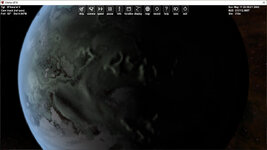
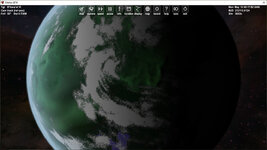
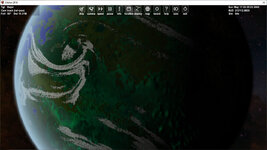
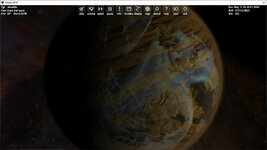
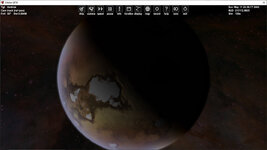
While I cannot upload the heightmaps for the Bajor system at the moment due to the site's still-unresolved file size cap, I can provide a few visual previews of some of the planets in the system, showcasing said heightmaps in action.

B'hava'el V:

BhavaelV.jpg

B'hava'el VI:

BhavaelVI.jpg

Bajor:

Bajor.jpg

Jeraddo:

Jeraddo.jpg

Andros:

Andros.jpg
 
Last edited:
Back
Top